Teams · Academics
For academic teams
Curriculum, timetable and assessment that agree with each other.
One dataset behind planning, teaching and reporting.
Academic leadership should not spend September reconciling three systems. Involve brings everything into one platform.
Relevant feature areas
4 key areas, one unified platform
01 — Feature area
Teaching & learning
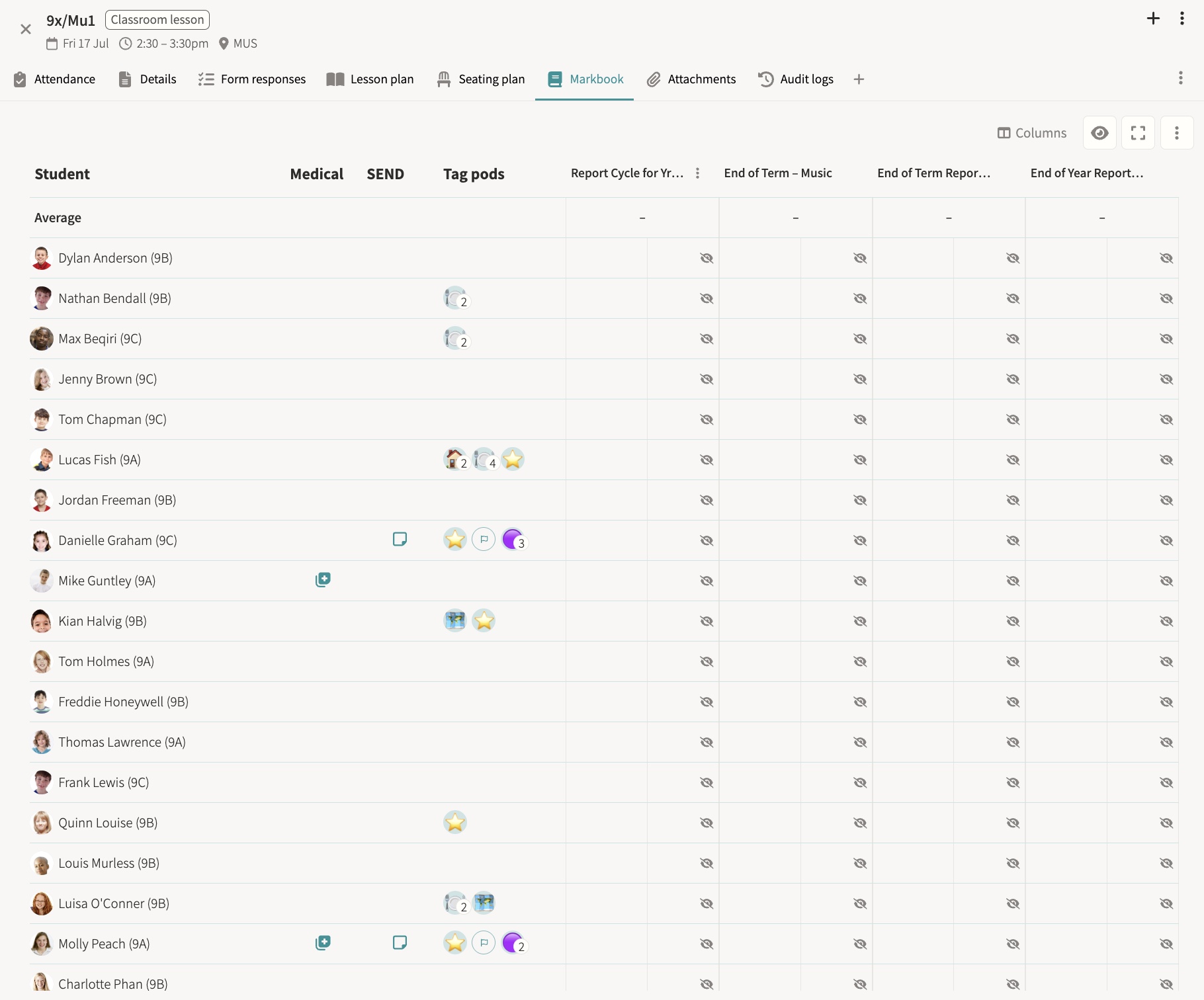
Markbooks, lesson planning, report cycles, goals and a single task inbox for every user.
The teaching workflow is the one most punished by modular software. Involve is designed to be the only tab that needs to be open.
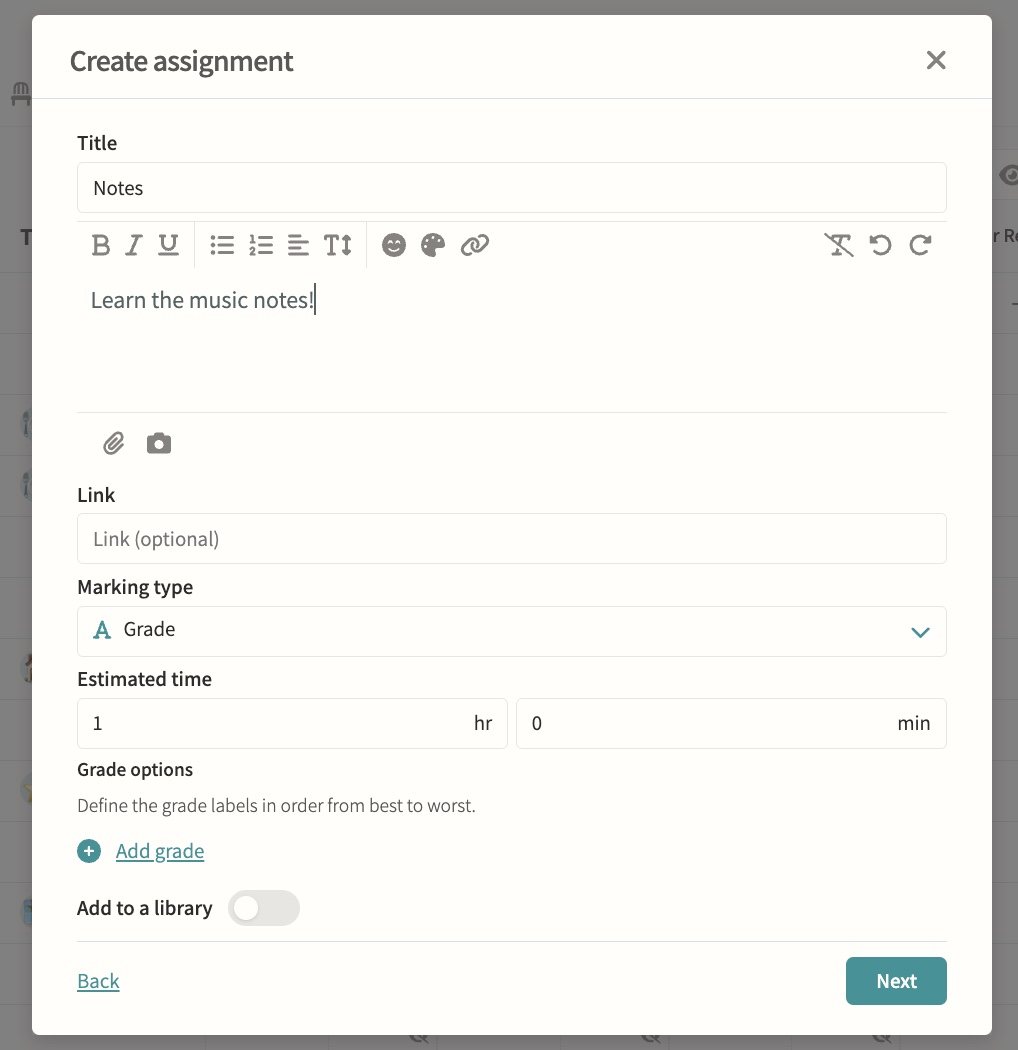
Markbooks
Students and parents see published results with scores, grades and feedback. Marks stay hidden until a teacher publishes them, at which point they appear in a read-only table with due dates, percentages and grade labels, and both the student and their parents are notified by email and in-app.
Lesson planning & content library
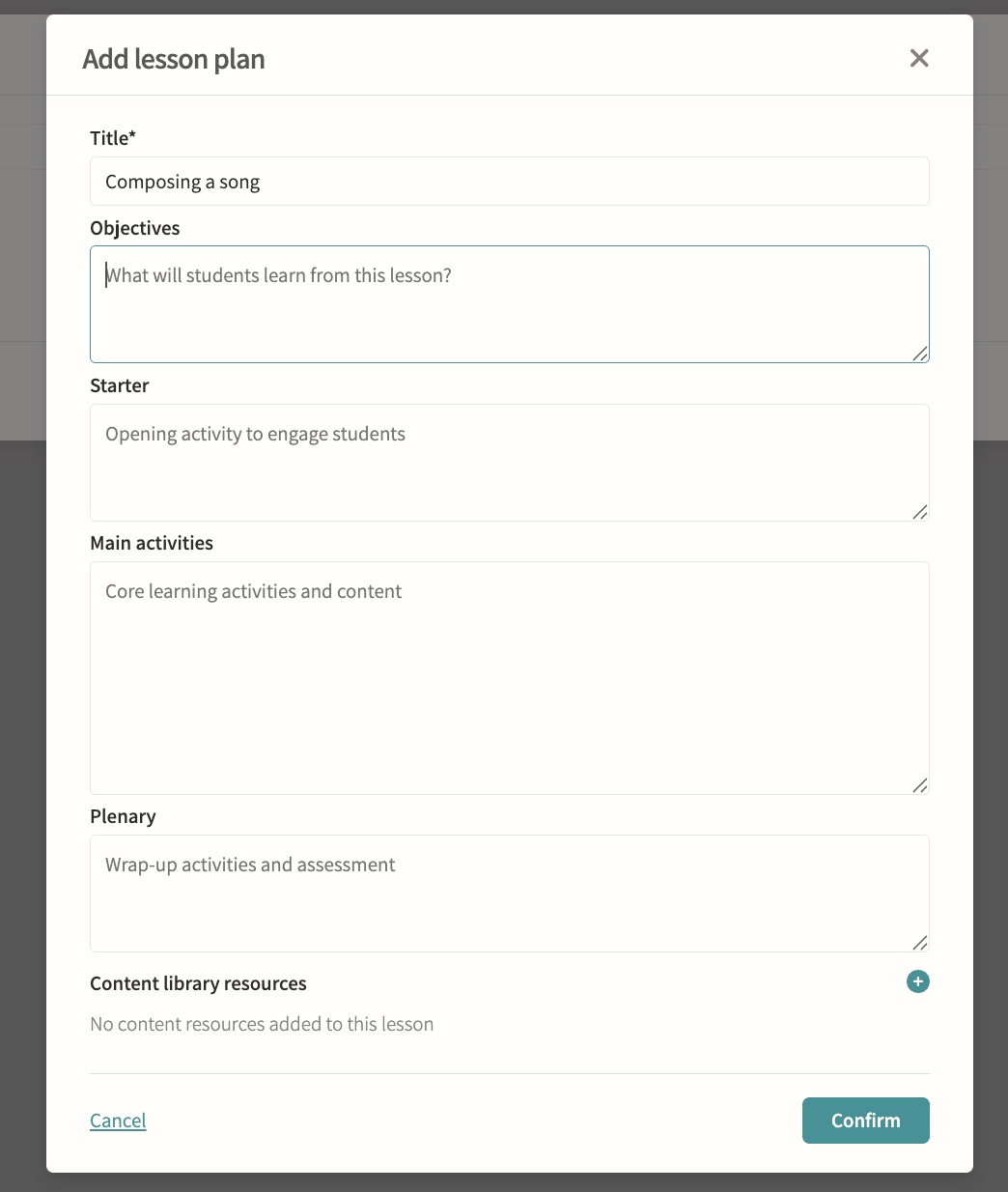
Build plans, attach them to lessons, organise into modules and reuse them from personal or school libraries. Plans follow a consistent structure of objectives, starter, main activities and plenary, and attaching one to an event creates an independent copy, so later edits to the library plan never disturb what has already been taught.
Report cycles & distributions
Sync results and cycles from iSAMS and distribute to students and parents. Creating a report cycle sets up its own workflow automatically, populates the relevant classes and student list, and on publication generates a branded HTML report per student that is delivered on a chosen date, or held back silently for historic content.
Progress tracking & goals
Assignments and goals set in pods, tracked through the markbook. Each goal can carry several targets with their own progress rings, so a teacher can record milestones towards an objective for an individual student or a whole group and mark the goal complete once it is reached.
Personal task inbox
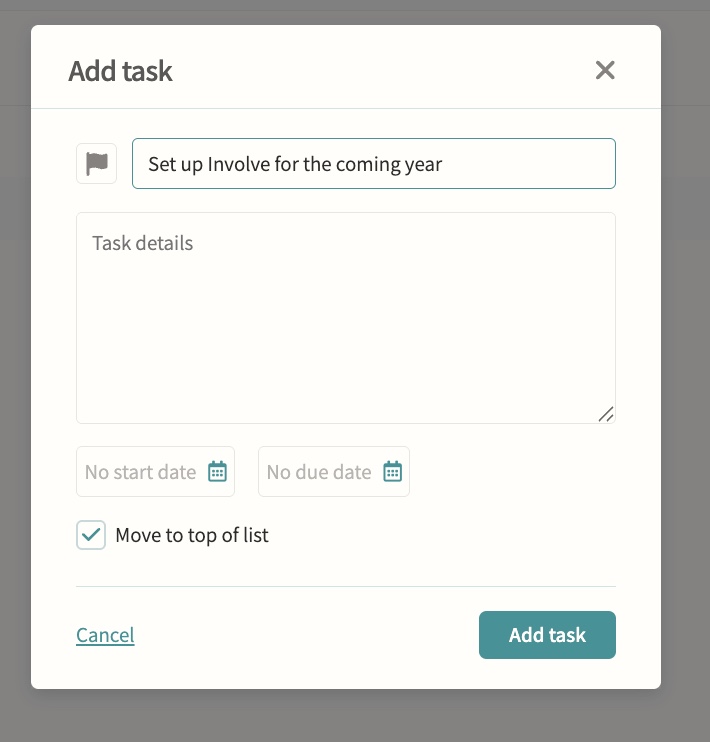
Automatic tasks from assignments, forms, bookings, payments and reports for staff, students and parents. Every task lands in one filterable, searchable inbox with priority flags and a personal running order, so nothing set for a person gets missed among separate assignment, form and payment lists.
Exams
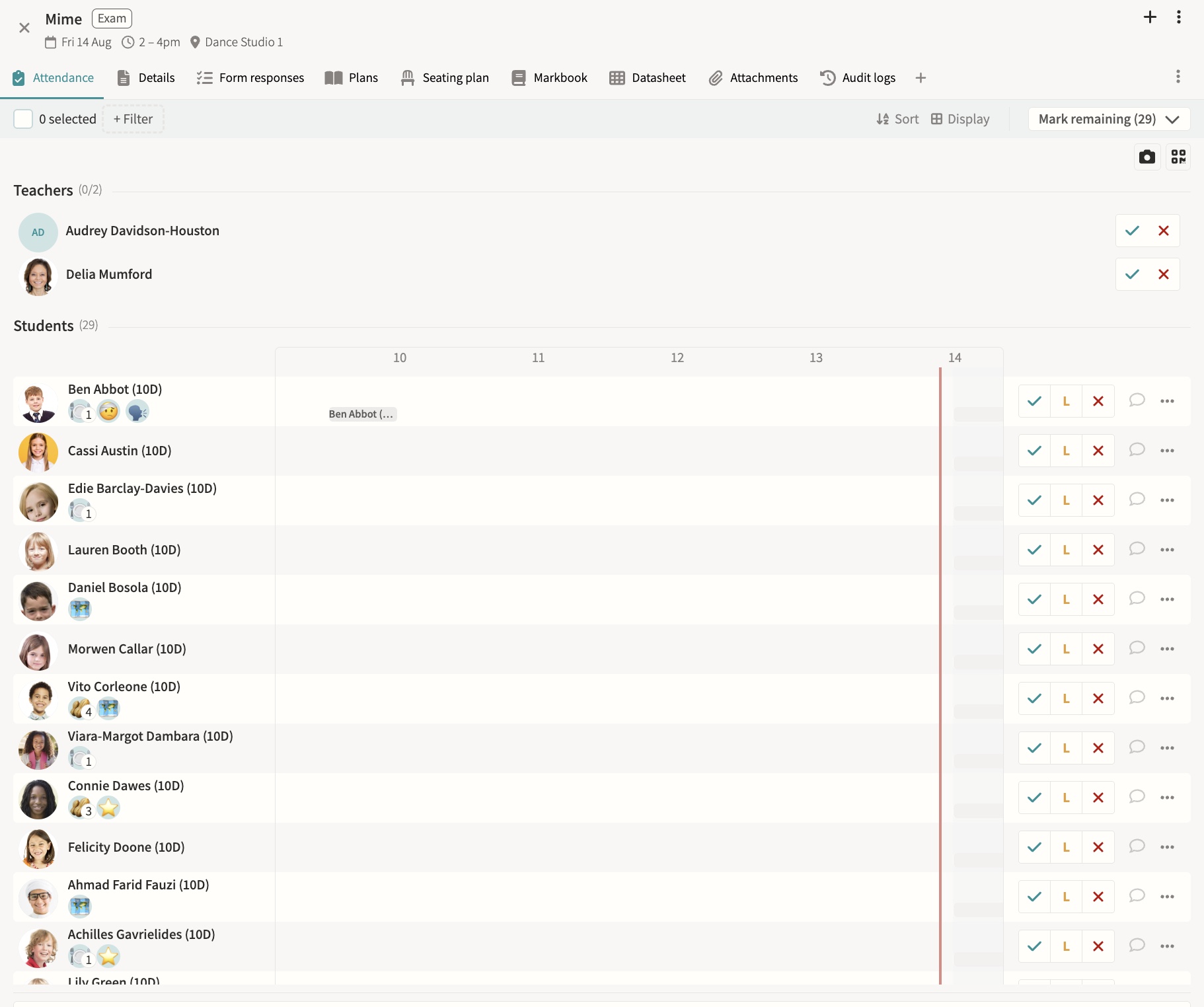
Book internal and external exams, build seating plans, track attendance, publish to calendars and feed analysis dashboards. External exams can sync nightly from iSAMS with board, qualification and student data pulled through automatically, and exams generate clash warnings against co-curricular events rather than blocking them outright.
02 — Feature area
Scheduling & timetabling
Timetables, rotations, rooms, duties and one-off variations built on one grouping model with clash detection throughout.
Everything that occupies a person, a room or an hour lives in the same schedule, so clashes surface before they become someone's morning.
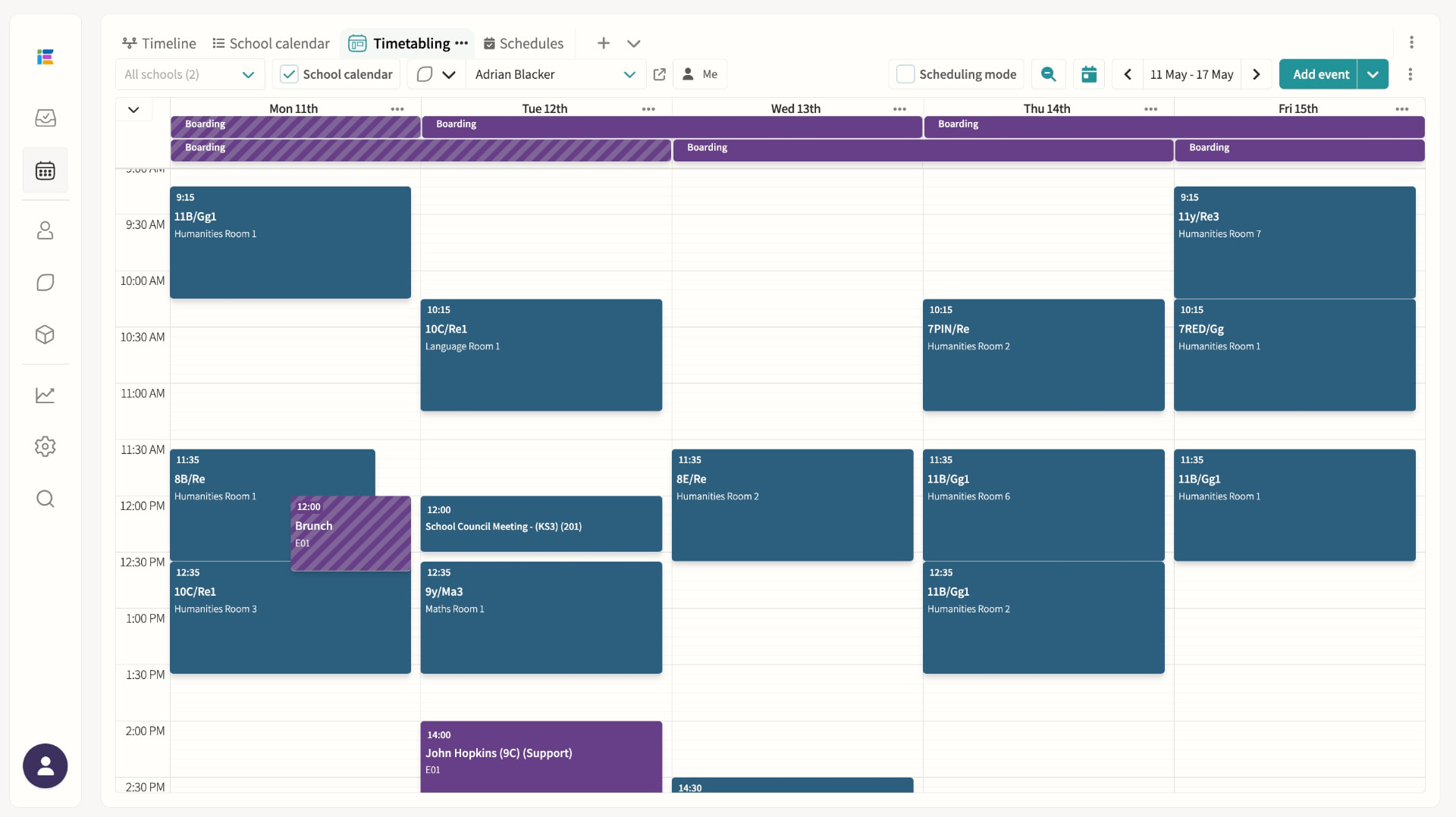
Timetables (MIS-synced)
Lessons, recurring events and clash detection in one place.
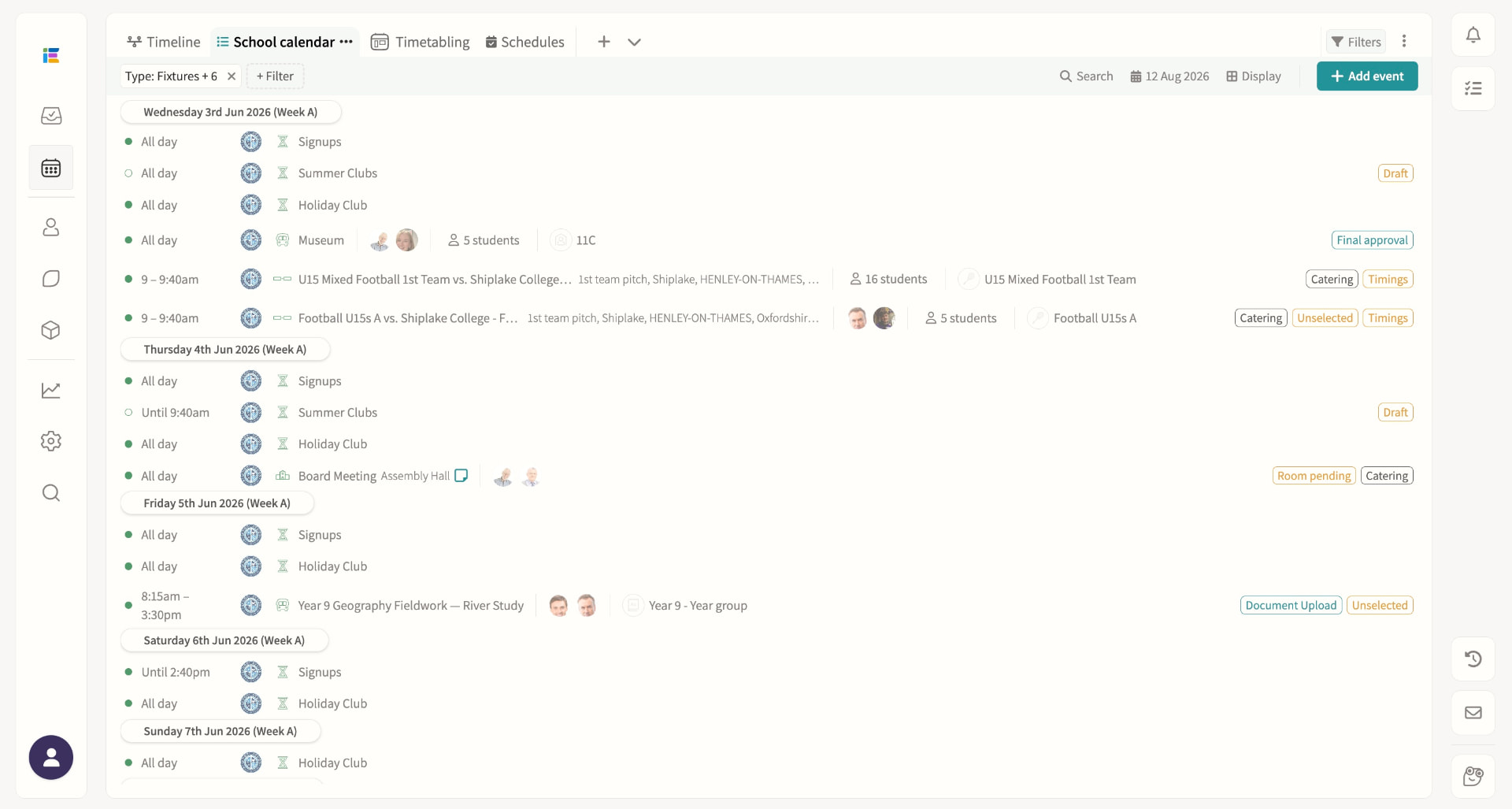
School calendar events / public calendar
Publish events for staff, students and parents, and share any saved calendar view — agenda, week, month or grid — as a read-only public link that anyone can open without logging in, always showing today automatically. Student and staff names on the public page follow your chosen name formats to protect privacy, and access can be switched off or the link reset at any time.
Room booking
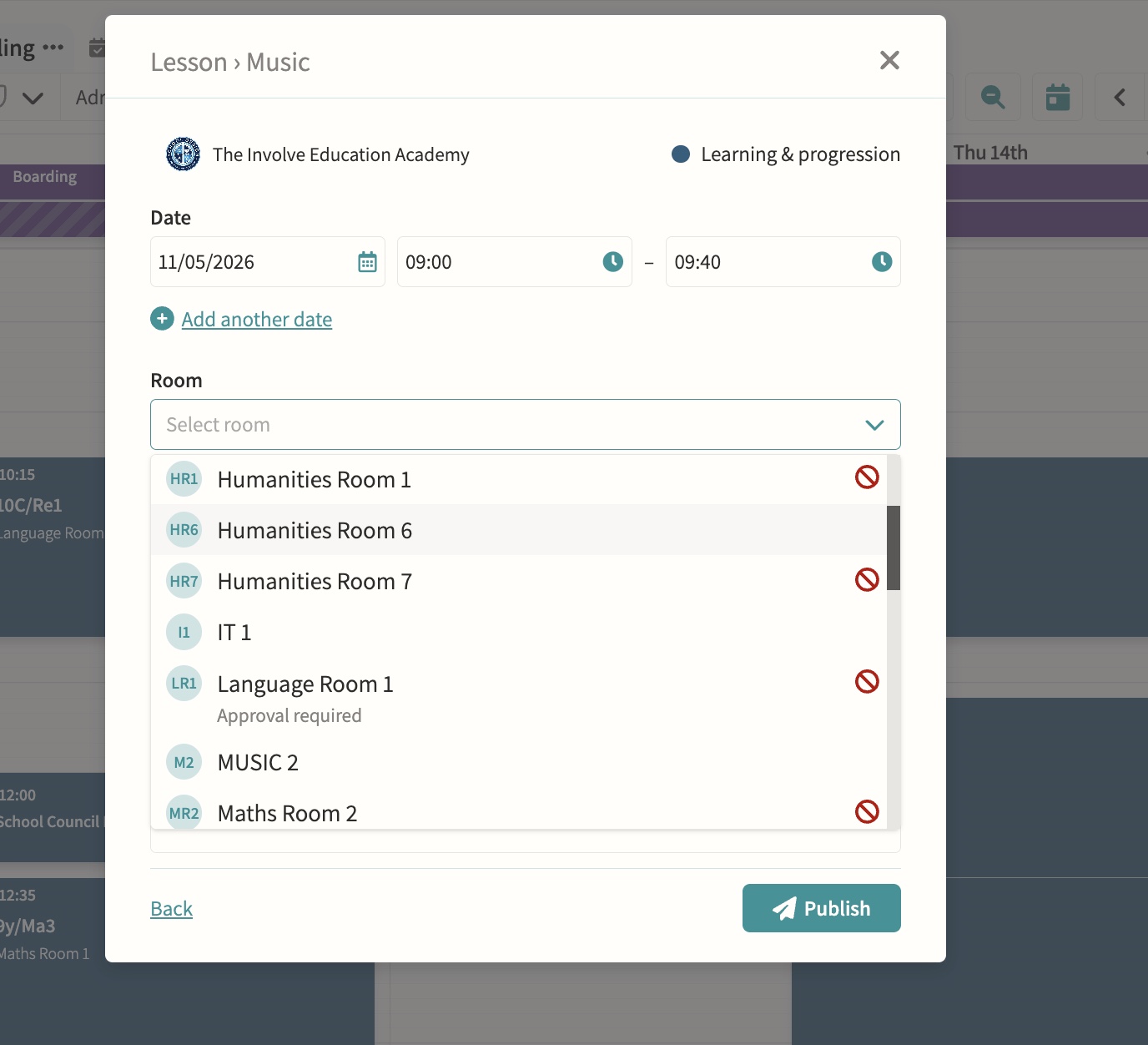
Reserve a room for maintenance, exams or any period without an activity attached, spanning single days or multi-week ranges, with a "Whole school" flag for exam periods. If existing events already occupy the room, administrators and room managers can review every affected item and move each one to an alternative room in a single re-rooming pass, with clash overrides recorded in the event history.
Magic Scheduling/rotation
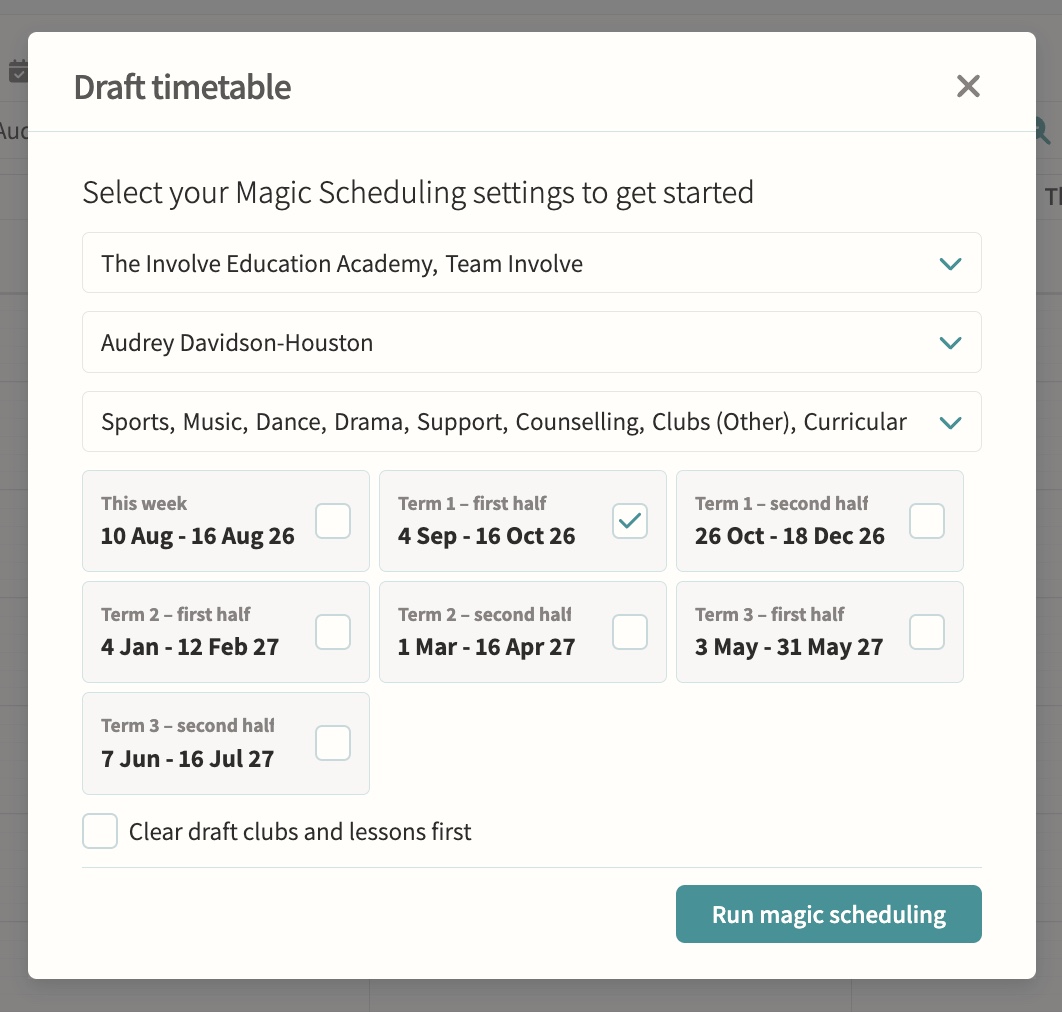
Reads the schedules already configured on lesson and club pods and generates draft events for a chosen term, department or teacher in one run, which must then be reviewed and published before students and parents see them. Schedules can carry their own start and end dates so a fixed block of lessons (say, ten music lessons) stops generating automatically once complete.
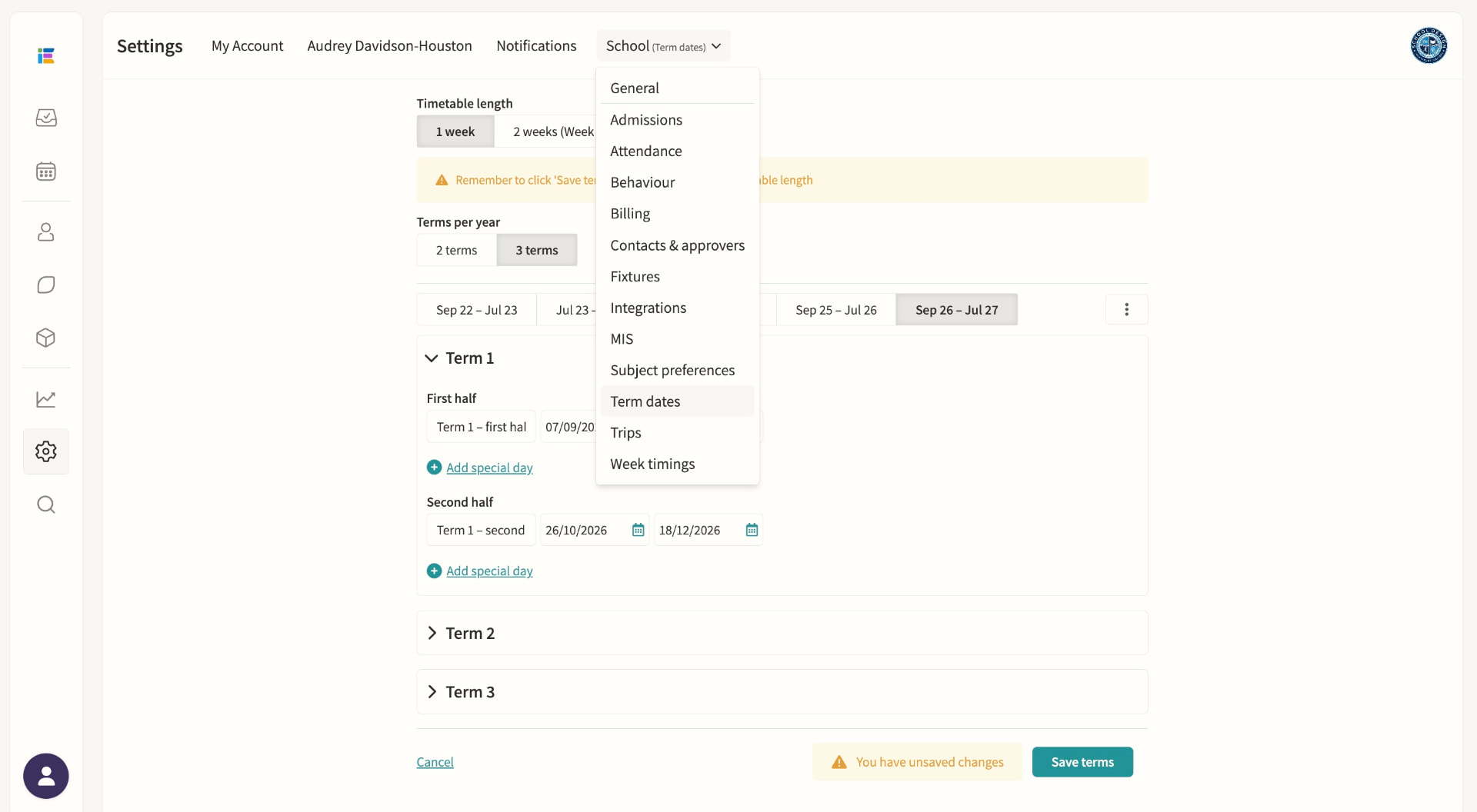
Term dates & important dates
Set and manage the school year.
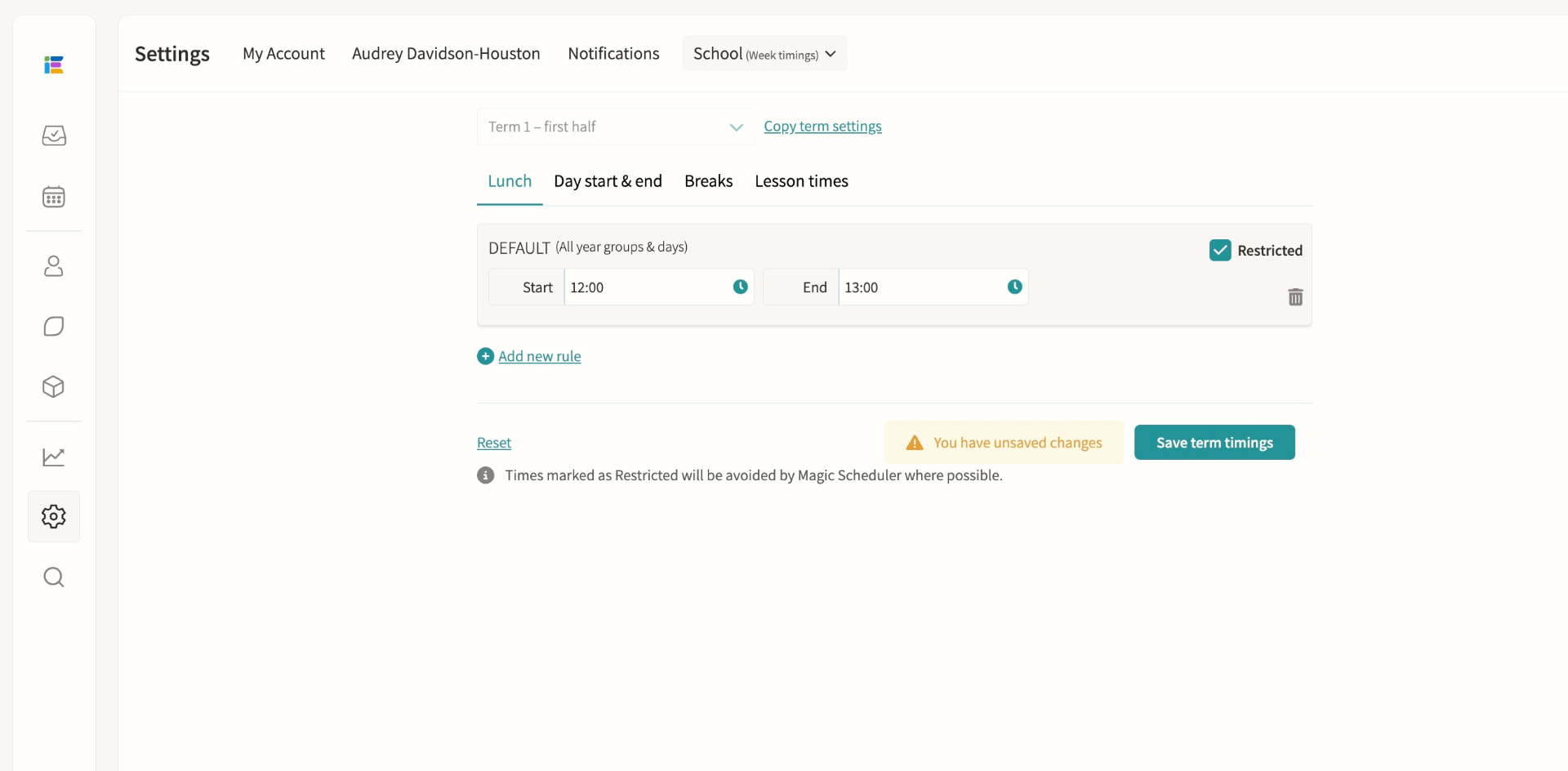
Week timings
Define lunch, break, and day start/end times per term, with custom rules for specific days, pods or Week A/B, and mark any period as restricted so events can't be scheduled over it. A dedicated lesson-times setting constrains where Magic Scheduling places rotating lessons such as music lessons, without touching curricular lesson times imported from your MIS.
Staff duty rotas
Manage recurring responsibilities such as break duty, lunch supervision and detention cover from one rota, showing each slot as fully staffed, partially staffed or unstaffed. Draft assignments can be built and adjusted freely, then published in bulk so staff only see confirmed duties, with separate rotas supported for Week A and Week B.
Timetable variations calendar
Cover, one-off changes and special events without touching the master timetable.
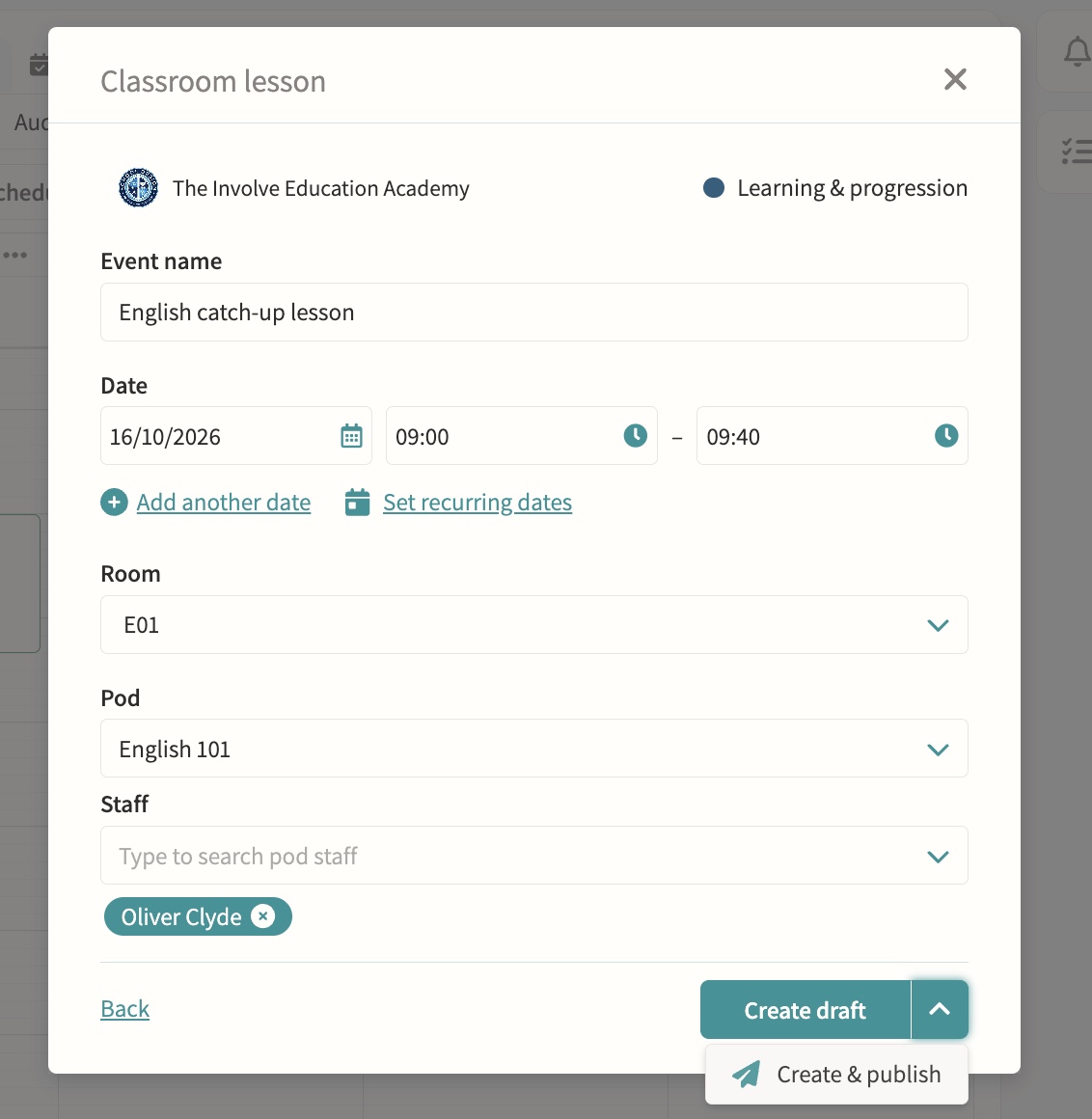
Science & practical lesson management
Schedule lab-based lessons as easily as standard classes.
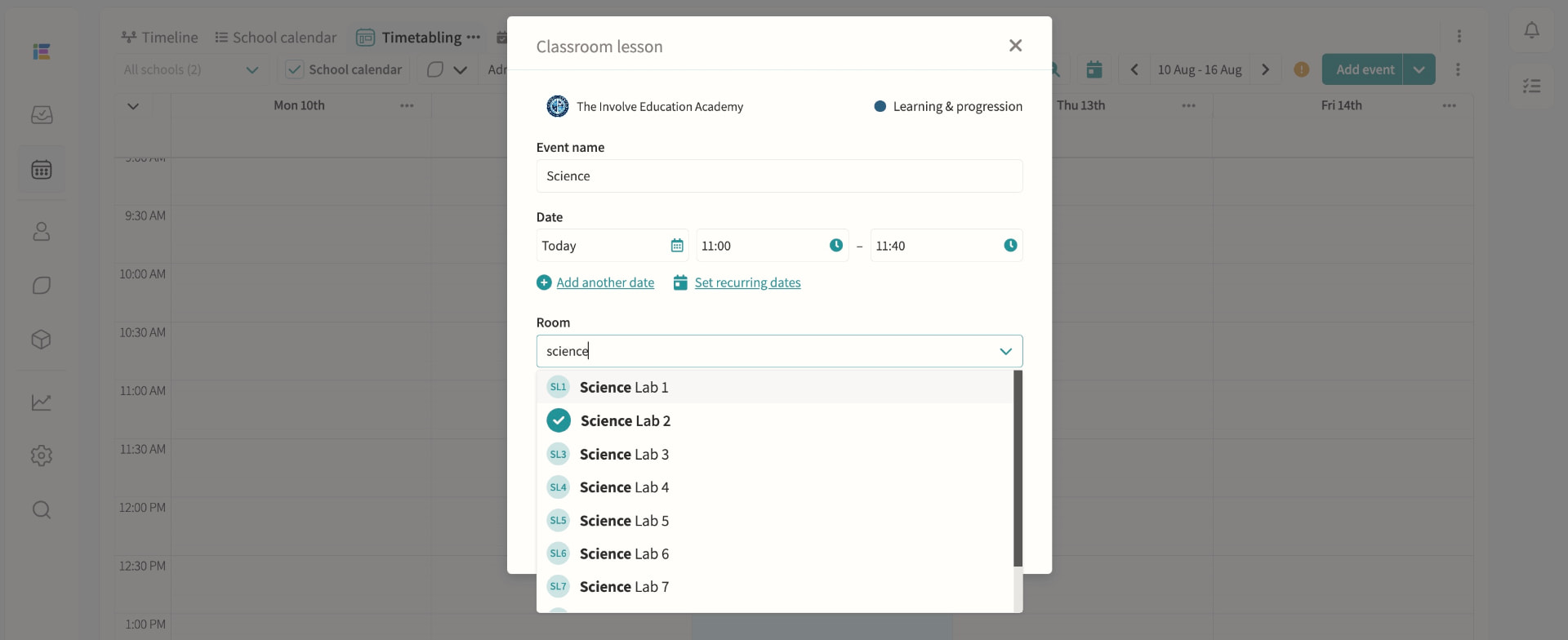
Seating plans
Build a room layout once — desks, shapes and orientation — then drag and drop students into seats for any group using that room, with plans saved per room-and-group combination. Fill a class alphabetically or randomly in one click, filter by register attributes such as SEND, spot scheduling clashes on the tile during attendance, and export a printable plan or seating list in seconds.
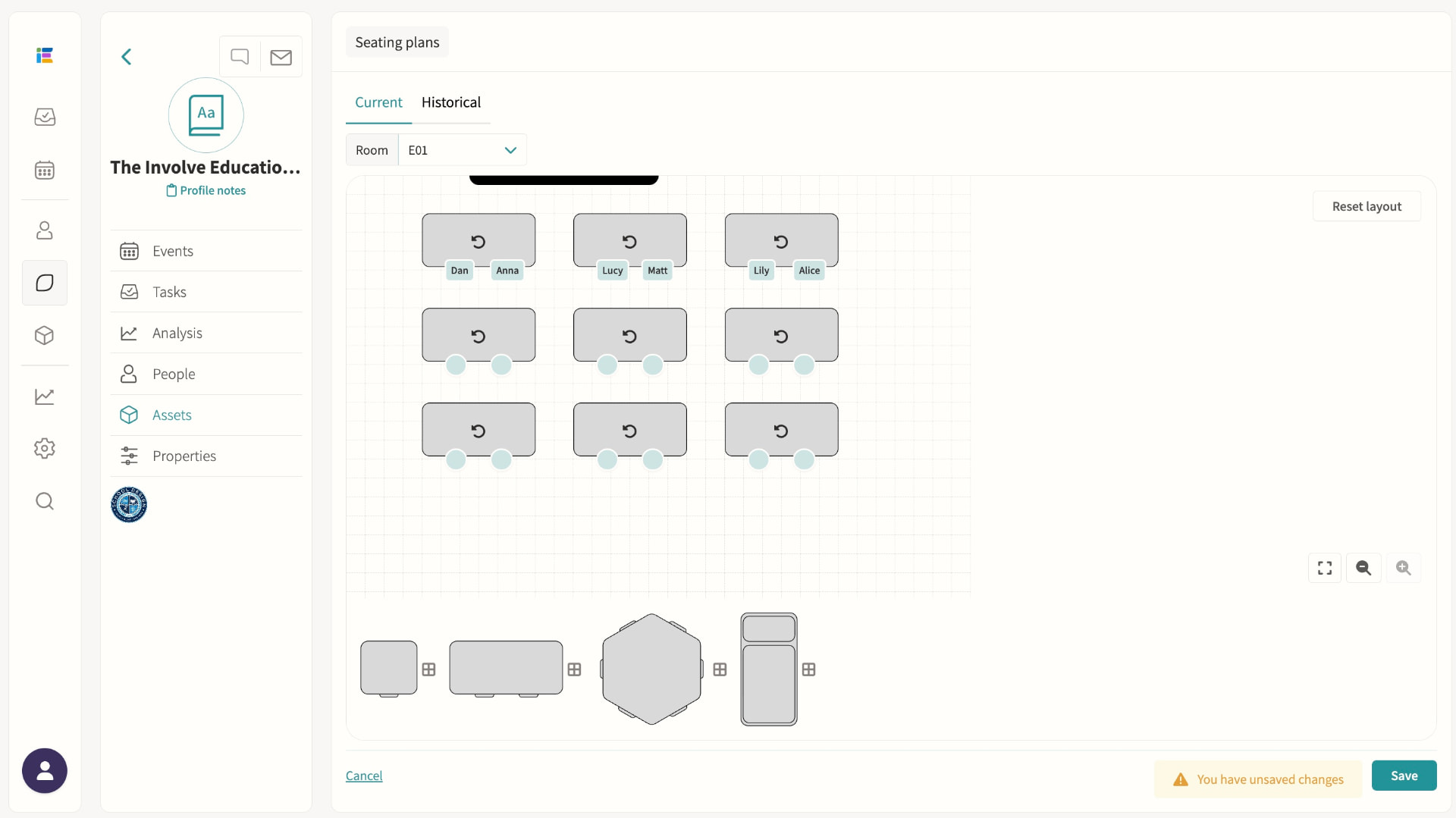
Music lesson scheduling
Scheduled to minimise clash impact, visible to teachers, parents and students.
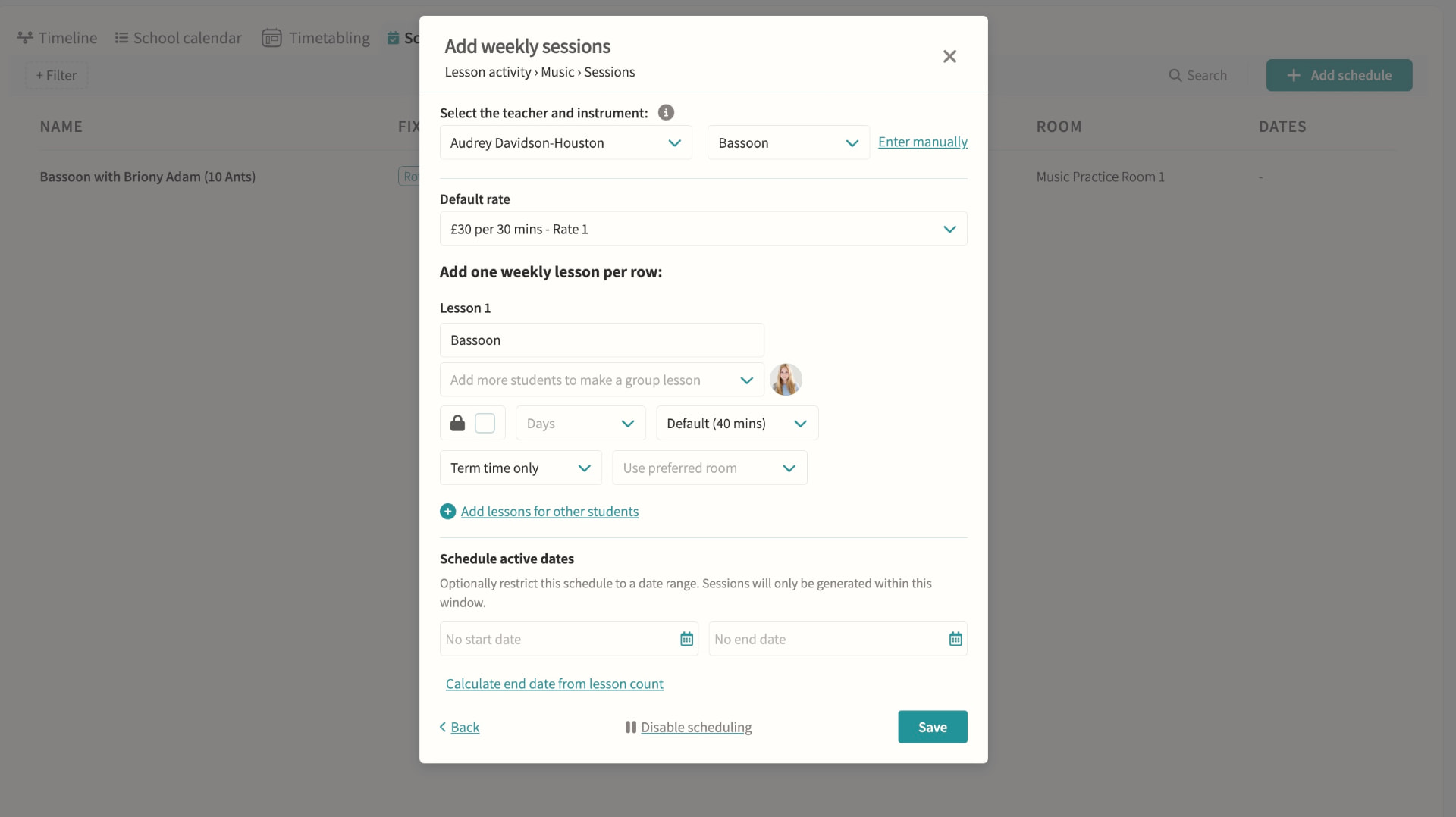
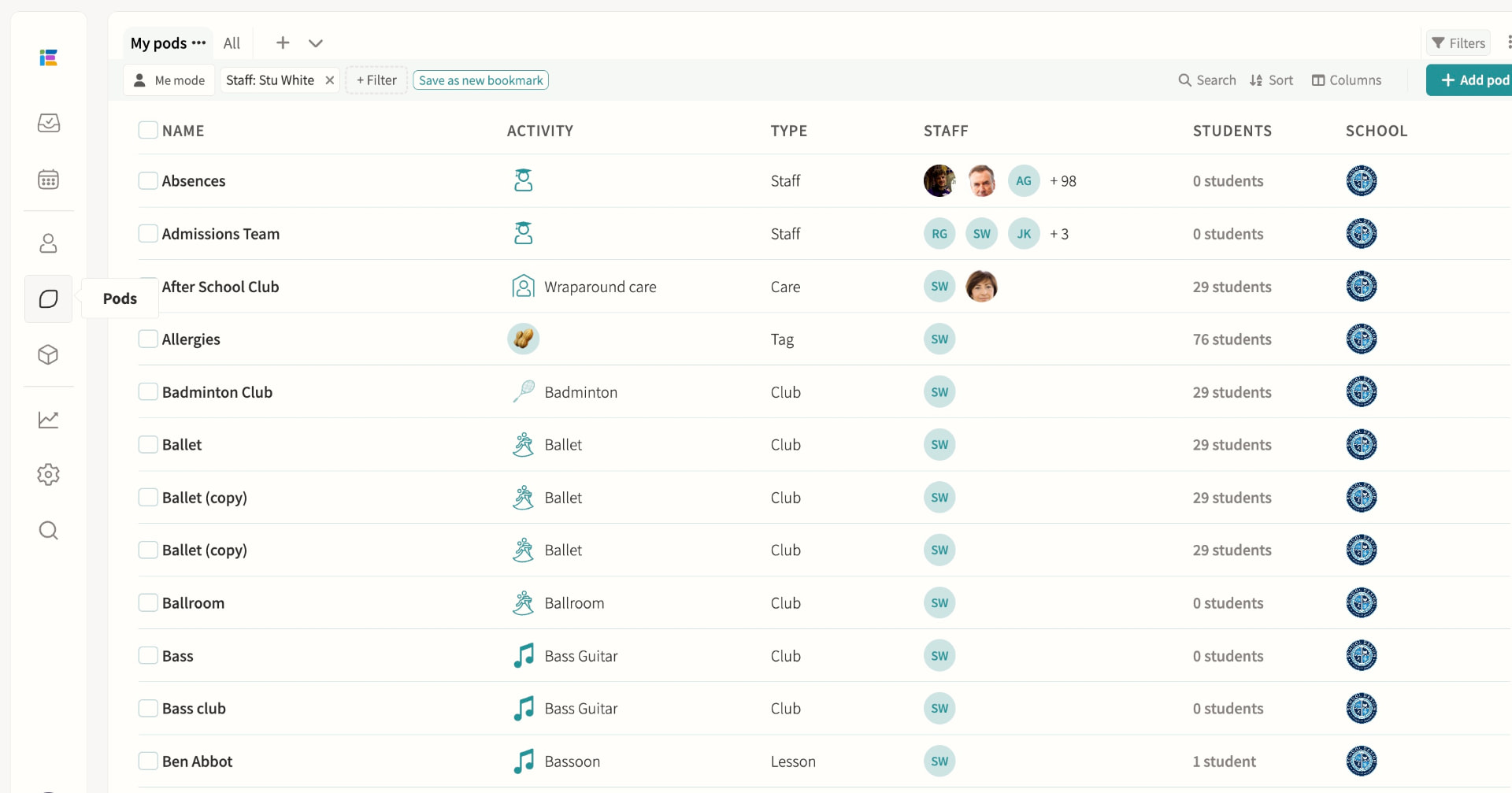
Pods
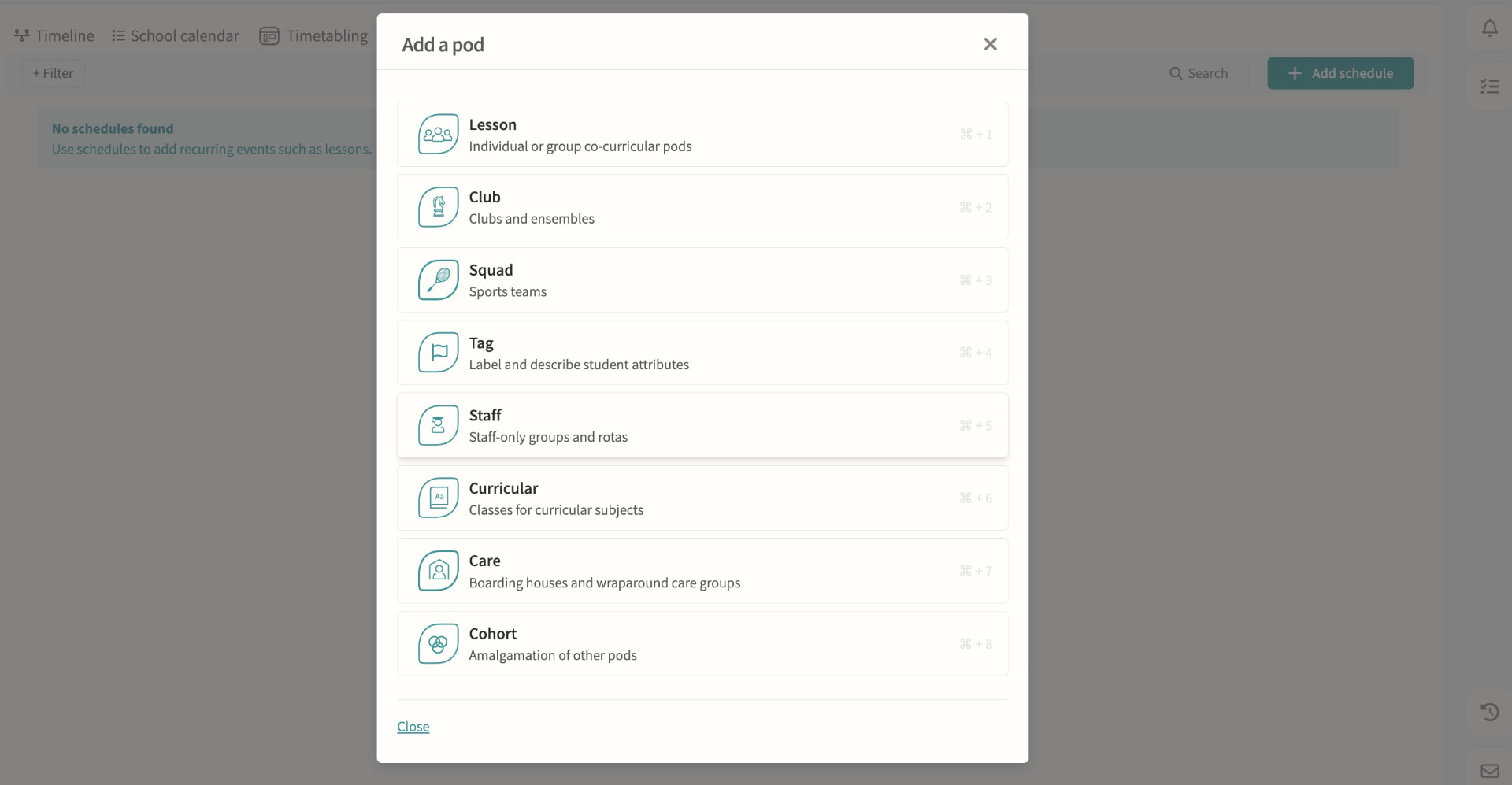
Every lesson, club, squad, tag, care group, cohort and staff team is built on the same pod model, each with the scheduling, membership and permission options suited to its purpose. Pods can be restricted to named teachers and administrators, combined into cohorts, and reused as the basis for schedules that feed straight into Magic Scheduling and clash detection.
03 — Feature area
Data & analytics
Attendance, behaviour, involvement and exam data in interactive dashboards, with AI-generated charts.
When every process shares one record, reporting stops being a project and becomes a screen.
Analysis dashboards
Attendance, behaviour, involvement and exam data in one interactive view. Because MIS, activities and messaging all share one record, dashboards update as events happen rather than needing a separate reporting project, giving leadership and pastoral teams a single, current picture instead of exports stitched together after the fact.
Insights
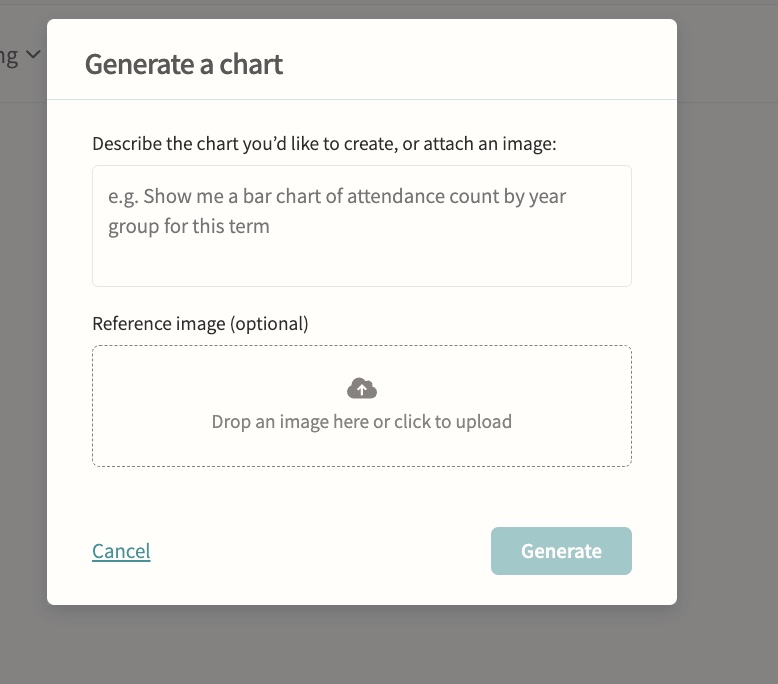
Attendance insights surfaced automatically, plus AI-powered chart generation for ad-hoc analysis. Student-level insights break down attendance by lesson and club and calculate curriculum time missed to clashes with trips, fixtures and other activities, filterable by term and department, so staff can prepare evidence for a parent meeting without building a report from scratch.
04 — Feature area
Documentation & forms
Handbooks, consent forms, reports, files and assignments distributed to the right audience.
Policy, paperwork and permission slips live where people already are, with completion tracked digitally.
Staff, student and parent handbooks
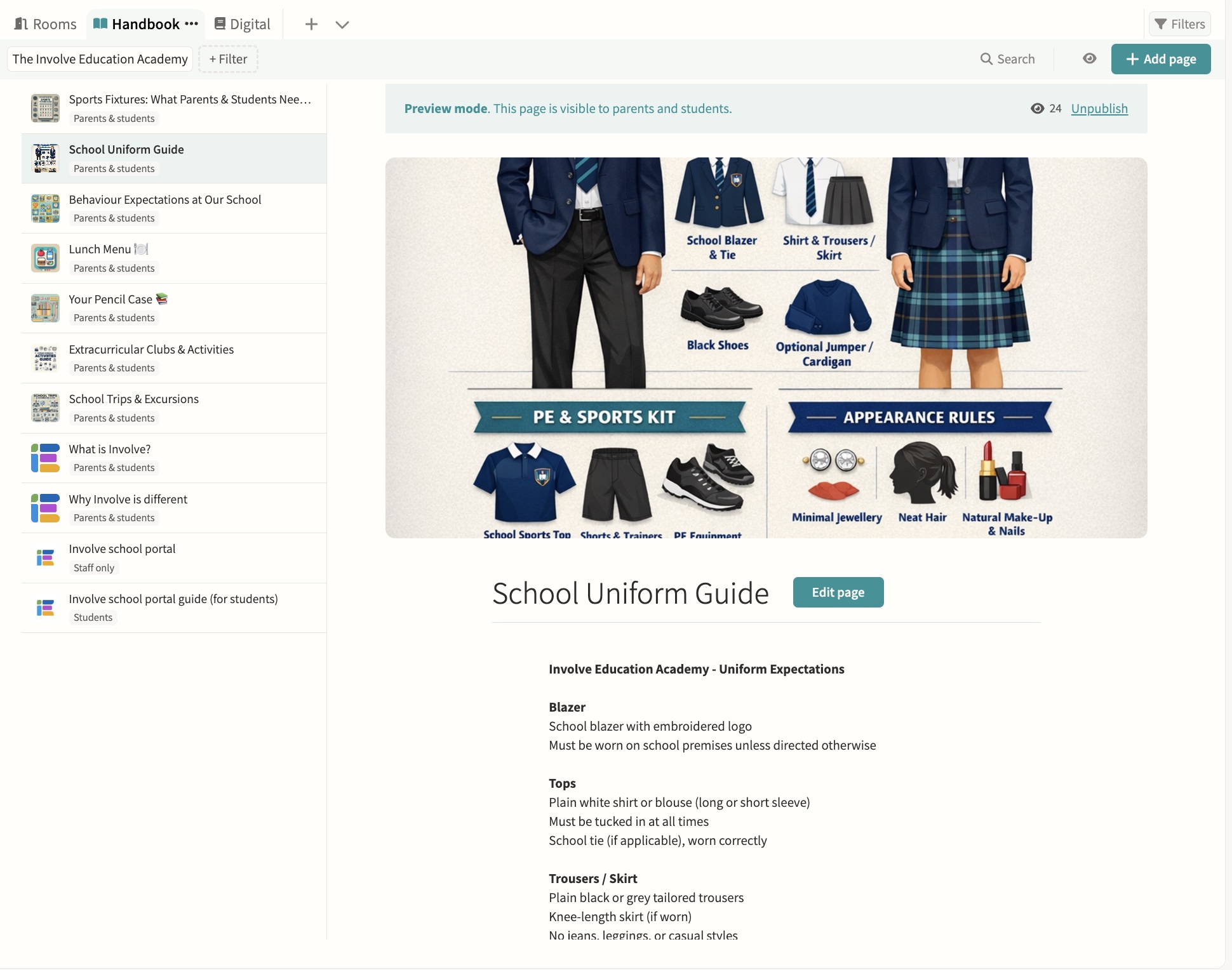
Create and share pages, attach documents and control visibility. Pages are drafted and previewed before publishing, each one can be limited to staff, parents, students or shared with everyone, and administrators can preview the handbook exactly as a parent of a specific student would see it before it goes live.
Parent and student forms
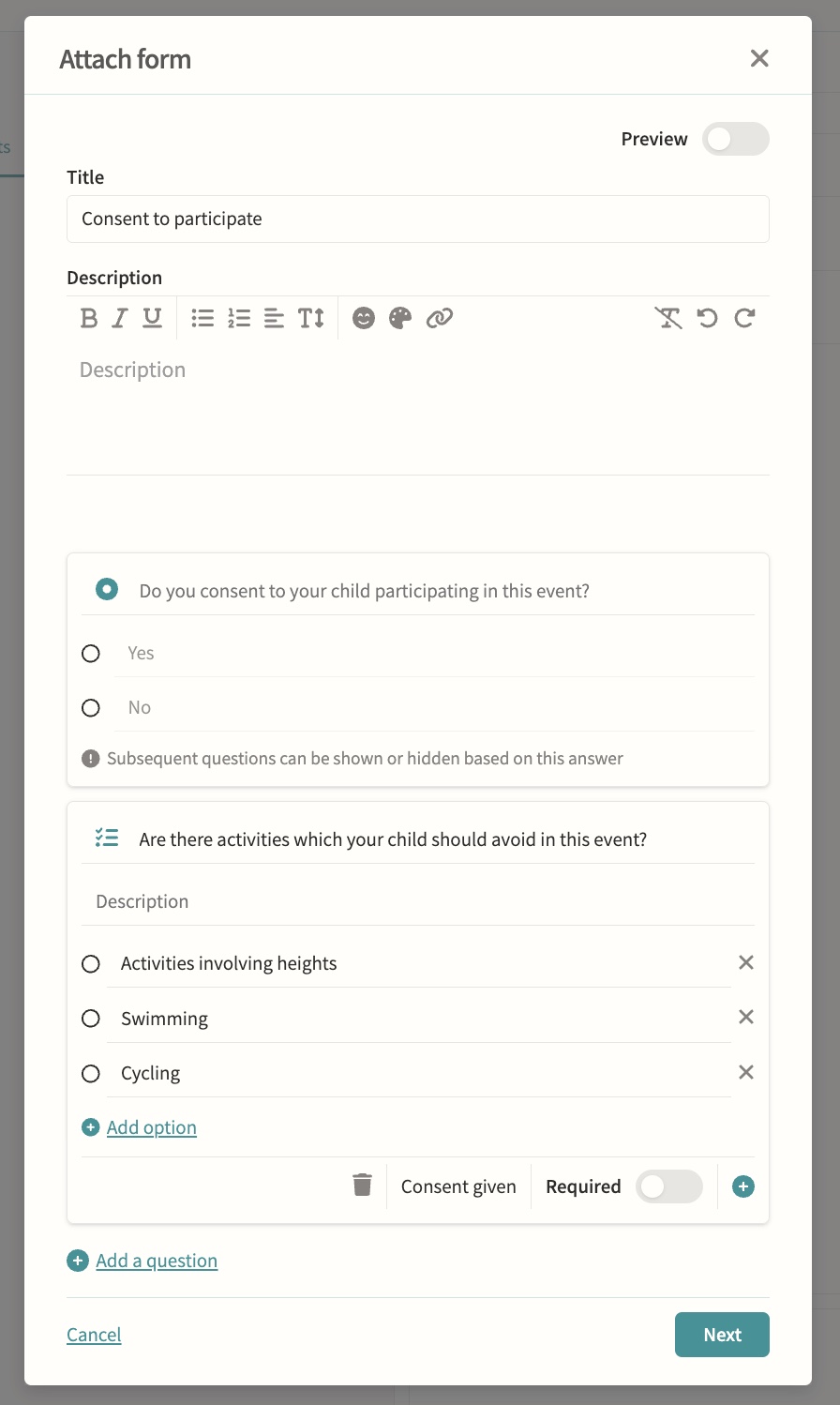
Consent for trips and activities with digital completion tracking. Build forms question by question with yes/no consent, multiple choice and checklist question types, add descriptions and rich text, mark questions as required, and branch so later questions show or hide based on an earlier answer. Forms can collect payment and chase outstanding responses with automatic reminders that switch to daily as the deadline approaches, while staff track who has responded from a single status view.
Student reports & files
Central document management and policy repository, with exam results and report cycles synced from iSAMS for distribution. Files can be shared with parents only, students only, both or hidden, visibility can be overridden file by file within a distribution, and staff can see when a parent or student has actually opened what was sent to them.
Assignments, including Microsoft integration
Set in pods and tracked through the markbook. Assignments can be marked by number, grade or simple yes/no completion, carry an optional due and release date, and students submit by file upload, link or as work handed in elsewhere, with marks published to the markbook only once a teacher chooses to make them visible.