Teams · Admissions
For admissions teams
A real pipeline, not a spreadsheet with a name.
Enquiry to enrolment, with conversion you can prove.
Admissions teams need marketing-grade tooling and instant access to the student record. Involve gives you both.
Relevant feature areas
3 key areas, one unified platform
01 — Feature area
People & admin
Contacts, permissions, invitations and audit trails for every adult and student in the school.
One place to decide who can see what, and a record of everything they did with it.
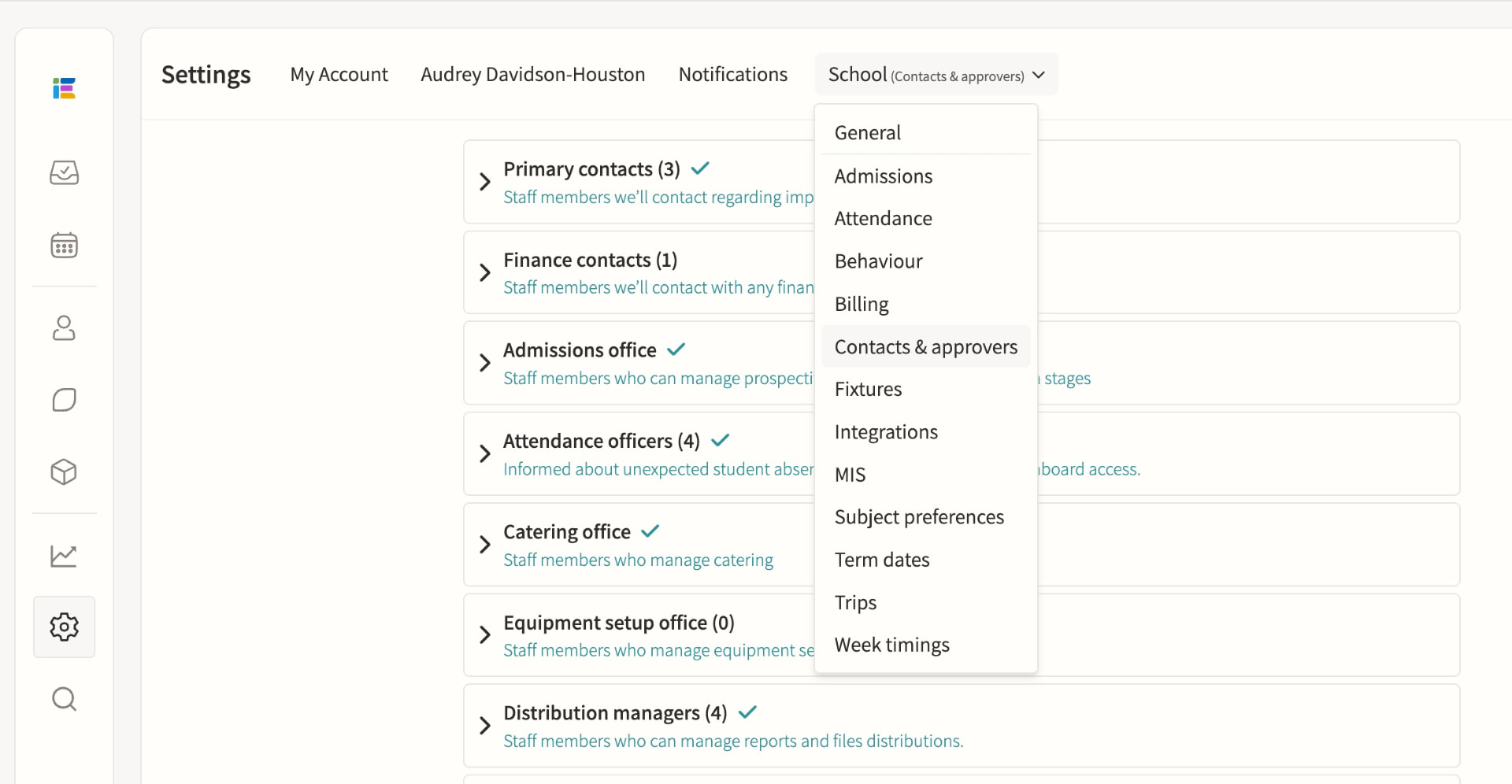
Contacts & approvers
Manage and export parent and staff contact details ready for comms and mail merge, and assign roles such as Event Approver, Message Approver and Attendance Officer. The parents list surfaces email delivery issues, parental responsibility and last login for every guardian, while special roles such as Attendance Officer, Duties Manager and Room Manager add capabilities on top of a staff member's base permission level without removing anything else.
Staff permissions
Fine-grained permissions, including special roles. Admin, Teacher and Restricted teacher levels set base access to events, calendars, students and settings, with department and division assignment narrowing what each person sees; a staff member can hold multiple special roles at once, and permission changes take effect immediately without needing to log out.
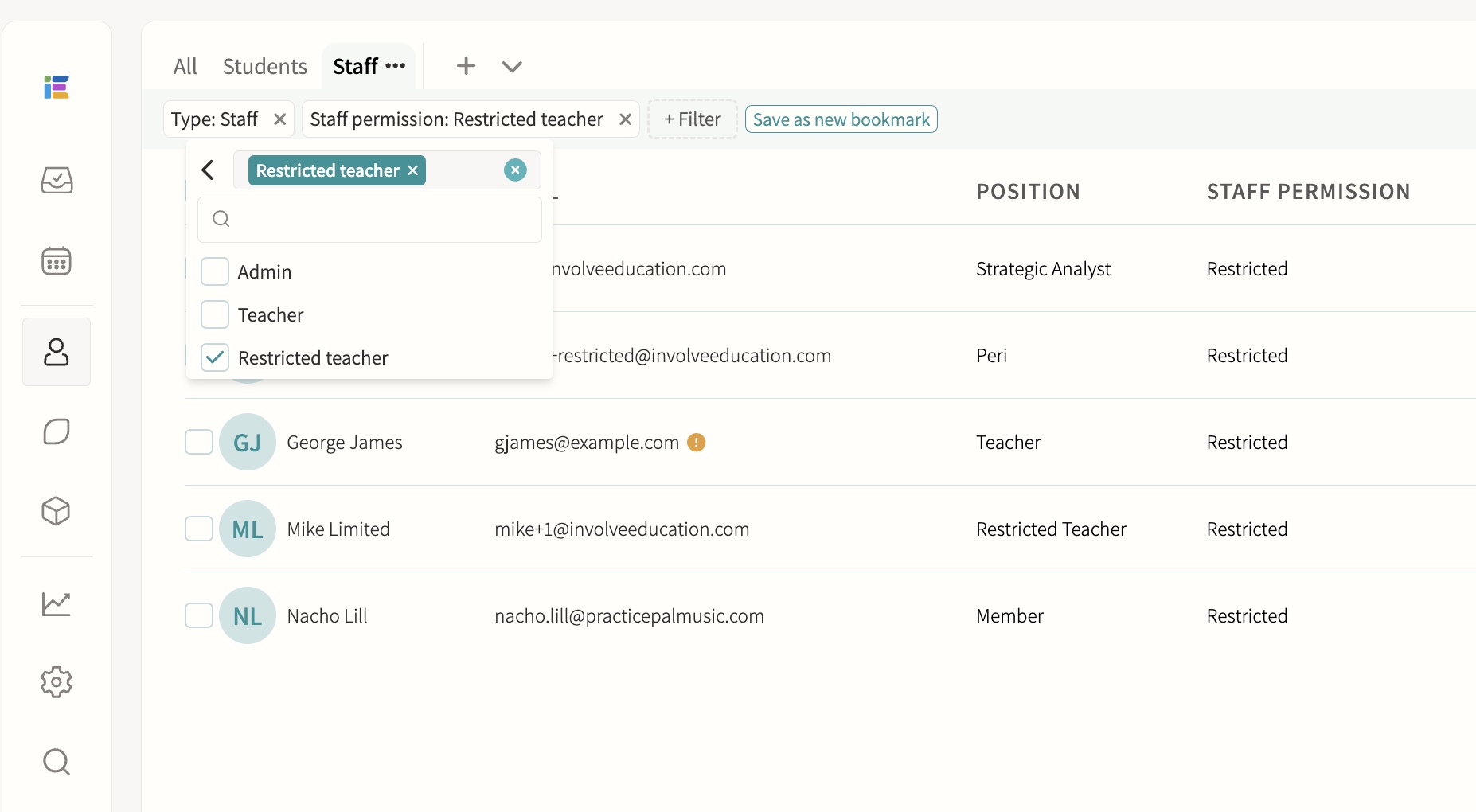
Staff users, including peripatetic/restricted teachers
Limited visibility and permissions for visiting staff. Restricted teachers can only see the groups and events where they are explicitly assigned as a teacher, with all data queries filtered automatically at that level, so they cannot browse the full student list, other staff's calendars or school-wide reports.
Account management & invites
Manage accounts and send invitations. Accounts can be created via MIS sync, manual entry or parent self-registration with a child's passcode, and support email/password, Microsoft or Google SSO; individual or bulk invitations can be sent and resent, and pending, active and inactive-email statuses are visible in the staff and student lists. Each contact record shows priority, title, relationship, phone, address and email, with a clear "Not yet registered" state and one-click options to send an invitation, send an email or trigger a notification.
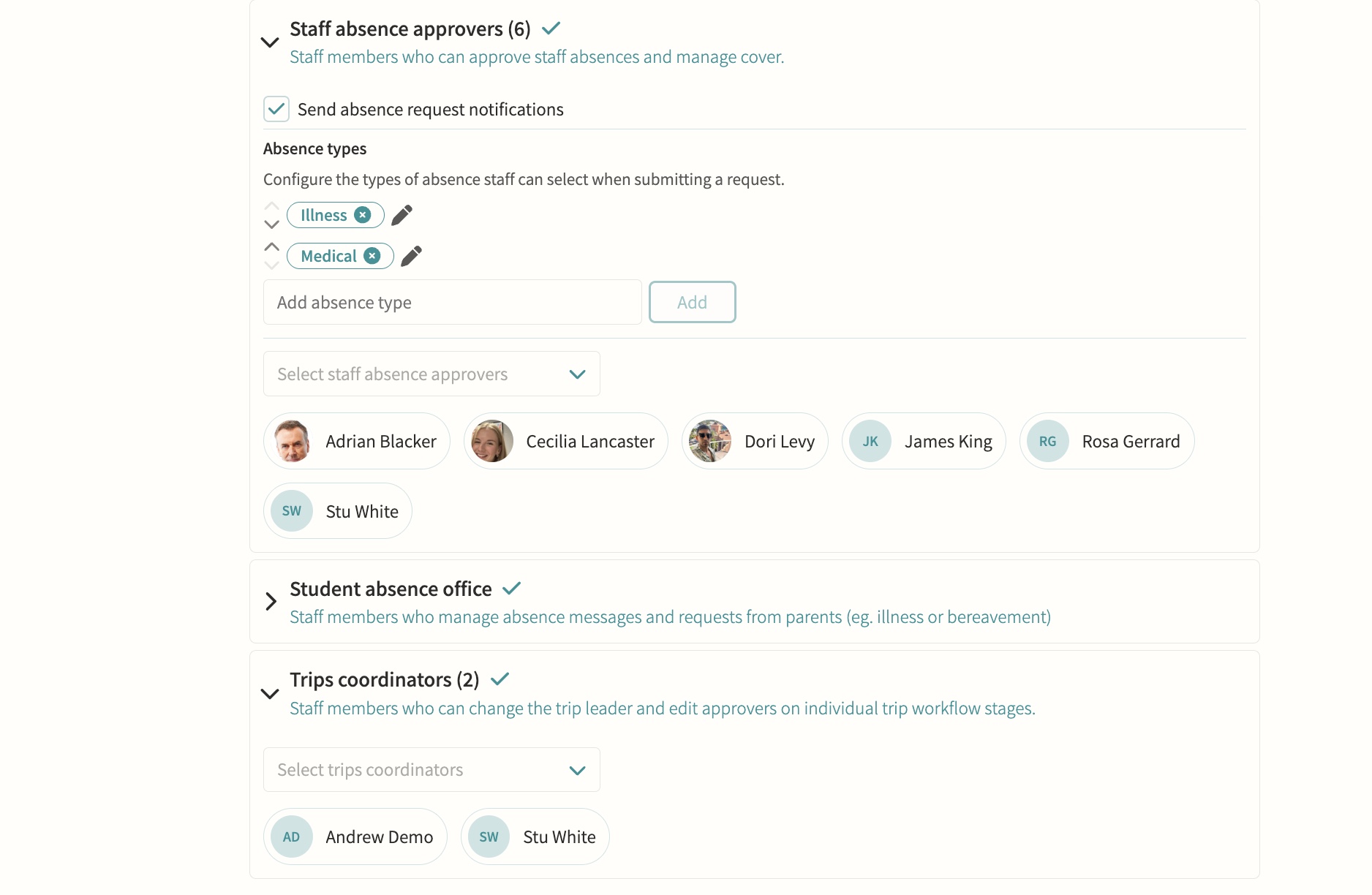
Staff absence & leave
HR and staff absence officers receive leave requests routed automatically by division, so each team only sees the cases it owns, and can approve or decline with a note and supporting documentation on the employee record. Approved absence flows straight into cover management, where cover is assigned from a ranked list showing each teacher's availability, weekly and yearly utilisation and when they last covered.
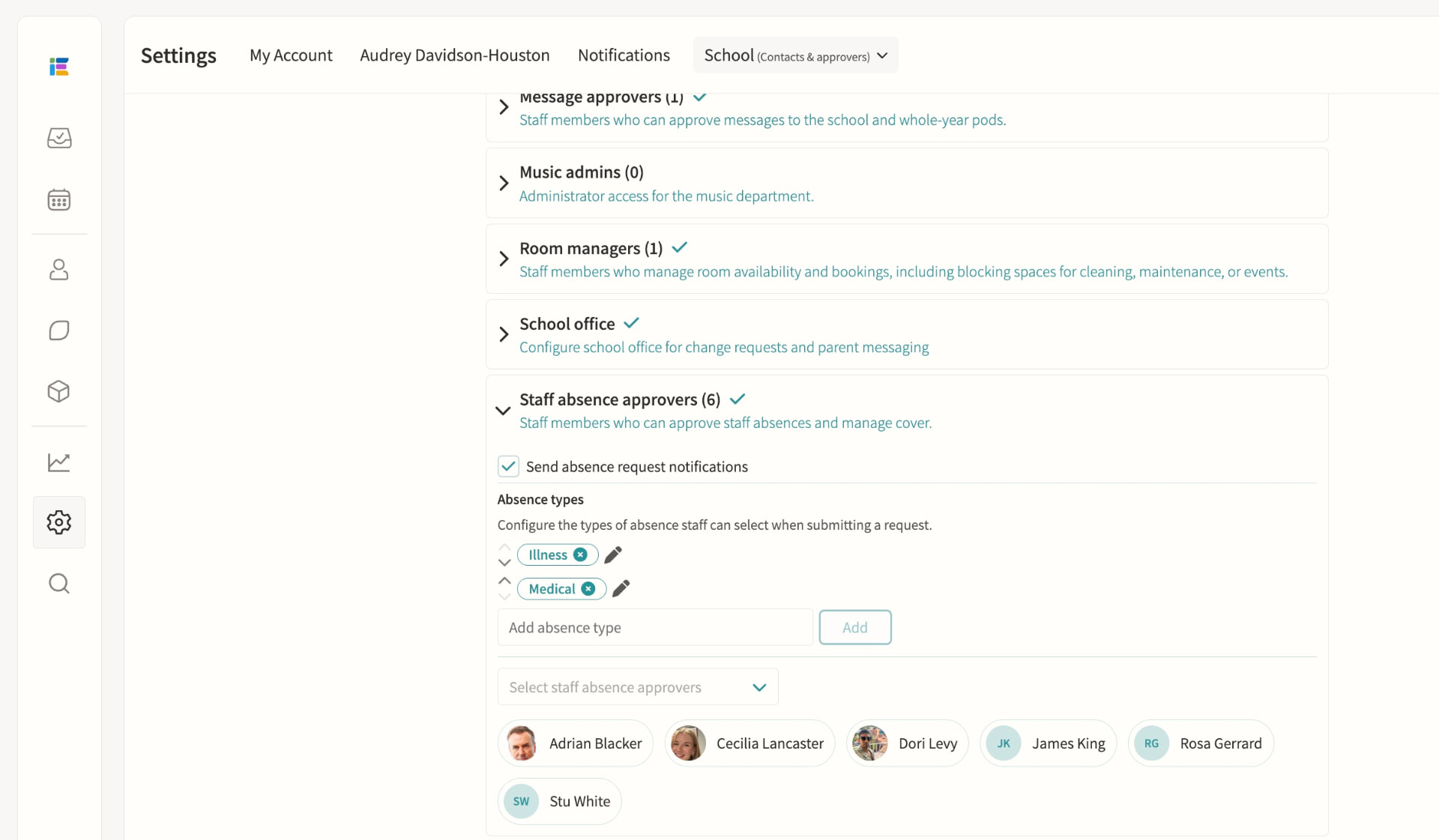
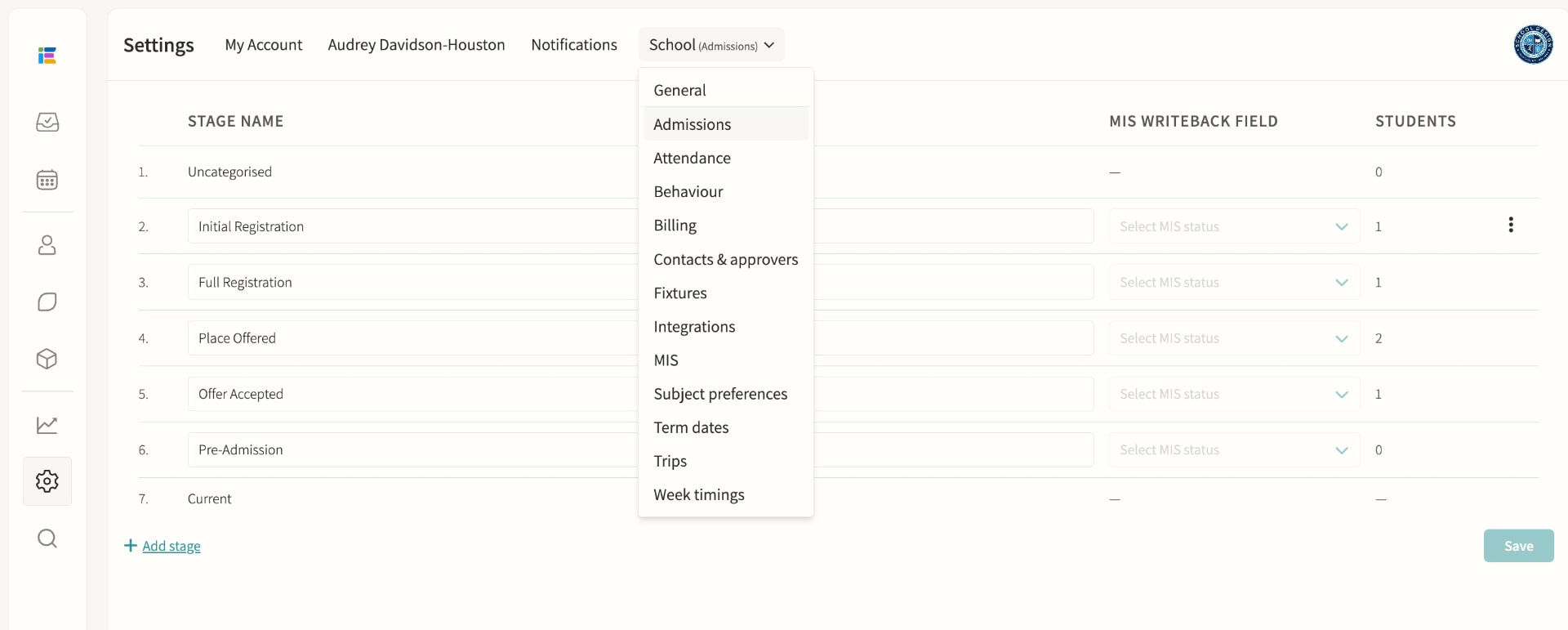
Admissions
Manage the admissions process. Schools configure their own custom stages, each with an optional MIS writeback mapping, attached forms and a personalised email using merge fields; a public admissions form captures enquiries without a login, and iSAMS schools can sync prospective students and write status changes back to their MIS automatically.
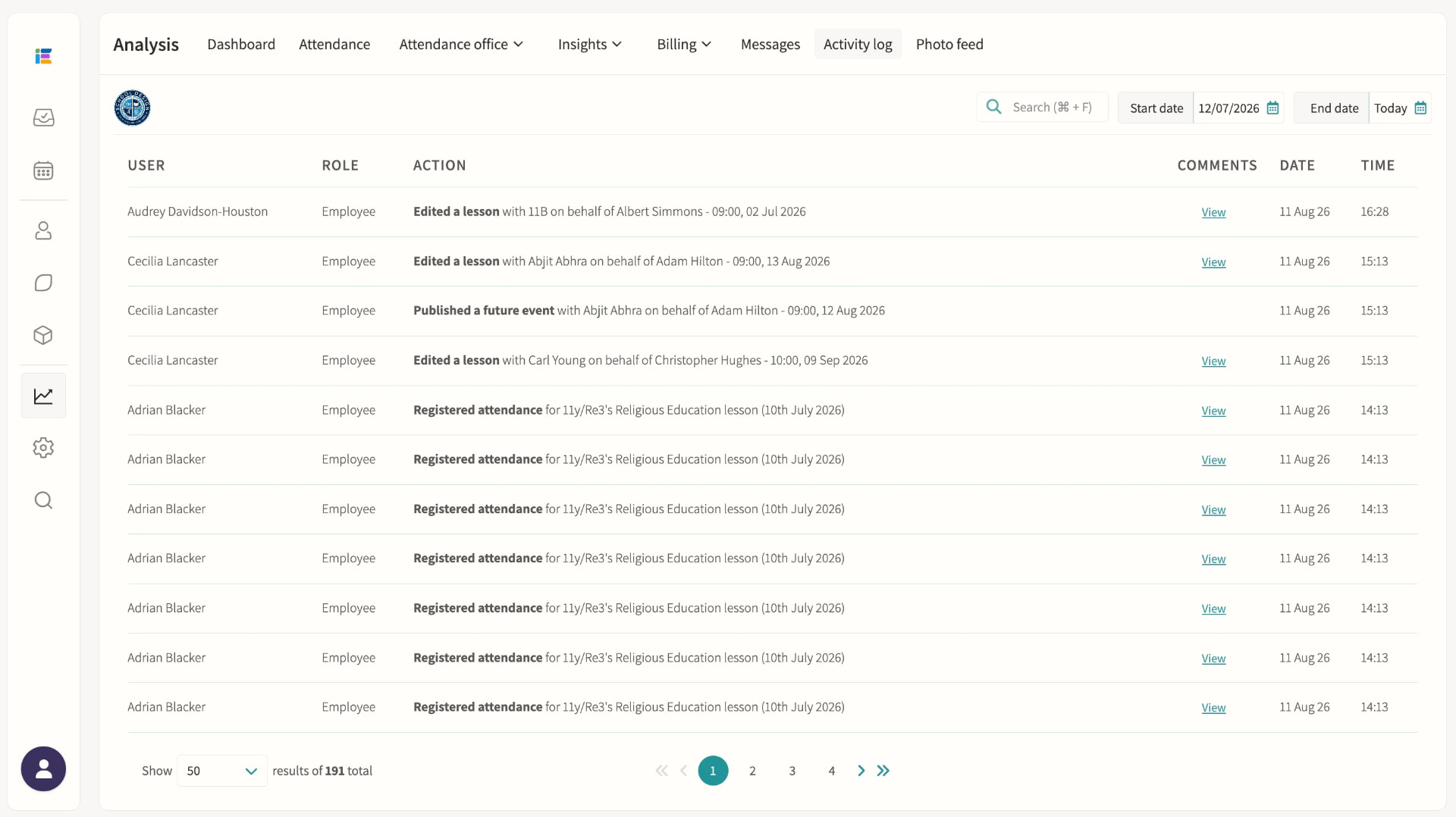
Audit logs
Attendance changes, messaging and approvals logged for accountability. The activity log records who did what and when, including lesson edits, attendance changes and group membership changes, with before-and-after detail available for many entries and filtering by date range or keyword search.
02 — Feature area
Communication & parent engagement
Messaging, bulletins, consent forms and a parent portal that keeps every conversation on the record.
Parents get one home for everything; staff get one outbox with an audit trail.
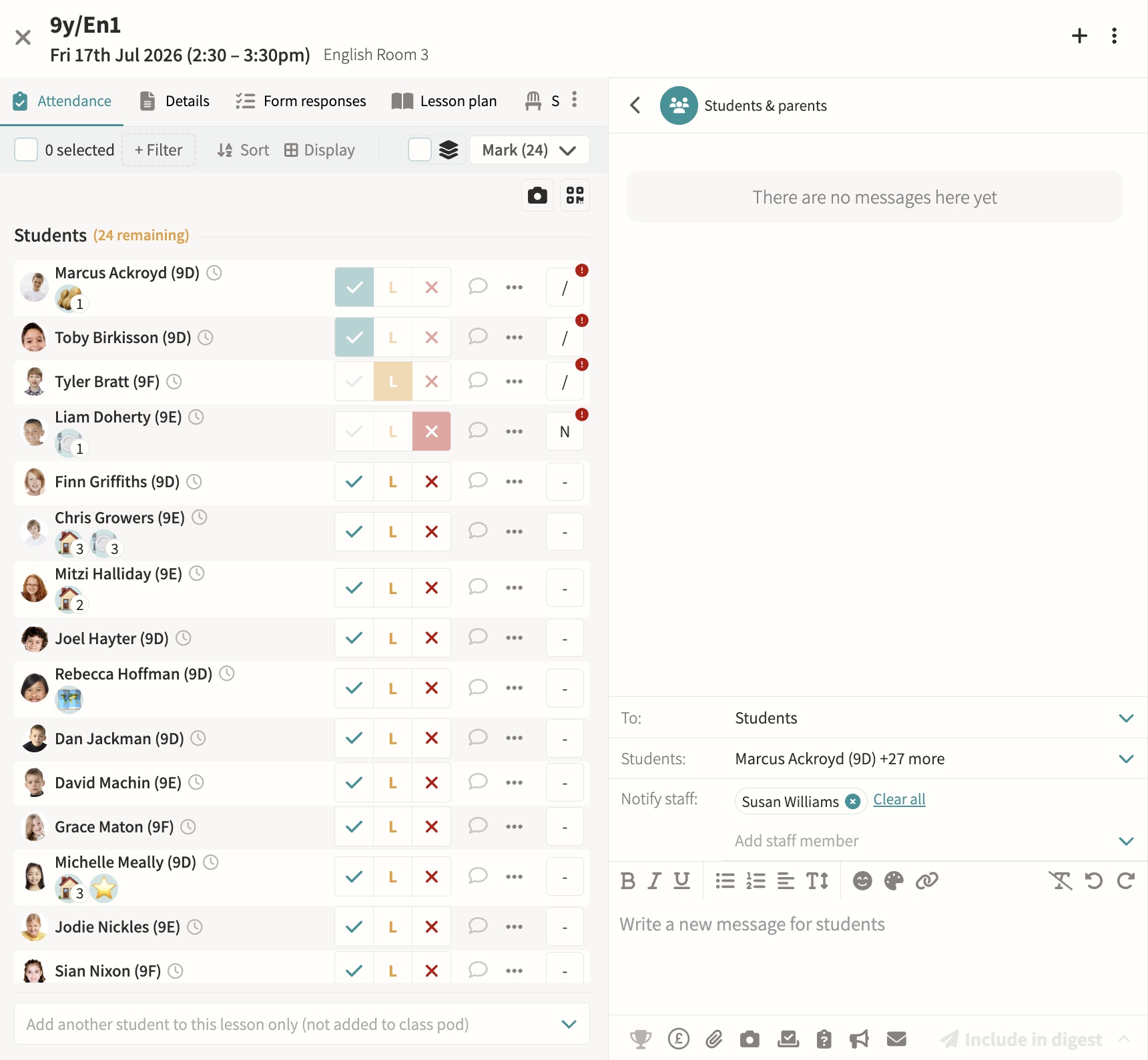
Communications
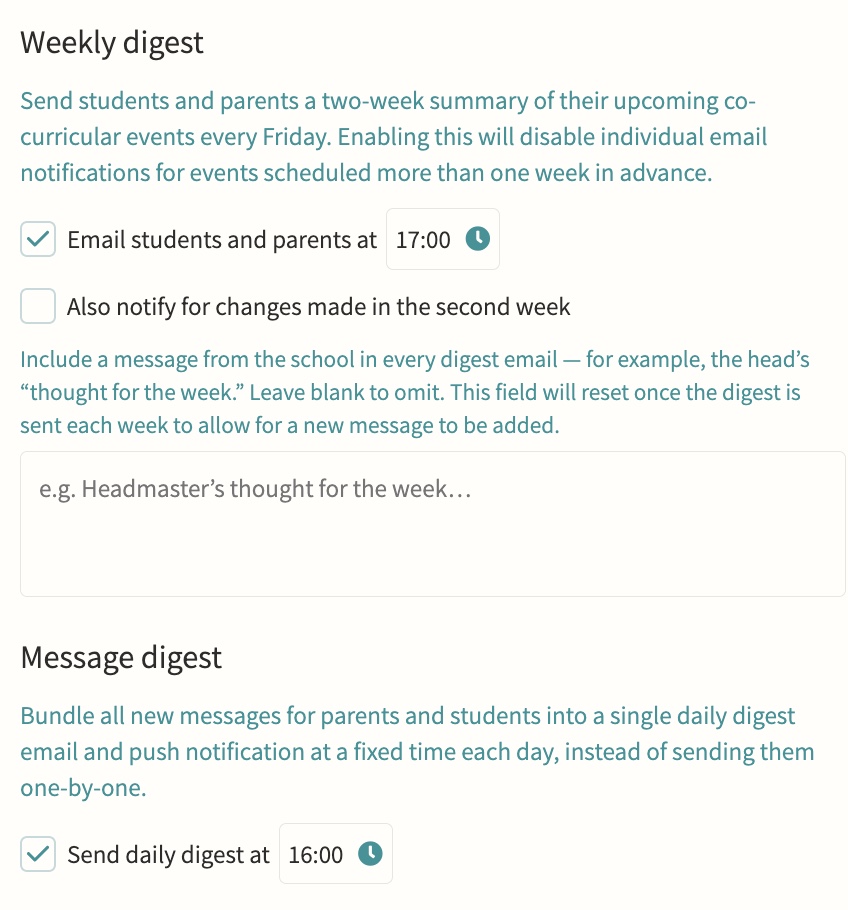
Direct or bulk teacher-to-parent and teacher-to-student messaging, kept on record, with parent bulletins, automated notifications and alerts, parent messaging offices, secure media and report sharing, consent forms, divisions for multi-division schools, and handbooks for staff, student and parent audiences. Every message is threaded, trackable per recipient, and can be scheduled in advance or bundled into a daily digest so parents get one email rather than a flood, with an option to switch off replies once a message has said what it needs to.
Parents' evenings & meetings
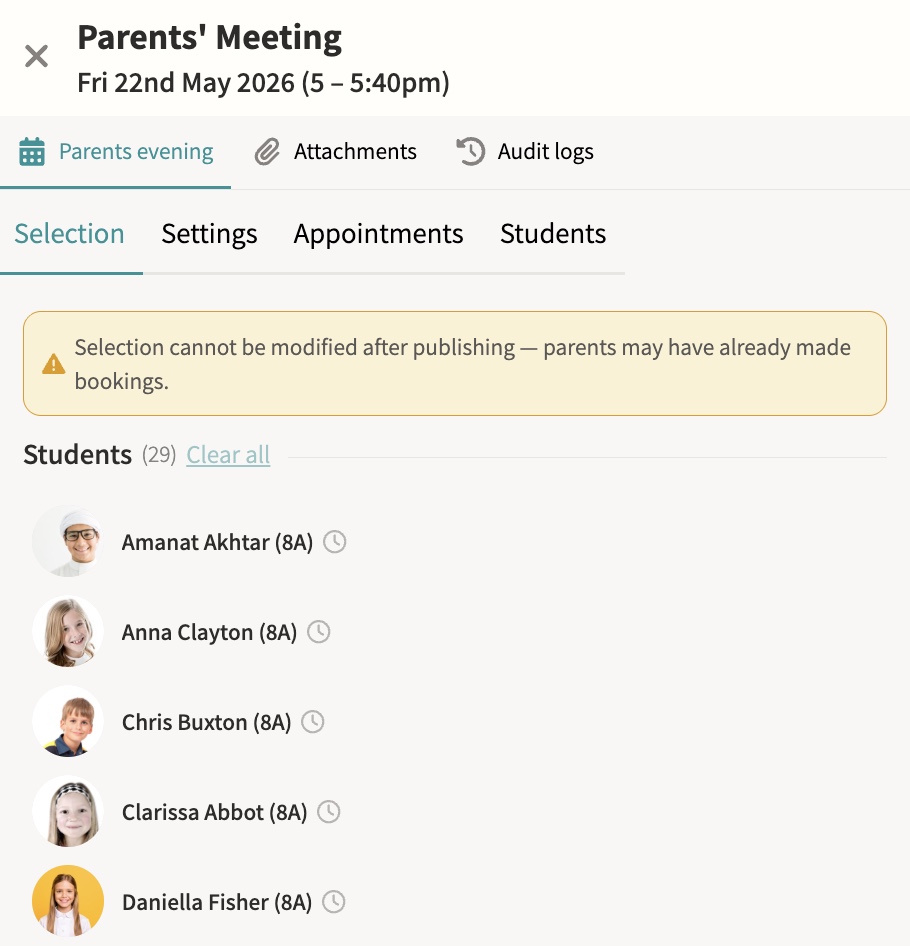
Schedule and manage meetings, with booking via shareable links. Meetings can run online, in person or as a hybrid of both, with back-to-back appointment slots, automatic reminders to parents who have not yet booked, and a travel gap on in-person days so a parent moving between several teachers is never double-booked.
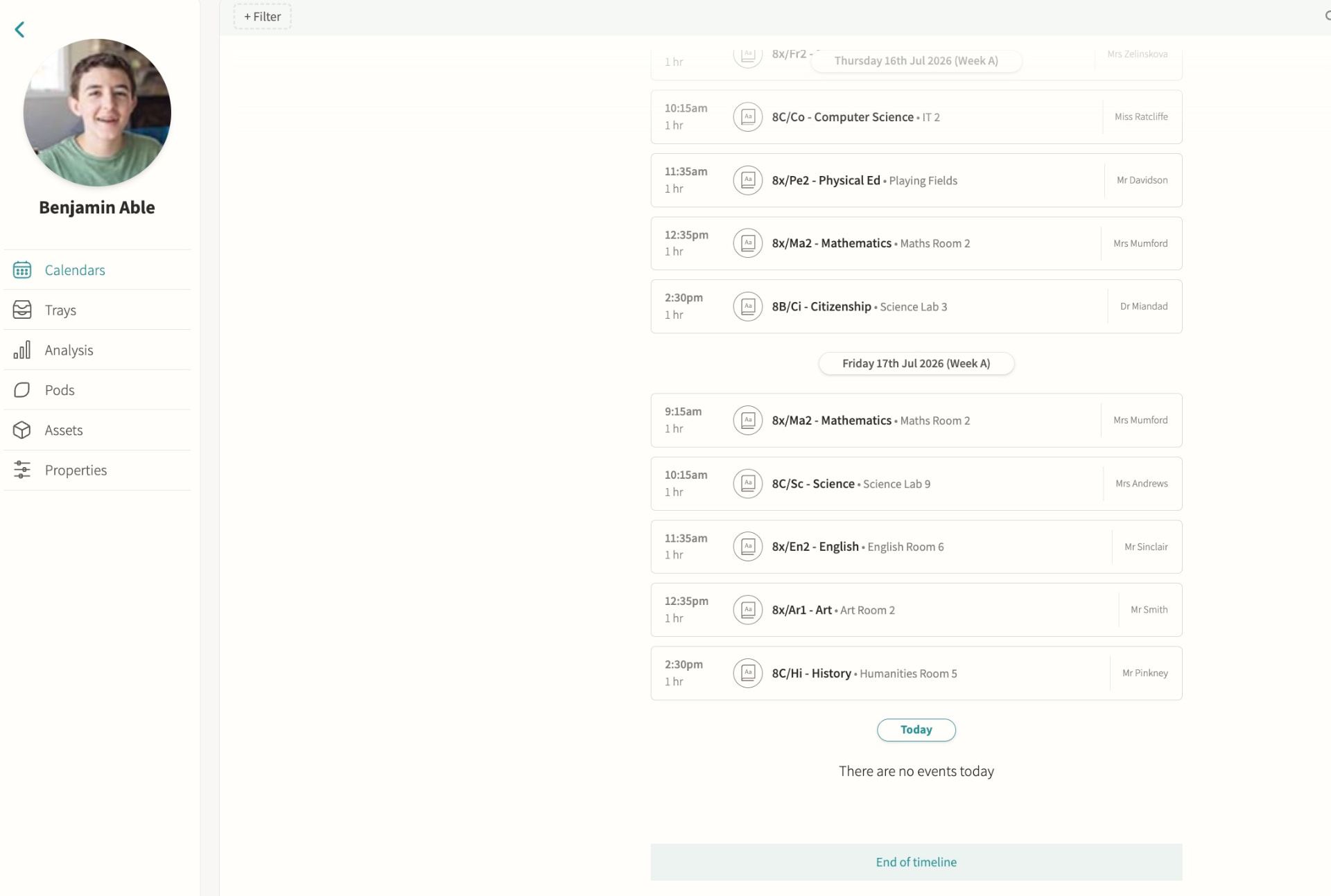
Parent app / portal
Calendars, attendance, reports and messages in one place, so a parent with several children at the school sees everything for every child without switching accounts or logging in separately for each one.
Staff chat
Internal staff-to-staff messaging, scoped to the event, pod or student it concerns rather than a single generic inbox, so a conversation about a trip, a class or a student stays attached to that context and any colleague who needs it can find it later.
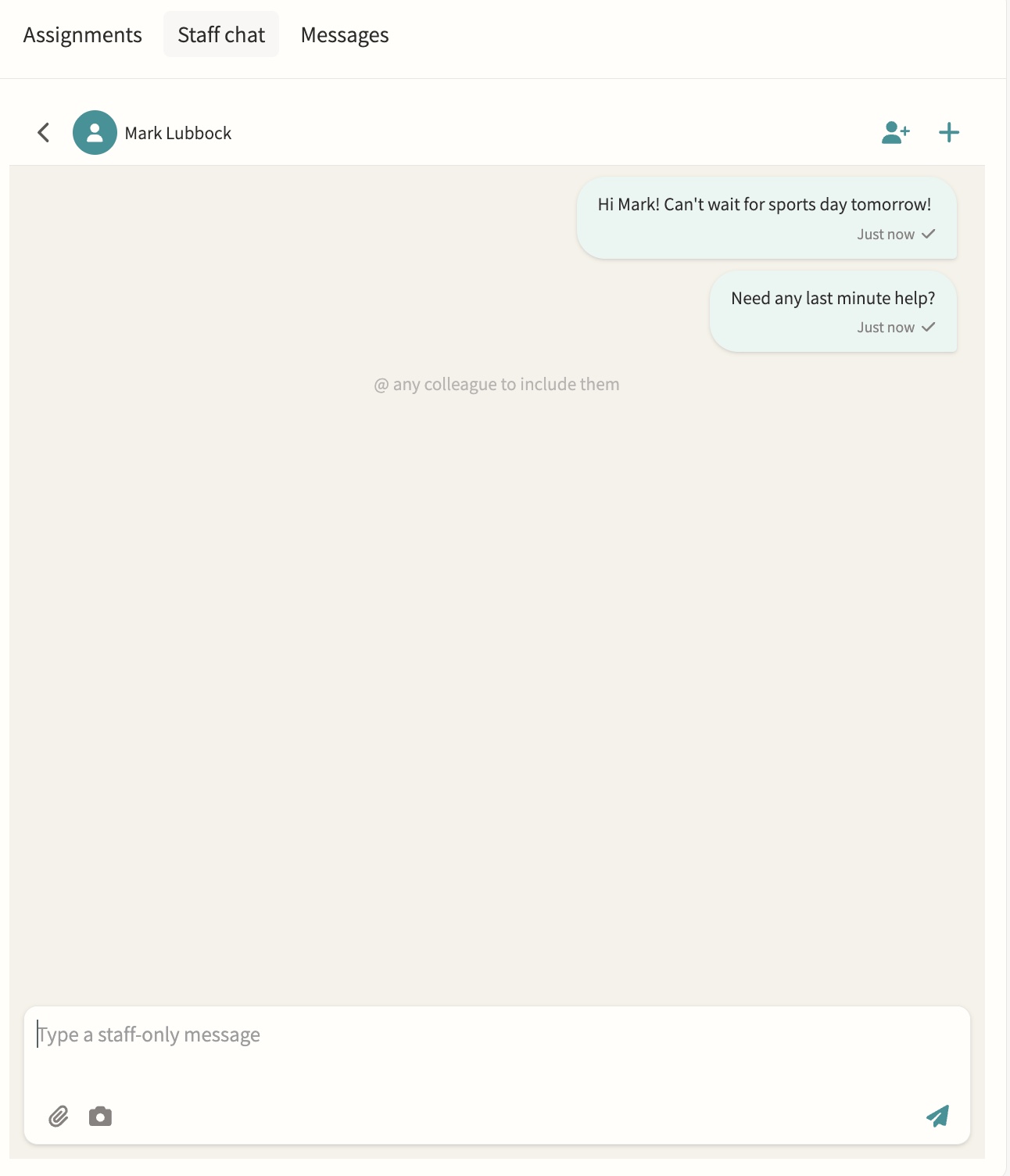
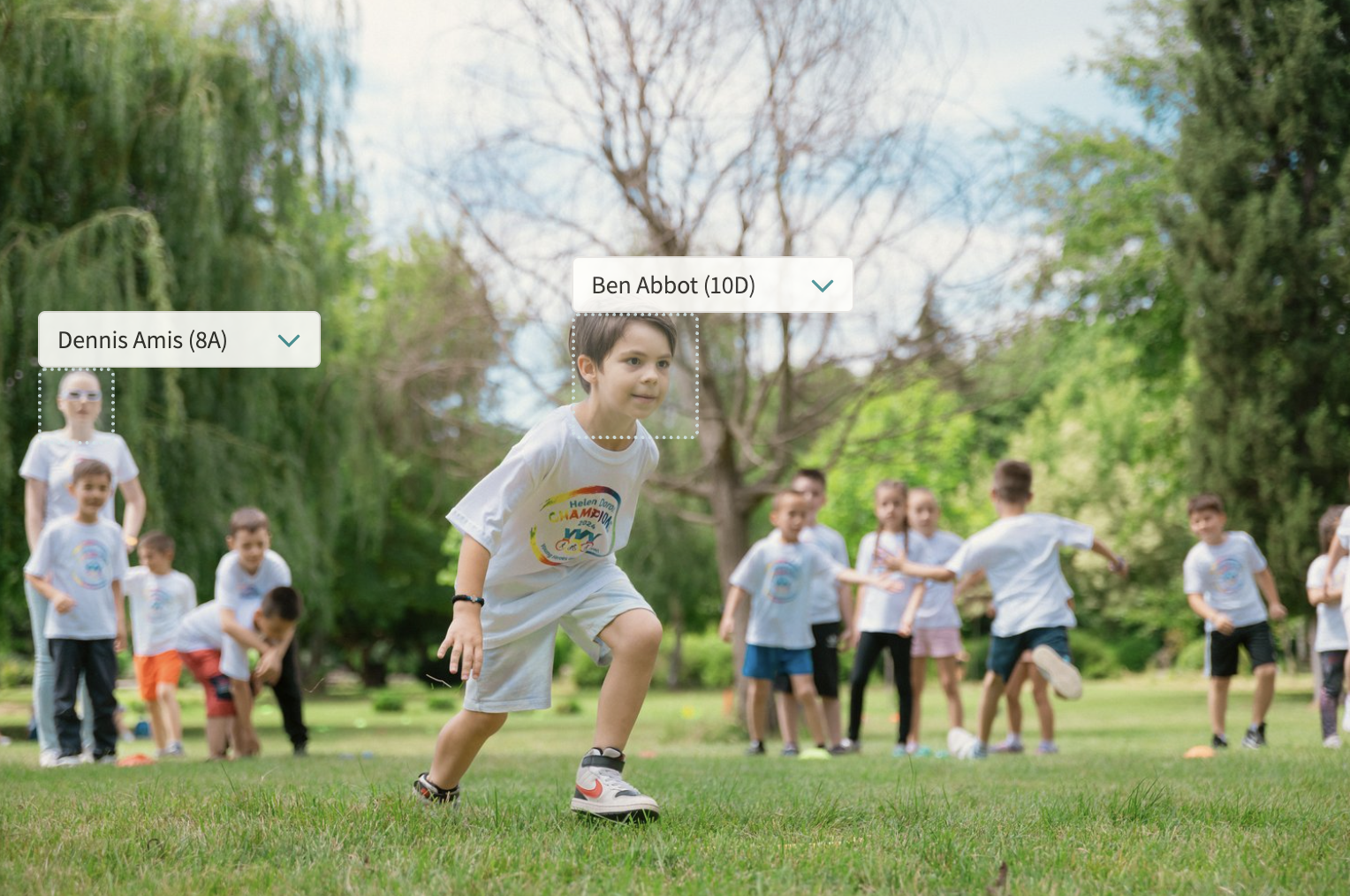
Photo feed
A shared feed for the school community, pulling together every photo uploaded to event notes with automatic face detection so students can be tagged quickly, and consent filters that only surface images for internal or marketing use once every tagged student's photo permission allows it.
Digest emails
Automated clash and event digests showing what's coming, what clashes and who is leaving class, sent to staff on a schedule so a form tutor or head of year can see at a glance which of their students have an overlapping activity or are due out of a lesson, without checking every calendar individually.
03 — Feature area
Data & analytics
Attendance, behaviour, involvement and exam data in interactive dashboards, with AI-generated charts.
When every process shares one record, reporting stops being a project and becomes a screen.
Analysis dashboards
Attendance, behaviour, involvement and exam data in one interactive view. Because MIS, activities and messaging all share one record, dashboards update as events happen rather than needing a separate reporting project, giving leadership and pastoral teams a single, current picture instead of exports stitched together after the fact.
Insights
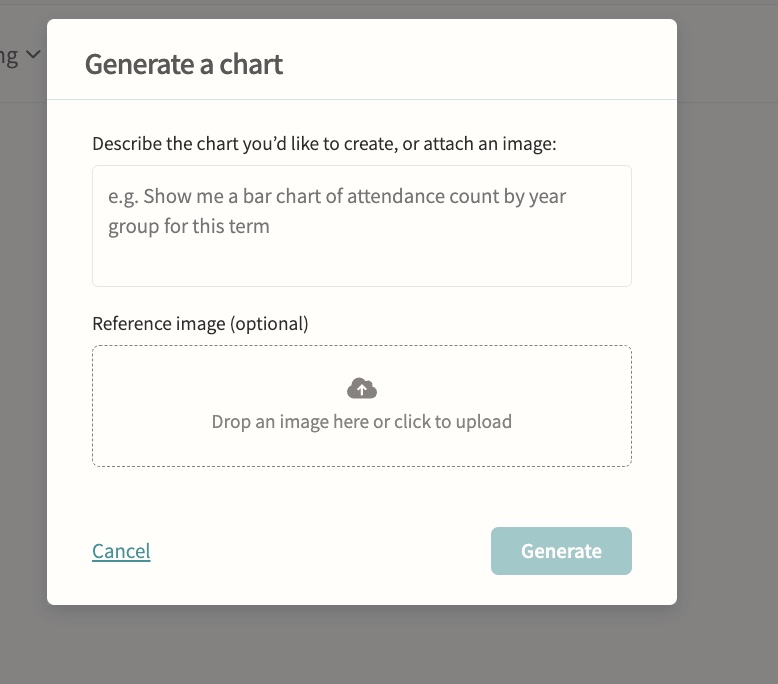
Attendance insights surfaced automatically, plus AI-powered chart generation for ad-hoc analysis. Student-level insights break down attendance by lesson and club and calculate curriculum time missed to clashes with trips, fixtures and other activities, filterable by term and department, so staff can prepare evidence for a parent meeting without building a report from scratch.