Teams · Data & Attendance
For data and attendance teams
Live attendance data you can trust.
Clear oversight, automatic alerting and live dashboards for attendance and safeguarding.
When attendance, assessment and roll data share one model, patterns surface before they become problems.
Relevant feature areas
3 key areas, one unified platform
01 — Feature area
Attendance & safeguarding
Registration in seconds, live dashboards and automatic alerts, and the pastoral record that sits behind it.
Attendance data is only useful if it is complete and fast to record. Involve captures it live and puts the safeguarding context beside it, with strict need-to-know access.
Registration
Teachers mark present, late or absent with a single tap or keyboard shortcut, with movements tracked as students arrive or leave mid-lesson and dismissal recorded for clubs, fixtures and performances. Marks sync back to your MIS automatically, while attendance officers can override codes and dashboards flag overdue registers and unaccounted students in real time.
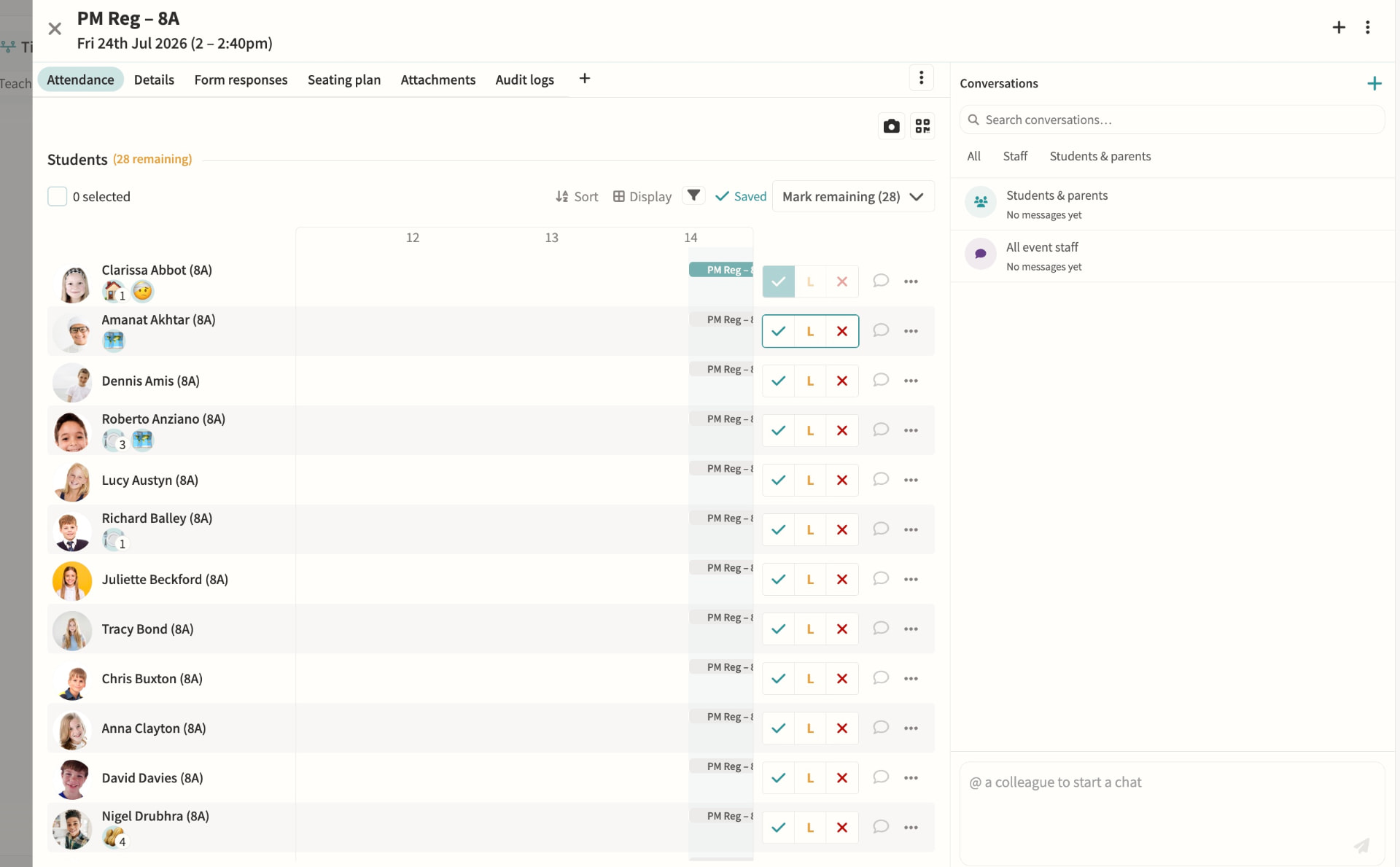
Attendance dashboards & monitoring
Attendance officers get a single view of incomplete registers, unaccounted students and unexplained absences, colour-coded by urgency and updating live through the school day. Filters by year group, house, session and attendance code make it quick to spot patterns, resolve a mark or message affected parents directly from the dashboard.
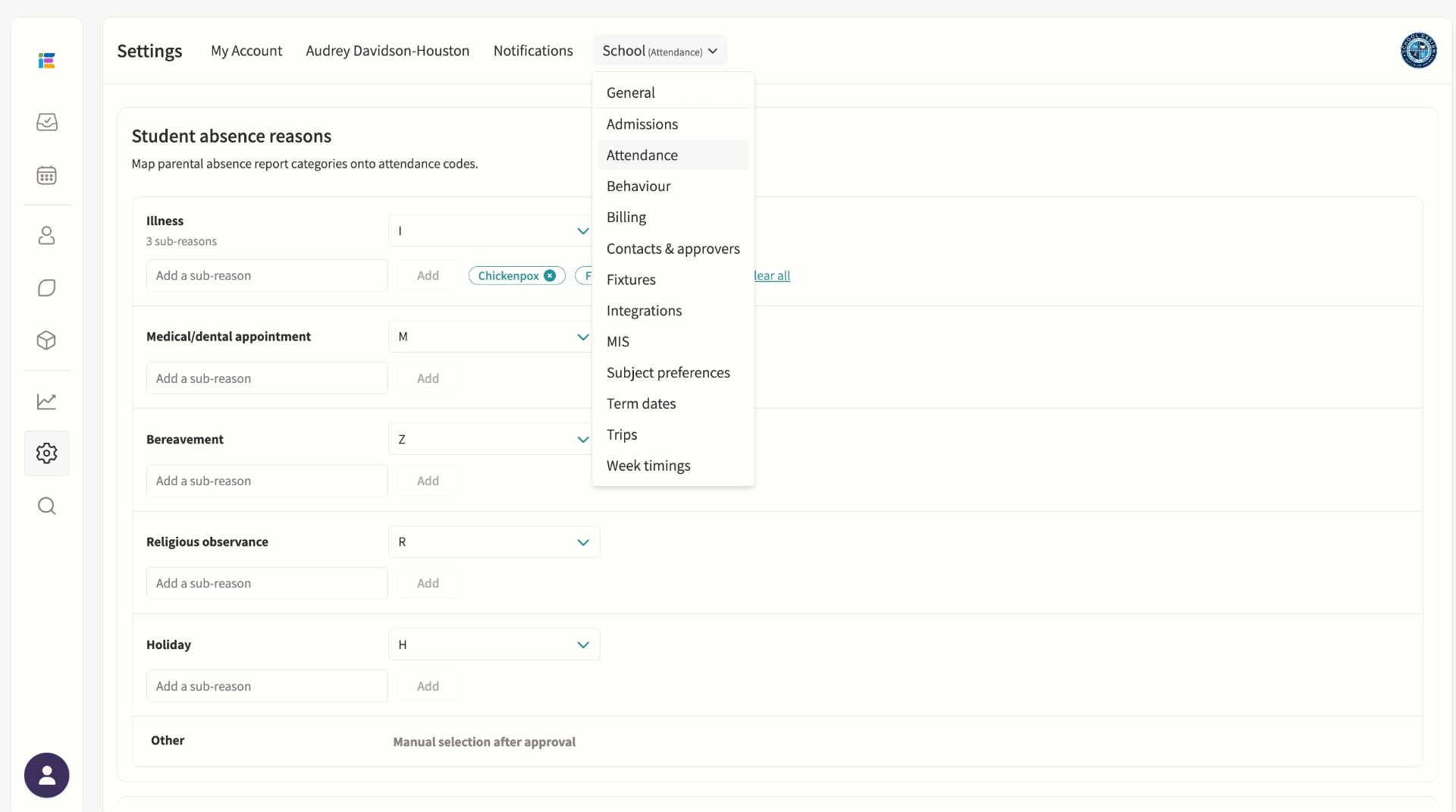
Student absence
Parents submit absence requests with a reason and optional subcategory, which staff on the absence pod can approve or decline with a note sent straight back to the family. Once published, the absence writes the correct attendance code to every overlapping lesson and register, including recurring patterns for known ongoing appointments.
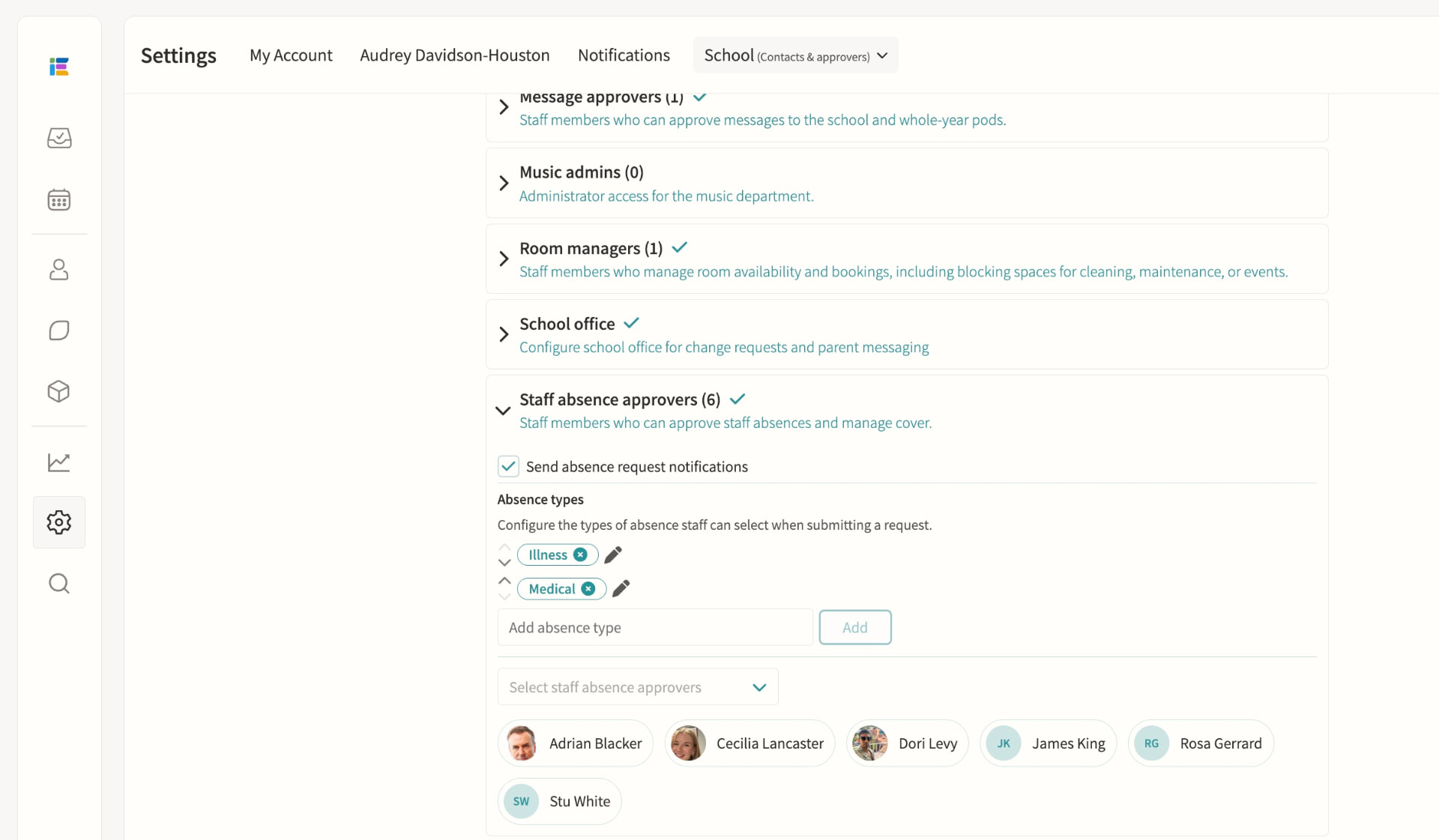
Staff absence & cover management
Staff submit leave requests for approval by staff absence officers, who are automatically routed by division so each team only sees relevant cases. Once approved, cover can be assigned from a ranked list showing each teacher's availability, weekly and yearly utilisation and when they last covered, including split cover across time segments for longer events.
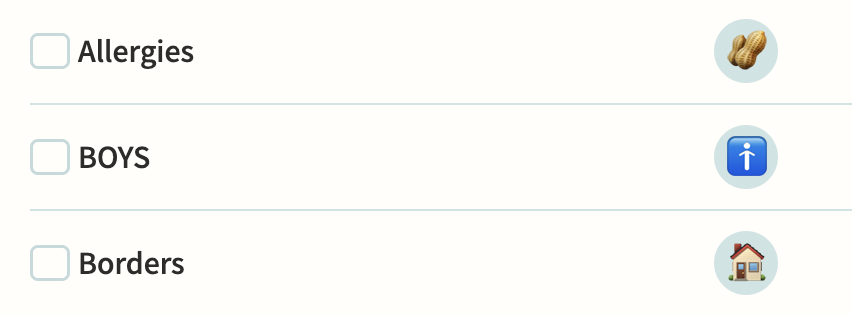
Tag pods, including SEND
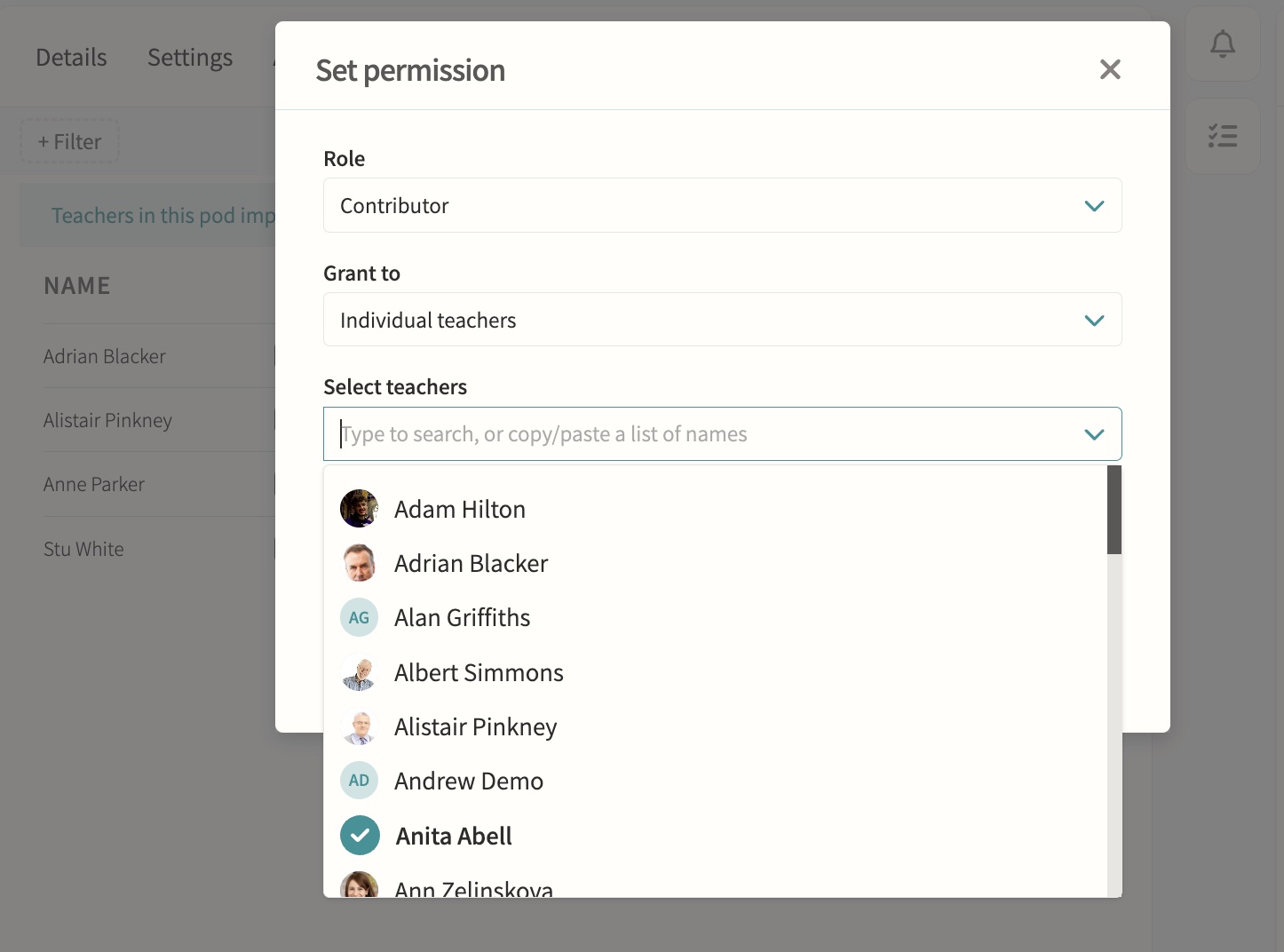
Tag pods flag shared attributes such as SEND, EAL or Pupil Premium, some synced automatically from your MIS, and can carry multiple attributes with their own levels and note history. Enable "Show in registers" so teachers see the relevant tags beside each student, and use tags to control eligibility for clubs or to target notifications to form tutors and heads of year.
Behaviour
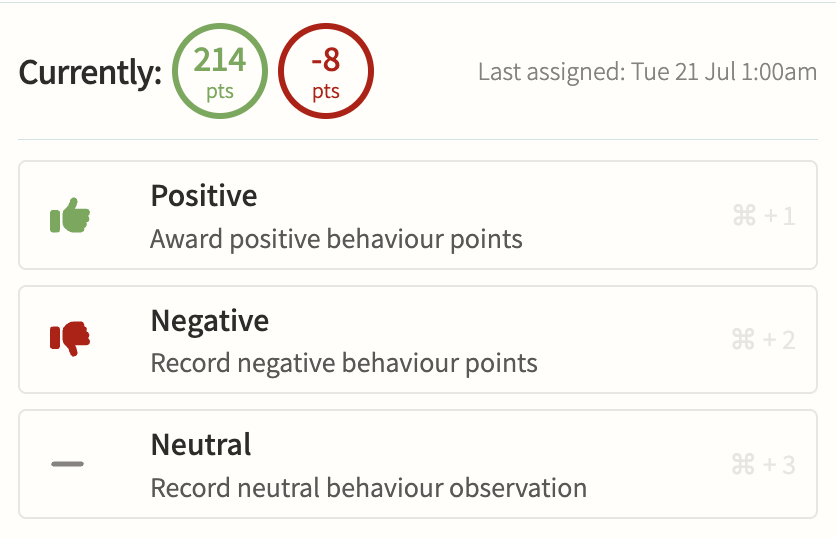
Record positive, negative and neutral behaviour points against a tag, score and optional note, with internal-only tags kept hidden from parents while still alerting safeguarding staff instantly when a serious tag is used. Points can trigger threshold alerts, link straight to a detention, and roll up into per-student and per-group reports for spotting patterns over a term.
Detentions
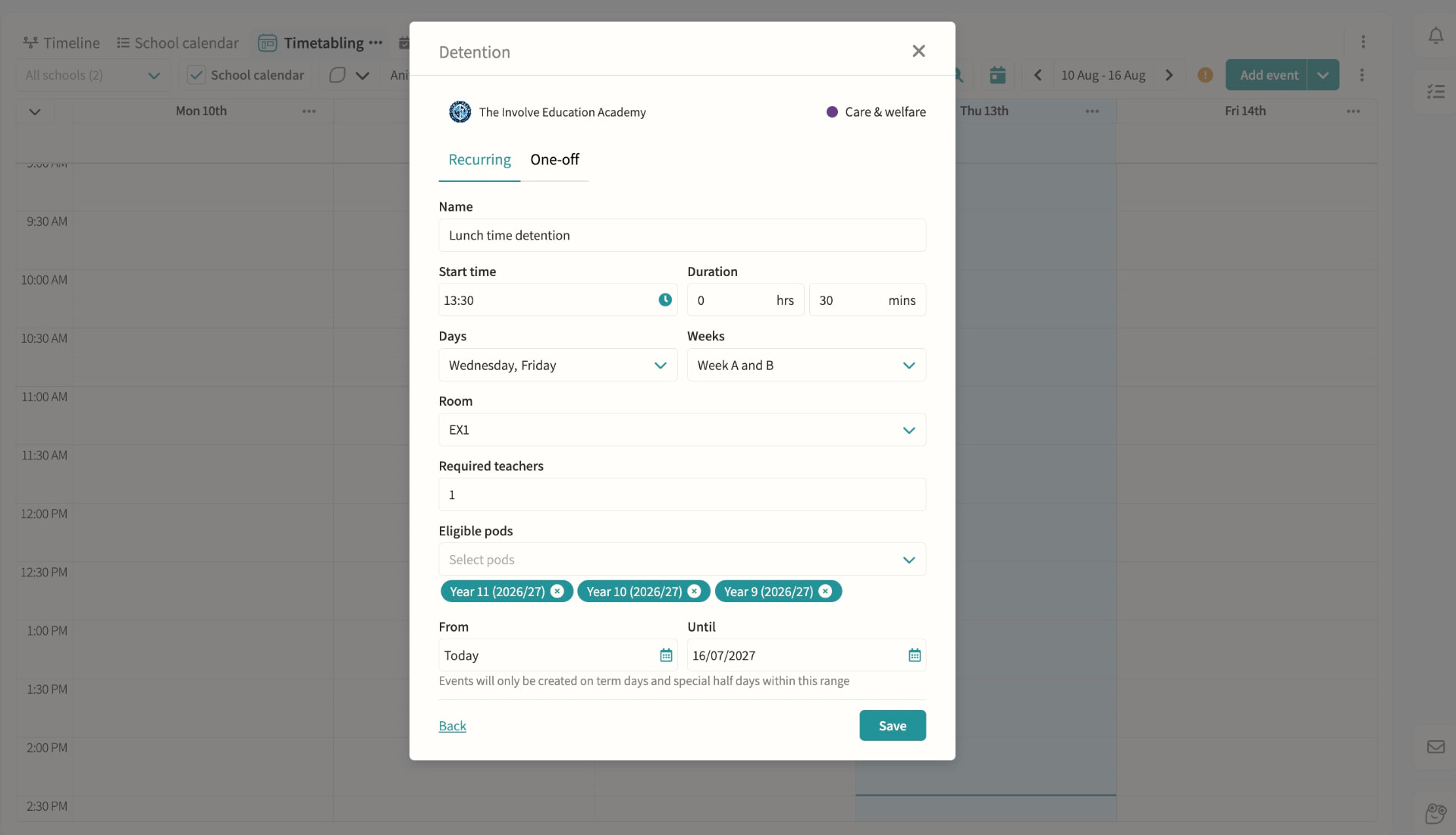
Create recurring or one-off detentions with a room and supervising staff, then add students manually, by pod, or straight from a behaviour record with automatic clash checking against their other commitments. Parents and students are notified with the reason, and attendance at the detention itself is tracked alongside cover if the supervisor is unavailable.
On-call requests
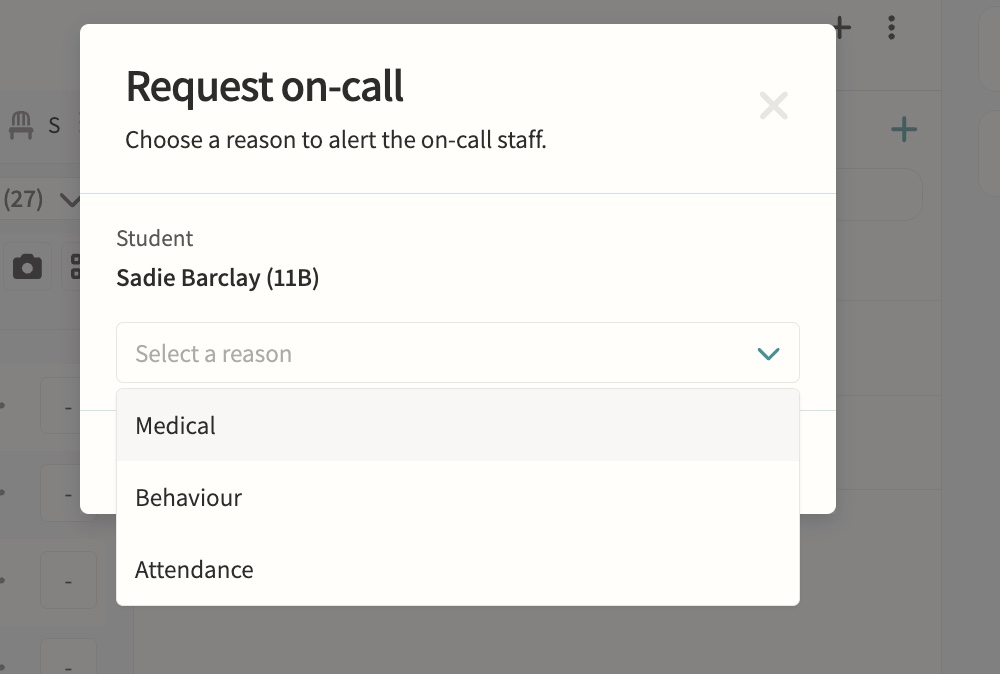
Teachers request medical, behaviour or attendance support during lessons directly from the register or seating plan.
Fire alarms
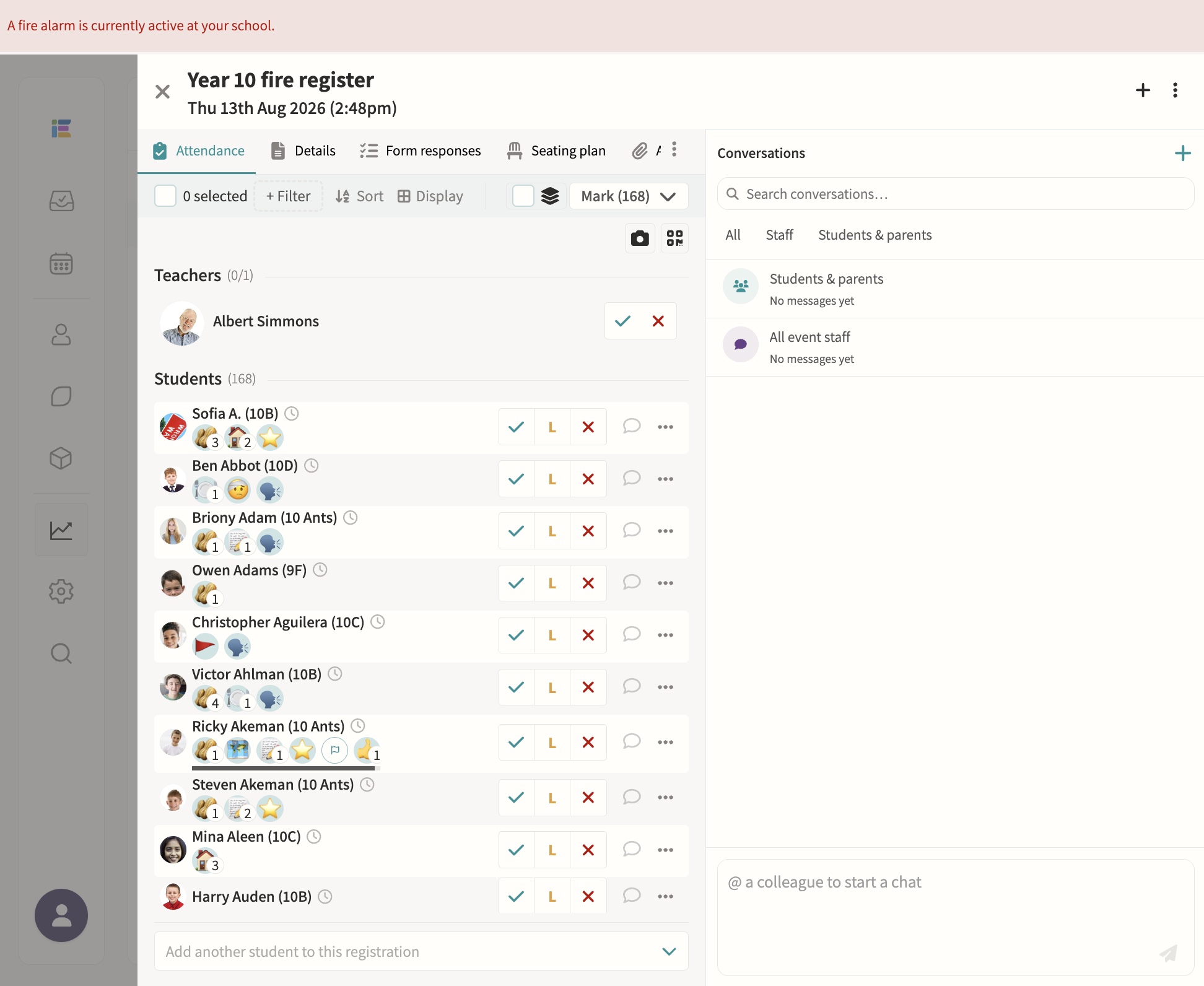
Starting a fire alarm bulk-creates roll-call registers for every pod and notifies the assigned teachers instantly, with a live dashboard showing who's present, absent or off-site, refreshing automatically until the register is complete. Blank registers can be printed at any time for backup, and every past alarm is kept with full completion times for review.
Safeguarding record keeping
Secure notes and records with access controls.
02 — Feature area
Data & analytics
Attendance, behaviour, involvement and exam data in interactive dashboards, with AI-generated charts.
When every process shares one record, reporting stops being a project and becomes a screen.
Analysis dashboards
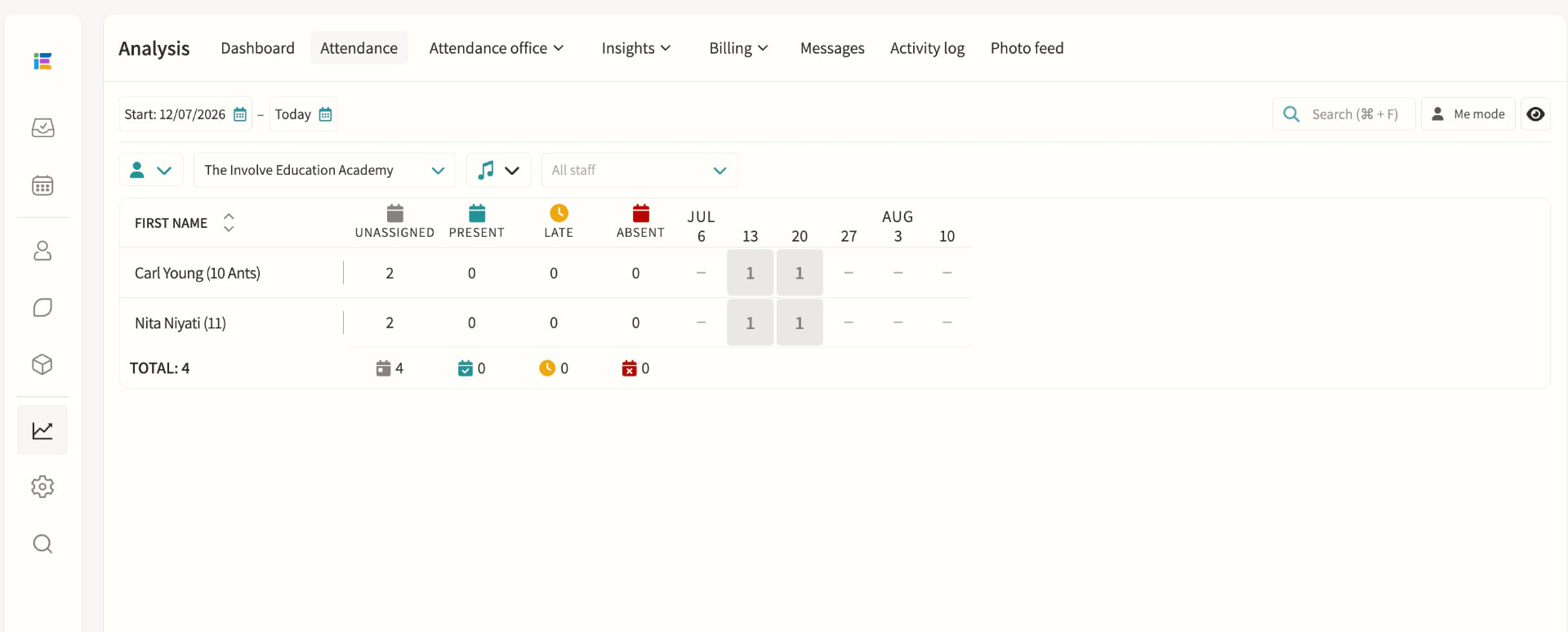
Attendance, behaviour, involvement and exam data in one interactive view. Because MIS, activities and messaging all share one record, dashboards update as events happen rather than needing a separate reporting project, giving leadership and pastoral teams a single, current picture instead of exports stitched together after the fact.
Insights
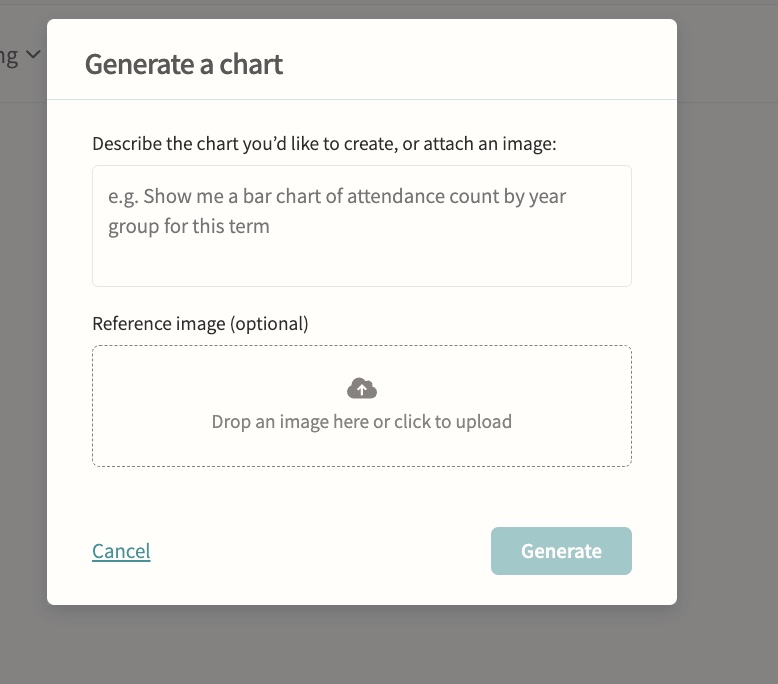
Attendance insights surfaced automatically, plus AI-powered chart generation for ad-hoc analysis. Student-level insights break down attendance by lesson and club and calculate curriculum time missed to clashes with trips, fixtures and other activities, filterable by term and department, so staff can prepare evidence for a parent meeting without building a report from scratch.
03 — Feature area
Integrations
Direct, maintained connections to your MIS, sports and finance systems so data arrives once and stays right.
Involve sits on top of the systems you already run. Sync is two-way where it matters and audited throughout, configured in School Settings rather than a consultancy project.
MIS integration
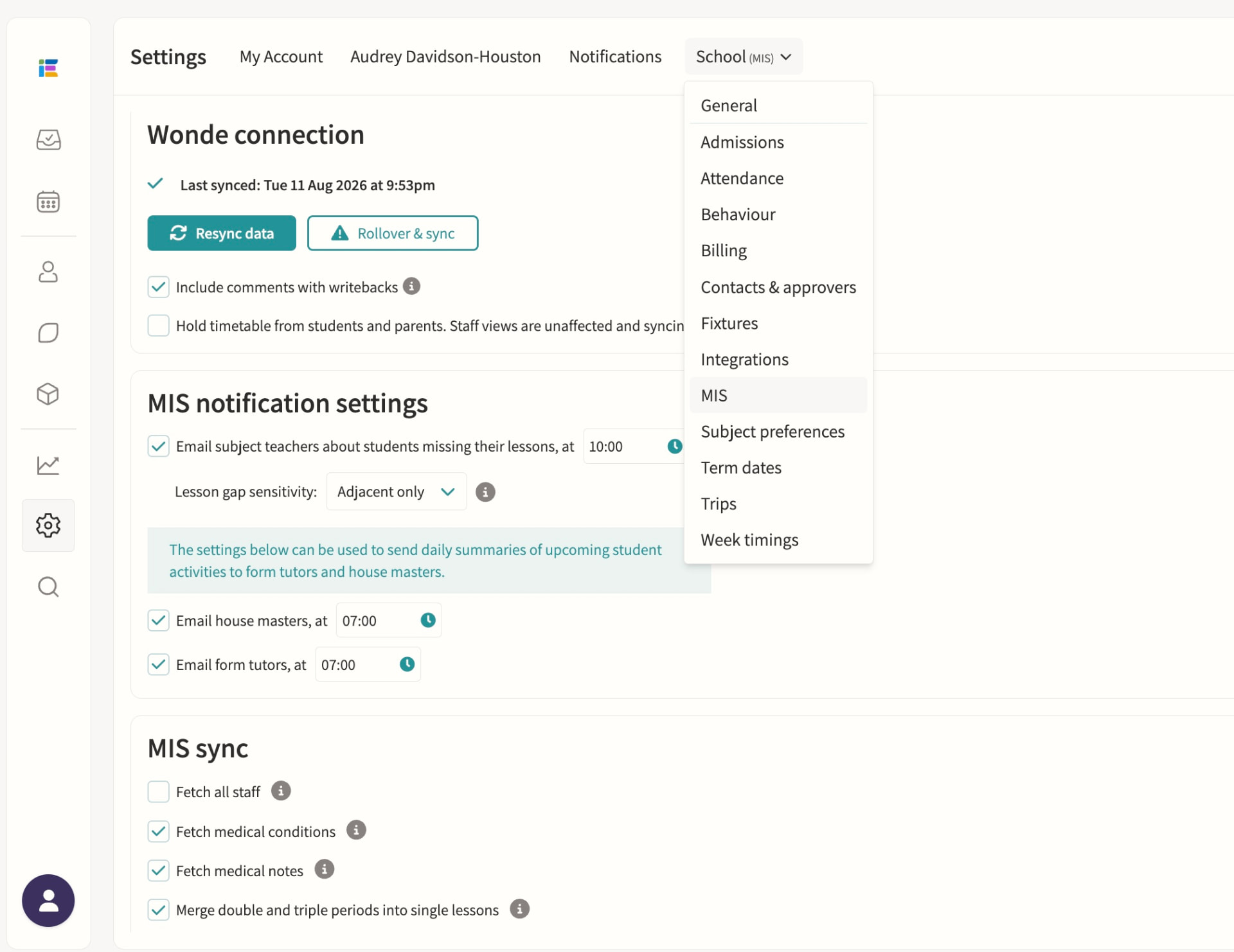
Direct integrations with iSAMS, Arbor, Bromcom and Wonde for syncing classes, students, staff, attendance, exams and reports. Wonde-connected schools get a daily overnight sync of students, staff, classes, timetables, groups and photos, with a manual resync available and academic-year rollover handled from School Settings; iSAMS, Arbor and Bromcom direct integrations add real-time attendance writeback so co-curricular attendance reaches the MIS without a second entry.
SOCS integration
Sports fixtures integration for opposition, venue and student list sync. Fixtures import automatically once a day for the rest of the academic year, matching teams, students and venues by ID and name; School Portal schools keep control of displayed timings in Involve while auto-updating date, location, result and team sheet, and teachers are notified whenever SOCS flags a change that needs review.
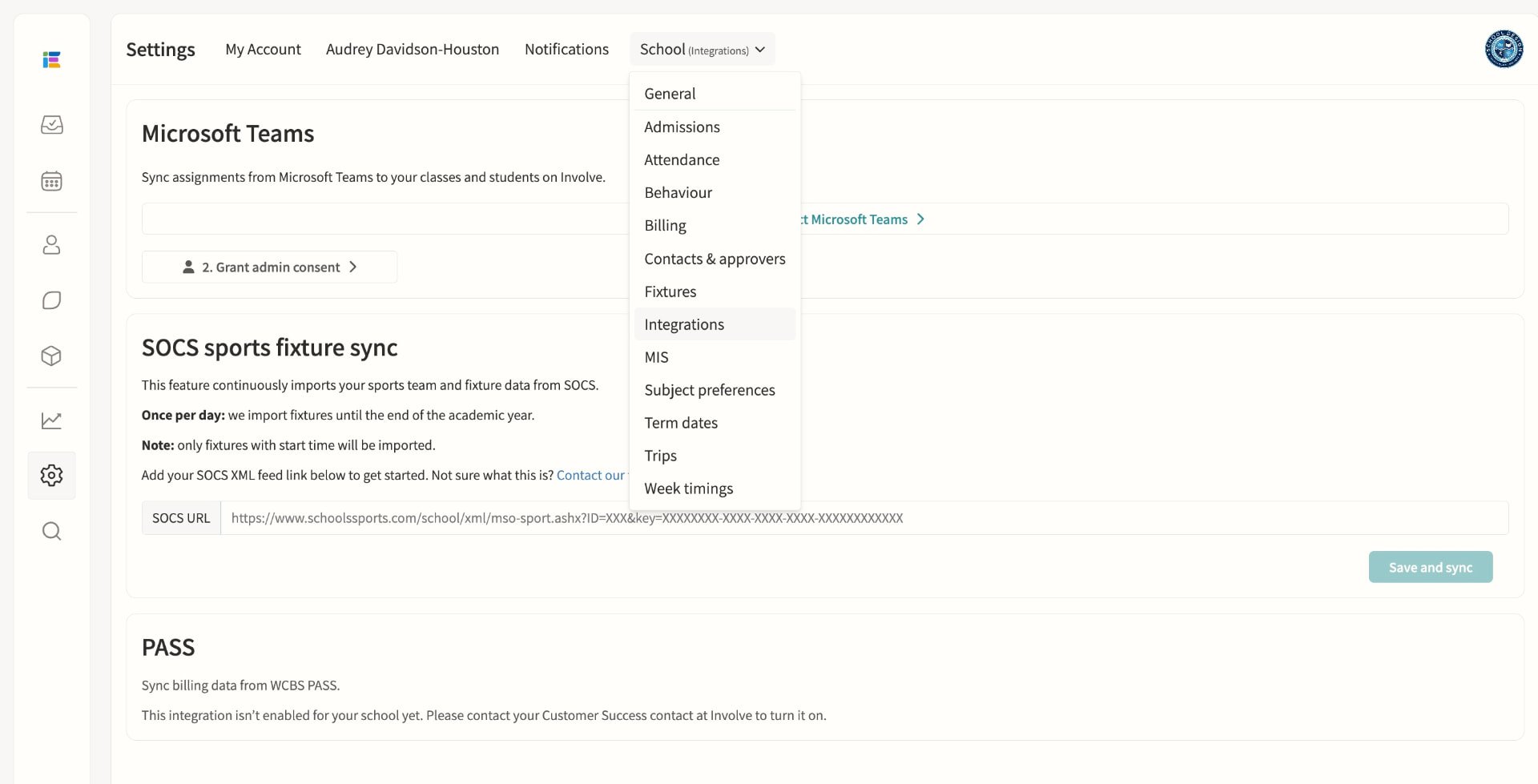
Billing integration (PASS/WCBS)
Syncs billing data from WCBS PASS. Monthly bill documents are collected automatically and grouped into one file distribution per month, each bill matched to a student by MIS identifier and shared only with the parents whose recorded email addresses match, ready for an administrator to publish once reviewed. If the integration is not enabled for your school, staff see a clear in-product message to contact their Customer Success contact at Involve to turn it on.