Teams · Finance
For finance teams
Billing for school extras that reconciles itself.
Finance teams lose weeks to exports between the MIS and the finance bolt-on. Involve removes the export.
Relevant feature areas
2 key areas, one unified platform
01 — Feature area
Integrations
Direct, maintained connections to your MIS, sports and finance systems so data arrives once and stays right.
Involve sits on top of the systems you already run. Sync is two-way where it matters and audited throughout, configured in School Settings rather than a consultancy project.
MIS integration
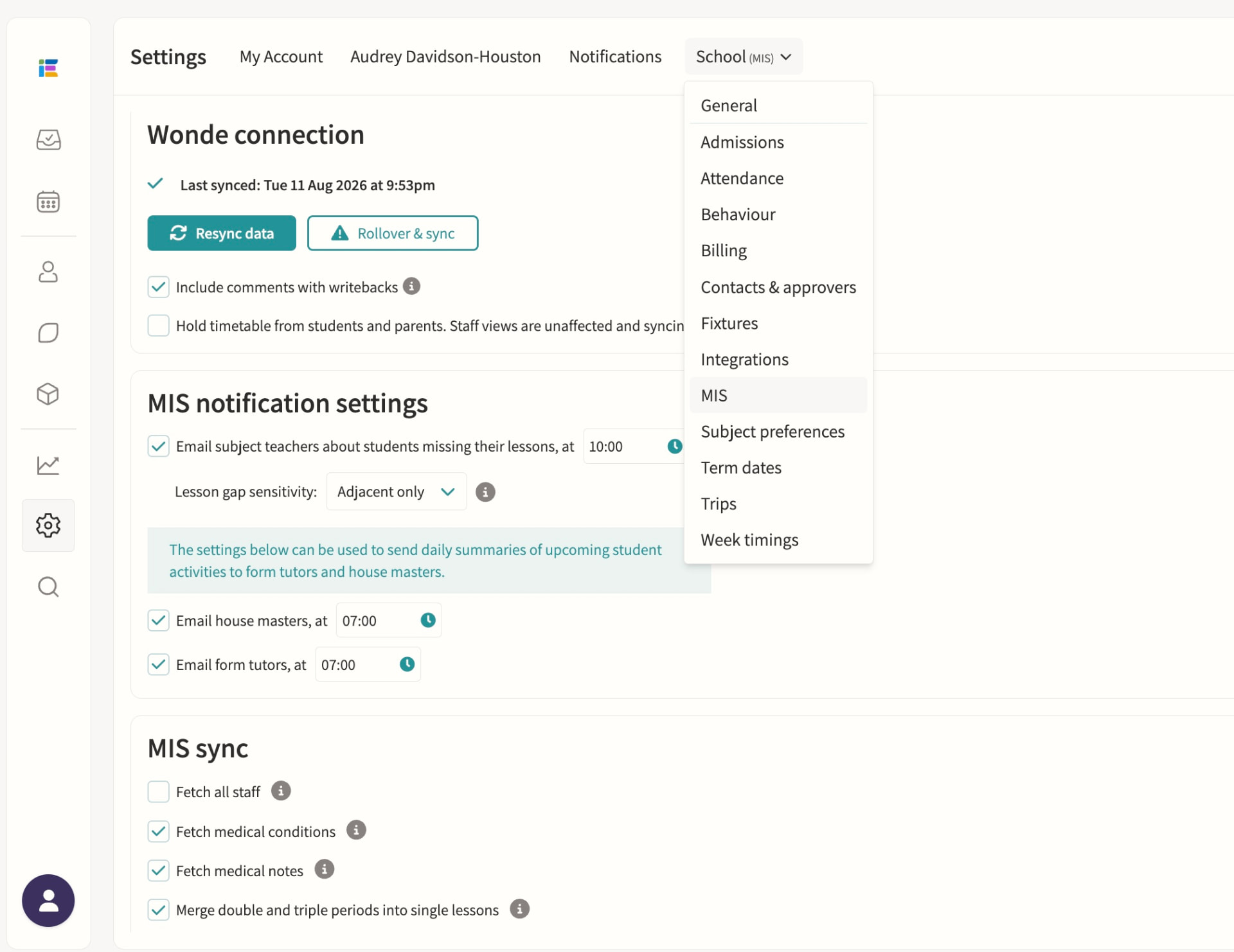
Direct integrations with iSAMS, Arbor, Bromcom and Wonde for syncing classes, students, staff, attendance, exams and reports. Wonde-connected schools get a daily overnight sync of students, staff, classes, timetables, groups and photos, with a manual resync available and academic-year rollover handled from School Settings; iSAMS, Arbor and Bromcom direct integrations add real-time attendance writeback so co-curricular attendance reaches the MIS without a second entry.
SOCS integration
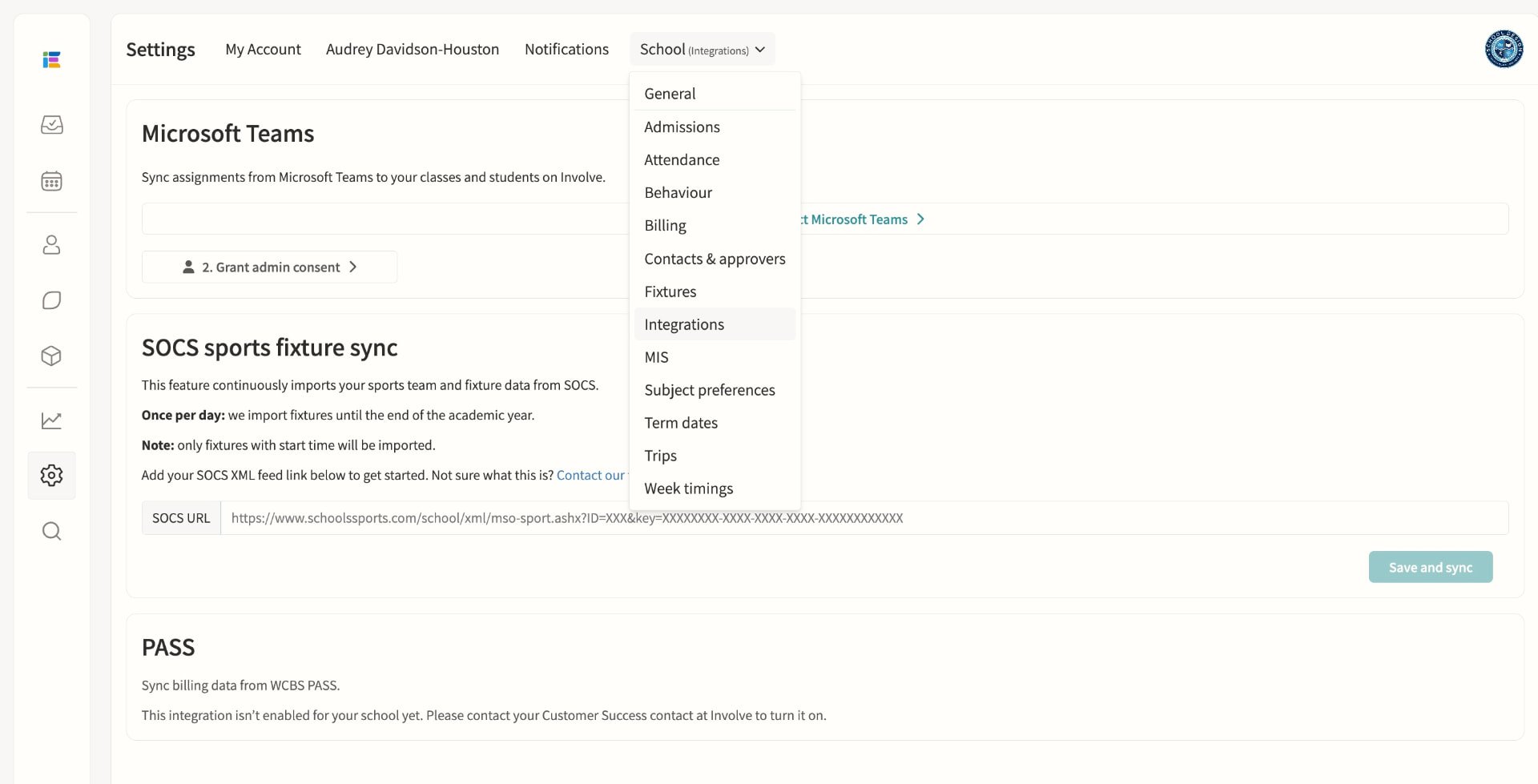
Sports fixtures integration for opposition, venue and student list sync. Fixtures import automatically once a day for the rest of the academic year, matching teams, students and venues by ID and name; School Portal schools keep control of displayed timings in Involve while auto-updating date, location, result and team sheet, and teachers are notified whenever SOCS flags a change that needs review.
Billing integration (PASS/WCBS)
Syncs billing data from WCBS PASS. Monthly bill documents are collected automatically and grouped into one file distribution per month, each bill matched to a student by MIS identifier and shared only with the parents whose recorded email addresses match, ready for an administrator to publish once reviewed. If the integration is not enabled for your school, staff see a clear in-product message to contact their Customer Success contact at Involve to turn it on.
02 — Feature area
Co-curricular & activities
Clubs, music, fixtures, trips and support lessons managed with the same rigour as the academic timetable.
Co-curricular is where schools differentiate and where modular systems give up. Here it shares the timetable, the consent forms and the payment rails.
Clubs
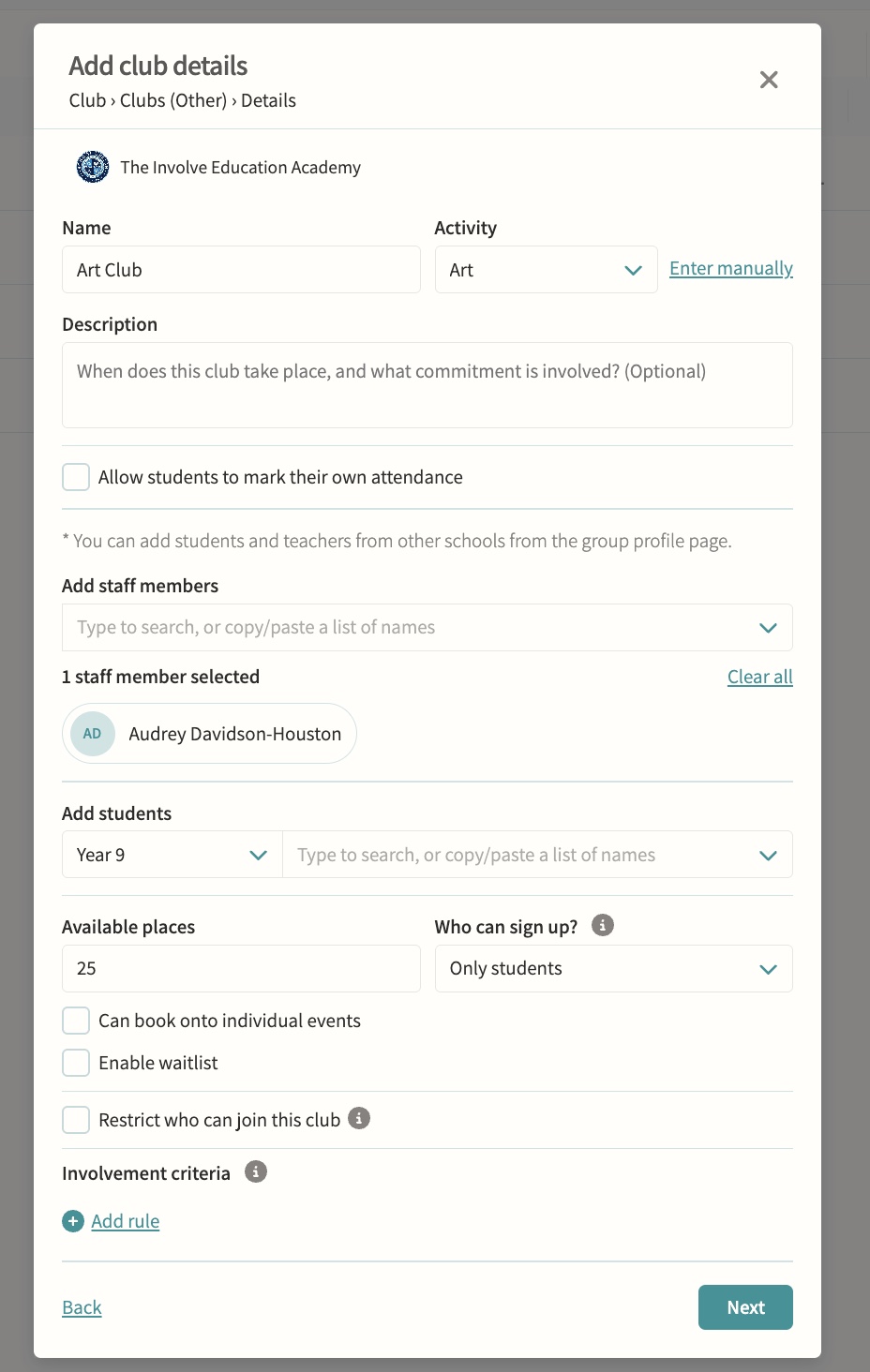
Self-signup with eligibility checks, capacity limits and approval controls. Available places, who can sign up, single-session booking, allowed and excluded pods, and reserved involvement criteria are all configurable, and a waitlist can queue interested students automatically when a club is full or a sign-up window closes.
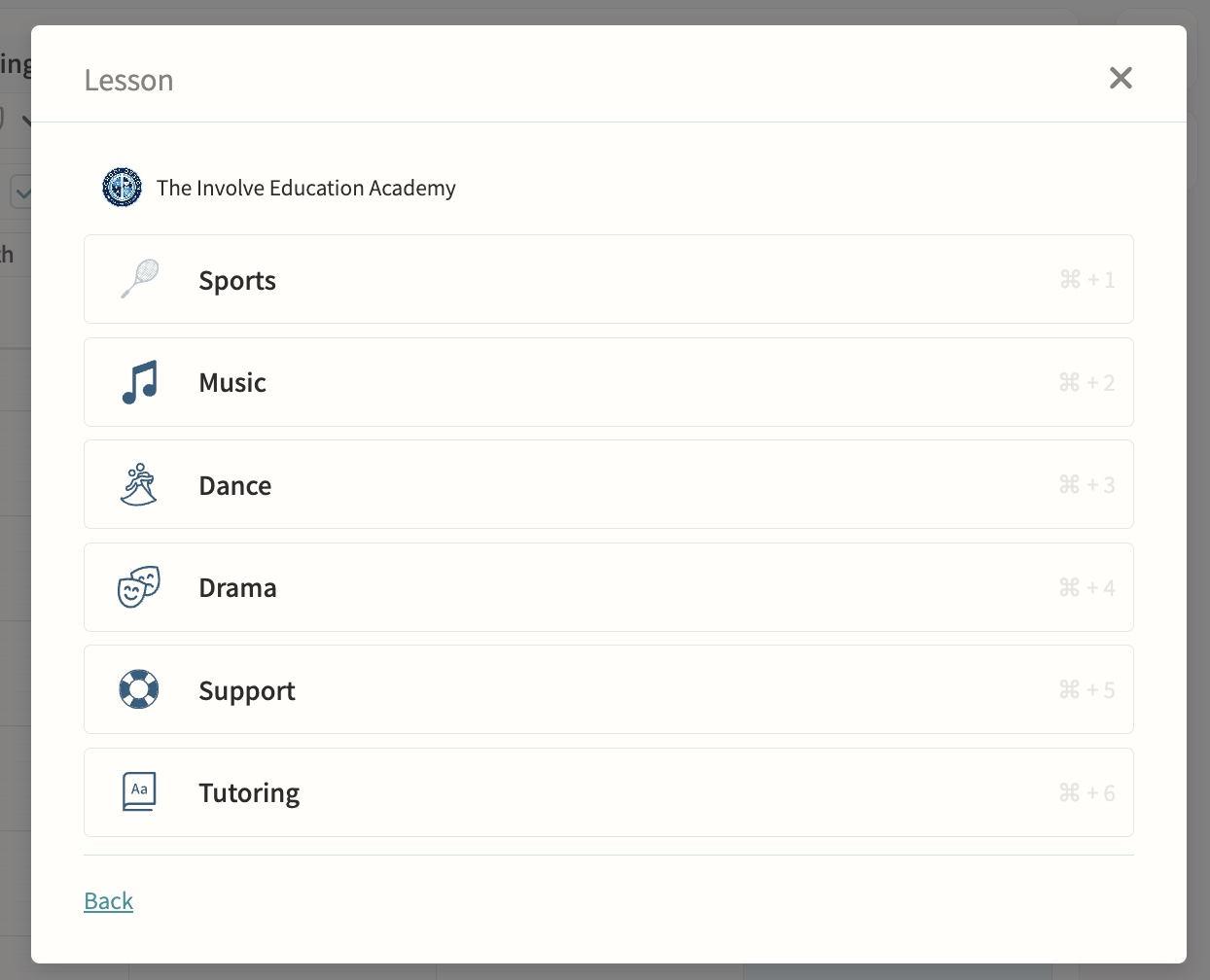
Music lessons, dance and drama
One-to-one and small-group teaching sessions sit alongside clubs and lessons on the same calendar, with lesson length set automatically from the teacher's default or the school's default and adjustable per session. Peripatetic teachers are assigned automatically, and music admin staff can be notified of any changes or clashes against visiting lessons.
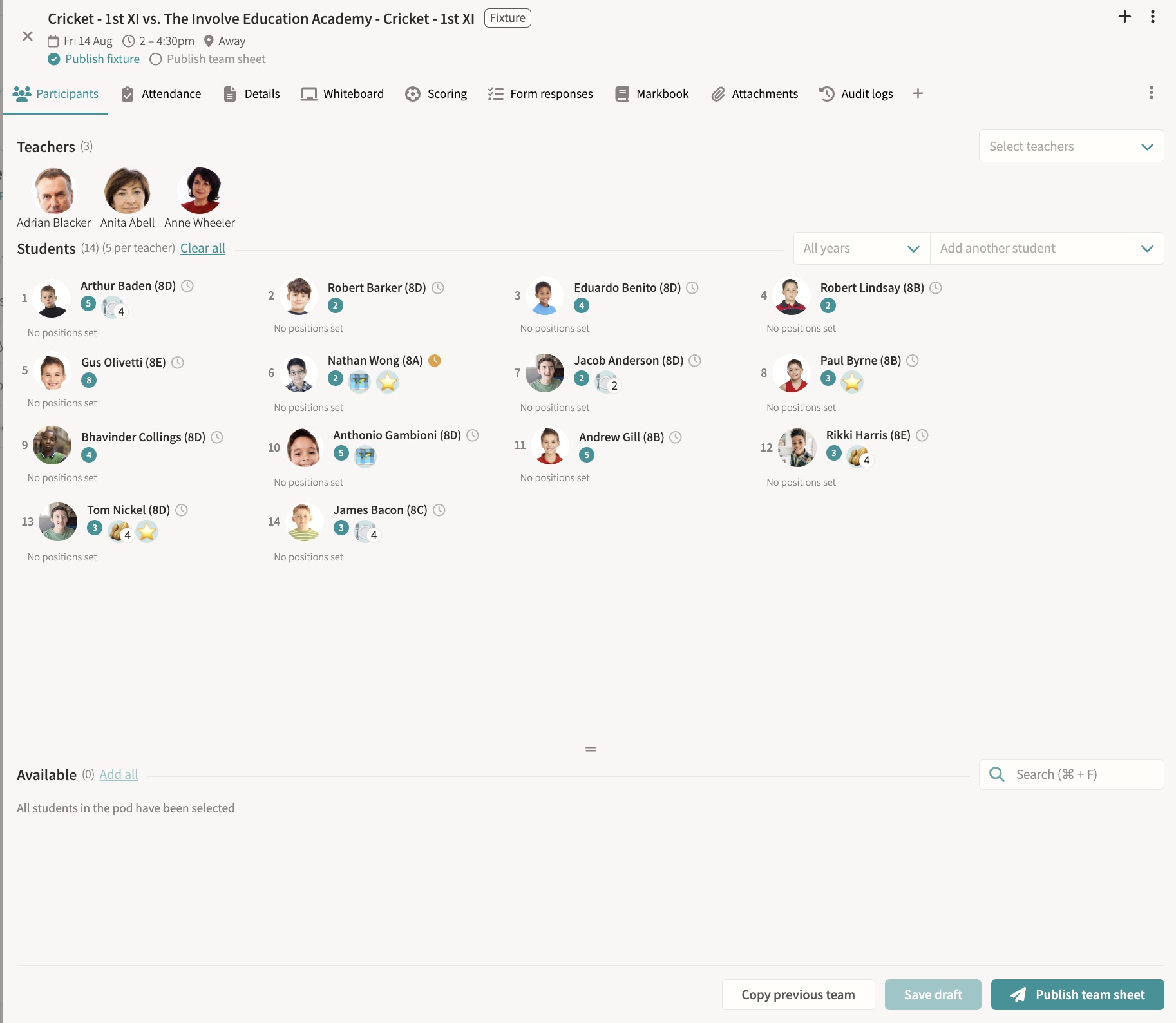
Fixtures & squads
Team selection, results, team sheets and fixture packs, SOCS sync, attendance and consent, bulk cancellation, a tactics whiteboard, and results feeding straight to digital signage. Students can be marked off games for a set period or indefinitely, so no one accidentally selects them for a fixture or training during that time. Draft team sheets block students for clash detection without notifying them until published, live scoring and a shareable public score link keep parents updated in real time, and SOCS-fed fixtures flag timing changes for staff review rather than overwriting them silently.
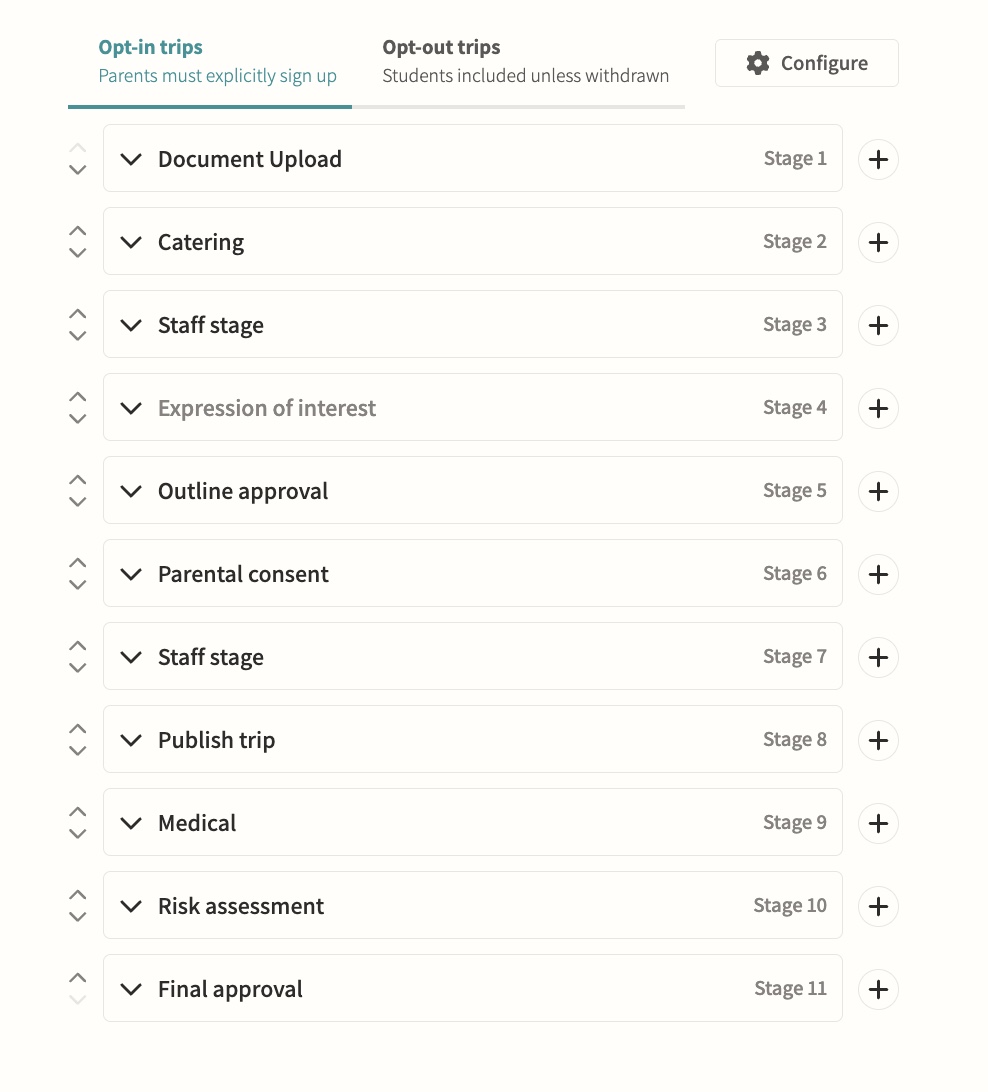
Trips
End-to-end planning including parental consent and risk assessments. Configurable opt-in or opt-out workflows move a trip through teacher, parent and publish stages with named approvers, and consent can drive attendance automatically so a parent's response adds or removes their child from the attending list without manual admin.
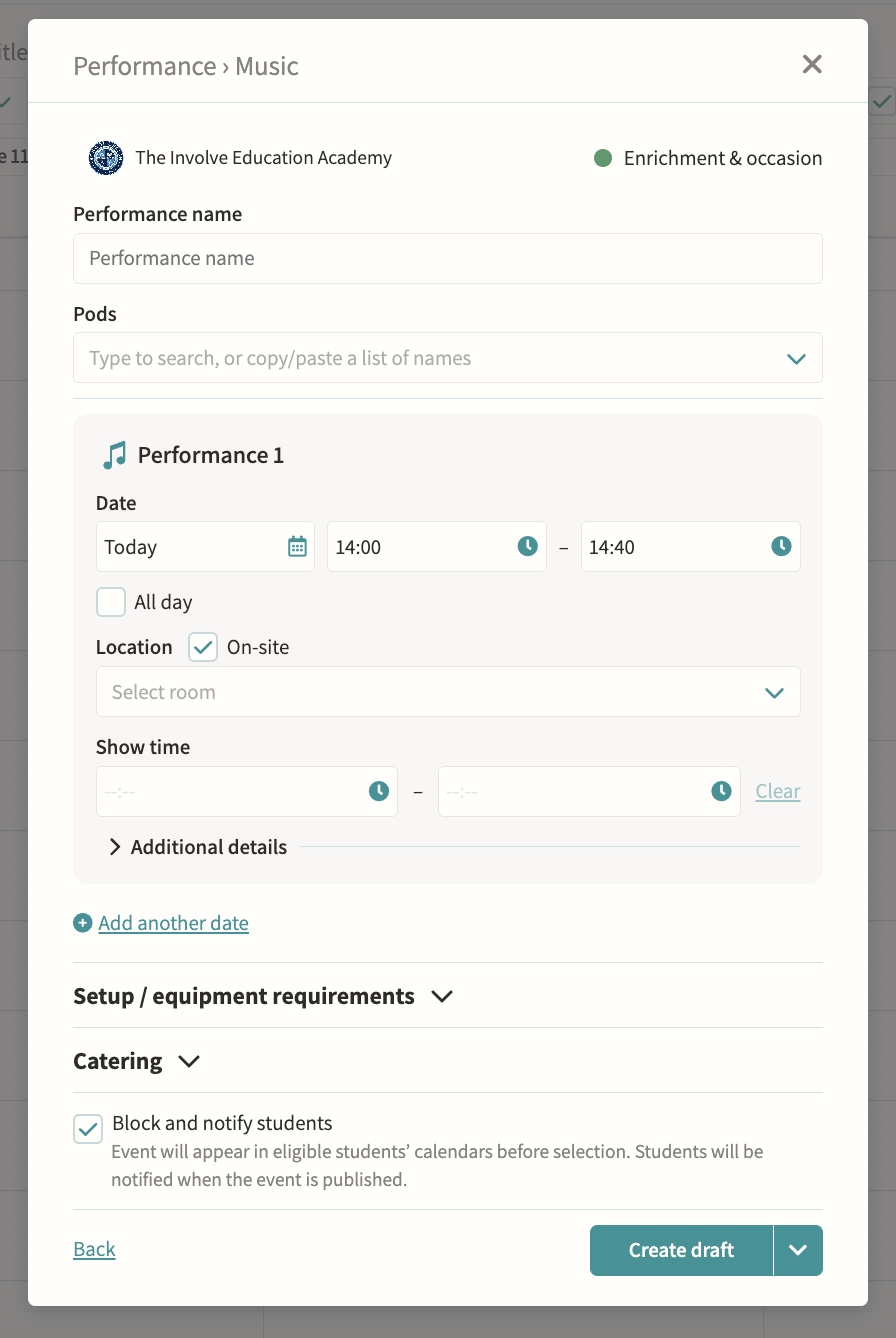
Support lessons & performances
Additional lesson types and school performances. Performances support multiple dates, on-site or off-site venues, and a separate show time shown to parents distinct from the get-in and pack-down window, with year group and form group pods addable alongside music, drama and dance pods.
Payments
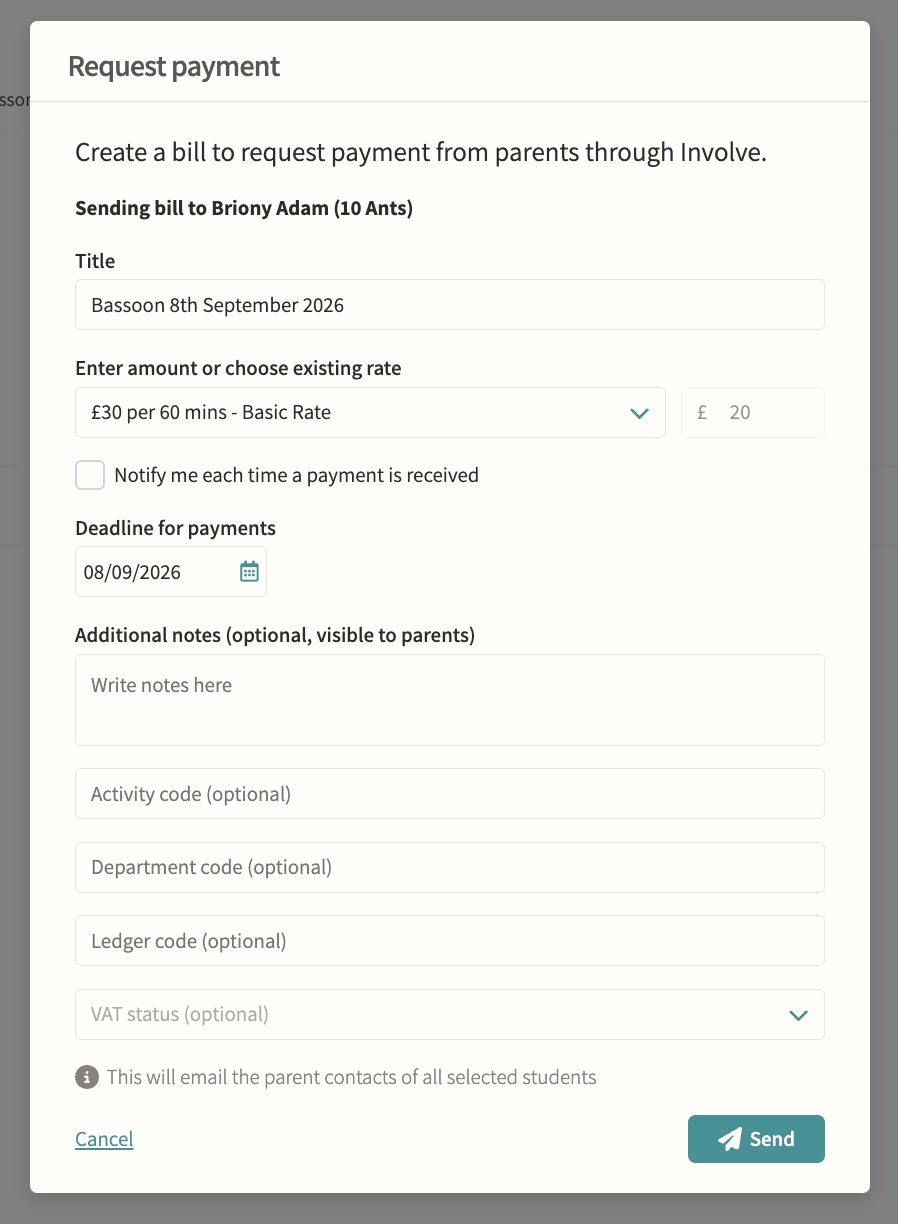
Rates, invoices and payments for clubs, care and trips. Parents pay securely inside Involve, amounts can be calculated automatically from configured billing rates and event duration, and staff can track due, paid, refunded and void status, resend reminders or void a request with an internal note.