Teams · Co-curricular
For co-curricular teams
Everything beyond the classroom, properly recorded.
Clubs, trips, sports, music and more, in one place.
Co-curricular is where schools differentiate and where systems usually give up. Not here.
Relevant feature areas
3 key areas, one unified platform
01 — Feature area
Co-curricular & activities
Clubs, music, fixtures, trips and support lessons managed with the same rigour as the academic timetable.
Co-curricular is where schools differentiate and where modular systems give up. Here it shares the timetable, the consent forms and the payment rails.
Clubs
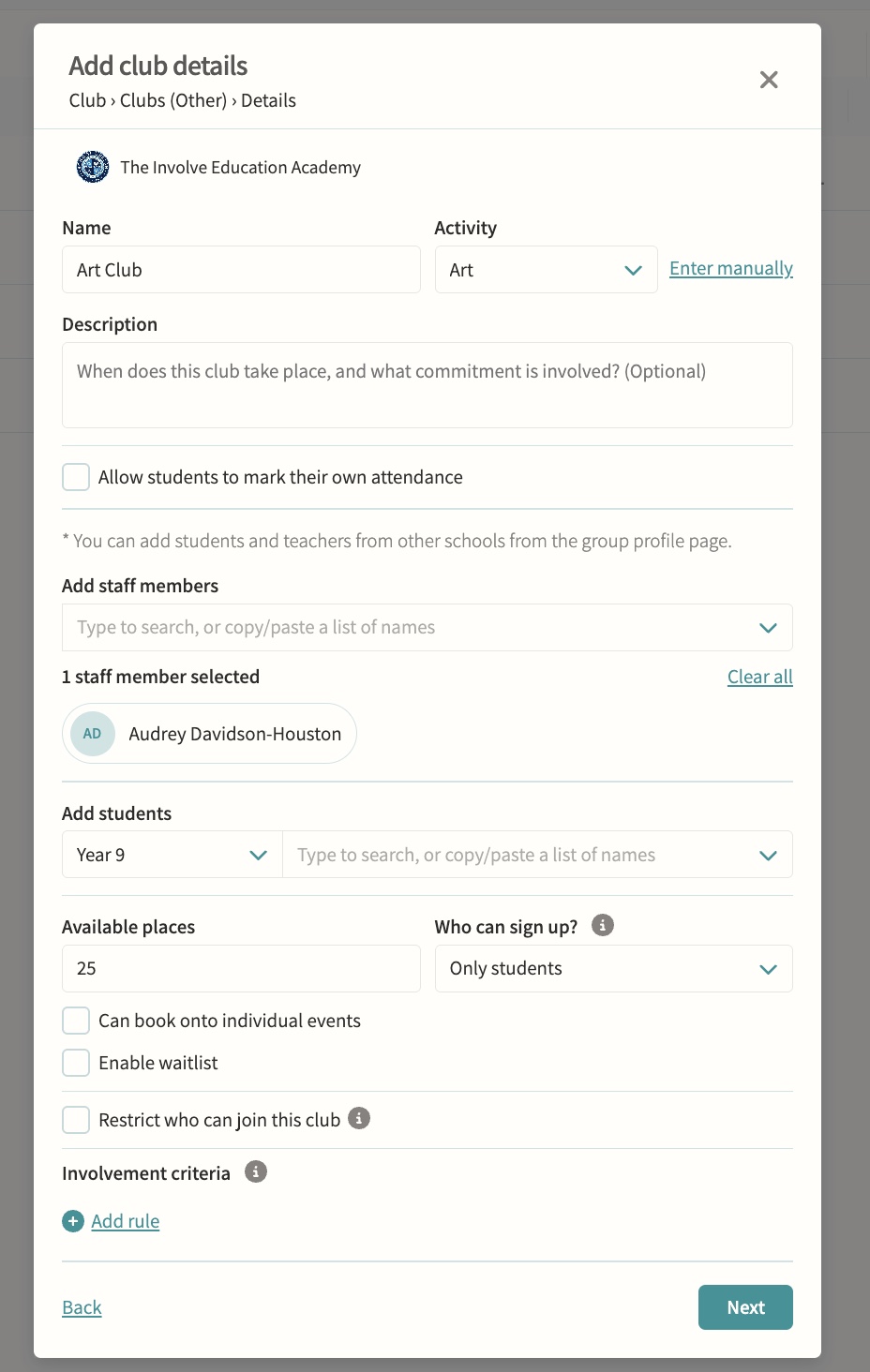
Self-signup with eligibility checks, capacity limits and approval controls. Available places, who can sign up, single-session booking, allowed and excluded pods, and reserved involvement criteria are all configurable, and a waitlist can queue interested students automatically when a club is full or a sign-up window closes.
Music lessons, dance and drama
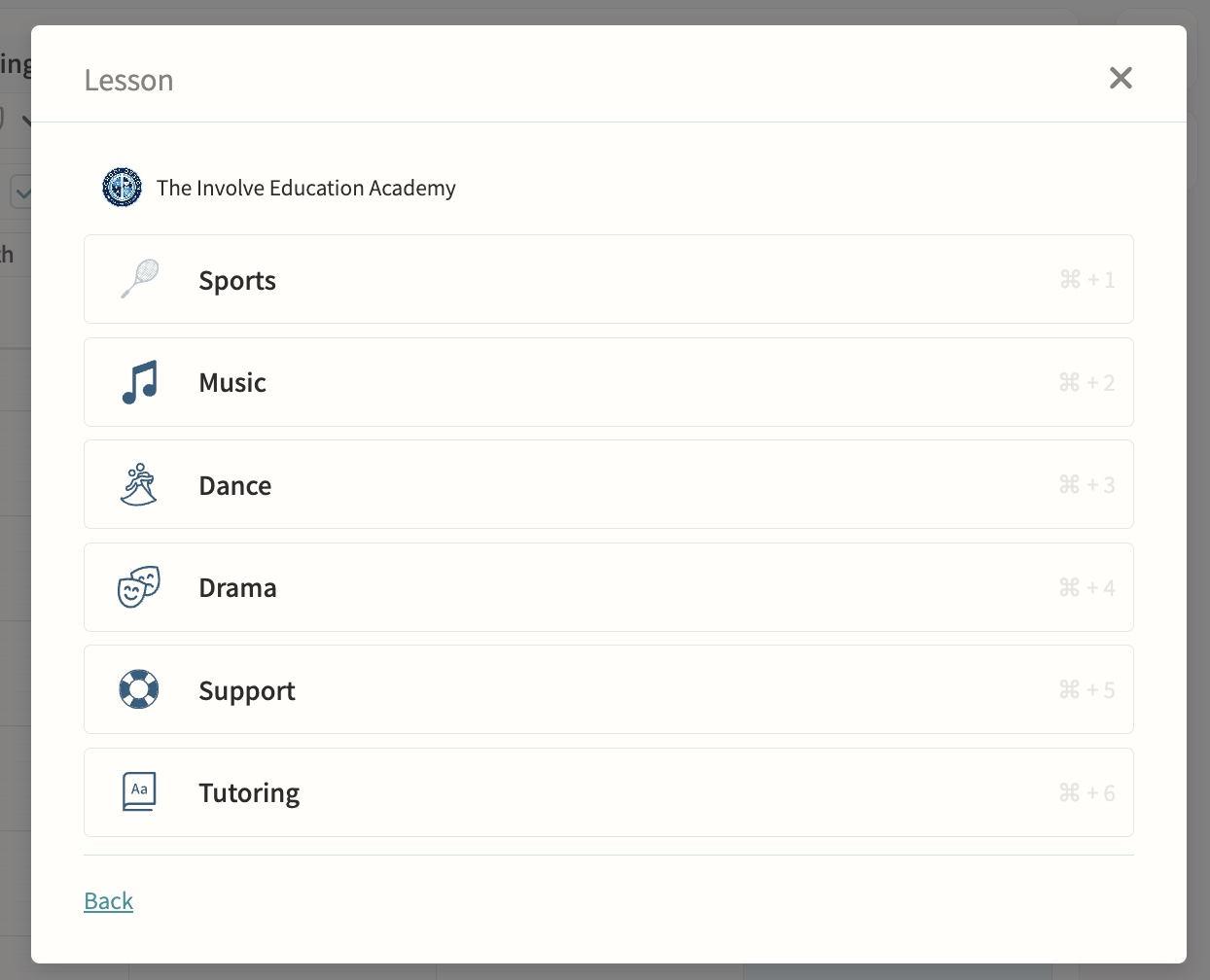
One-to-one and small-group teaching sessions sit alongside clubs and lessons on the same calendar, with lesson length set automatically from the teacher's default or the school's default and adjustable per session. Peripatetic teachers are assigned automatically, and music admin staff can be notified of any changes or clashes against visiting lessons.
Fixtures & squads
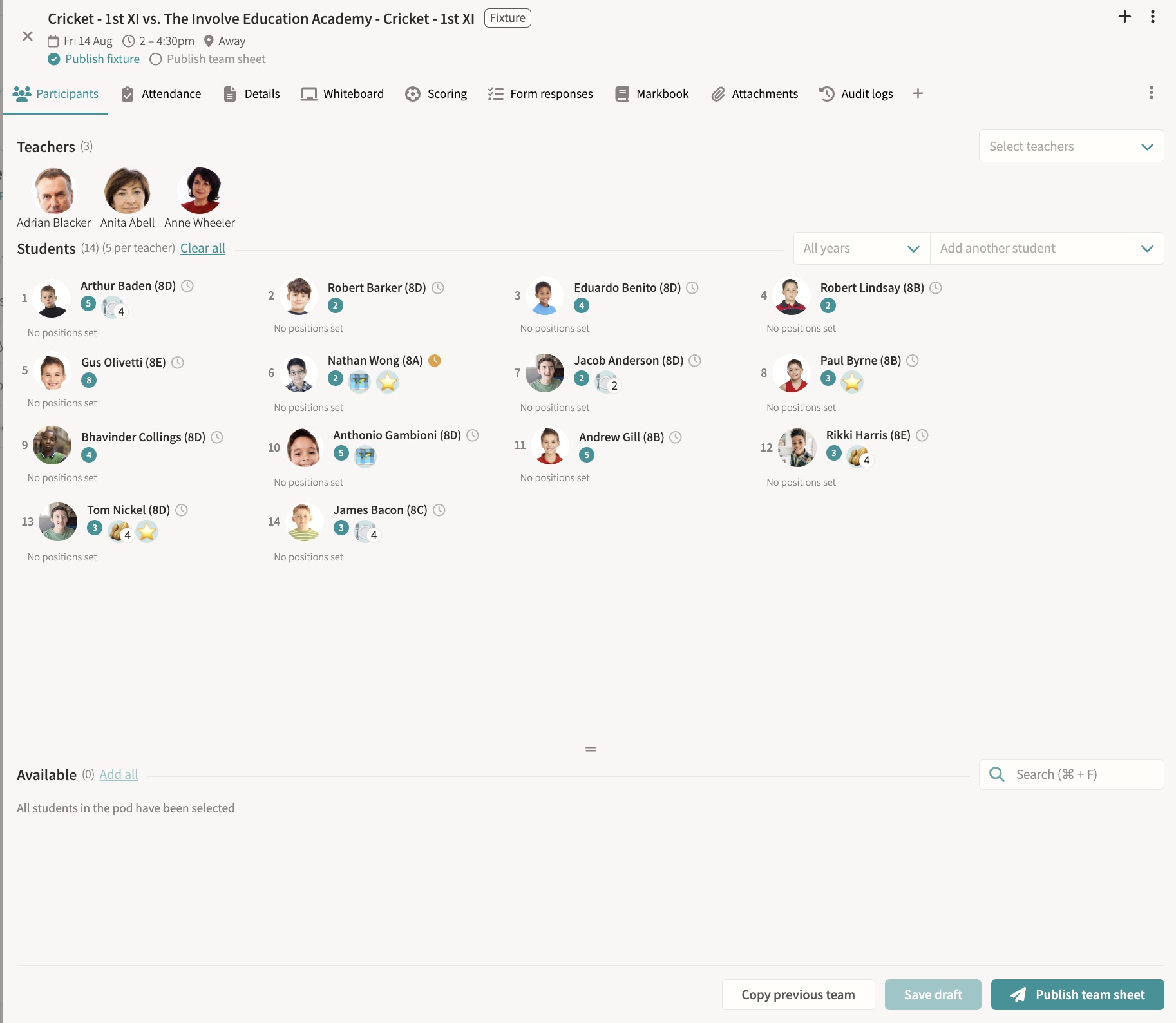
Team selection, results, team sheets and fixture packs, SOCS sync, attendance and consent, bulk cancellation, a tactics whiteboard, and results feeding straight to digital signage. Students can be marked off games for a set period or indefinitely, so no one accidentally selects them for a fixture or training during that time. Draft team sheets block students for clash detection without notifying them until published, live scoring and a shareable public score link keep parents updated in real time, and SOCS-fed fixtures flag timing changes for staff review rather than overwriting them silently.
Trips
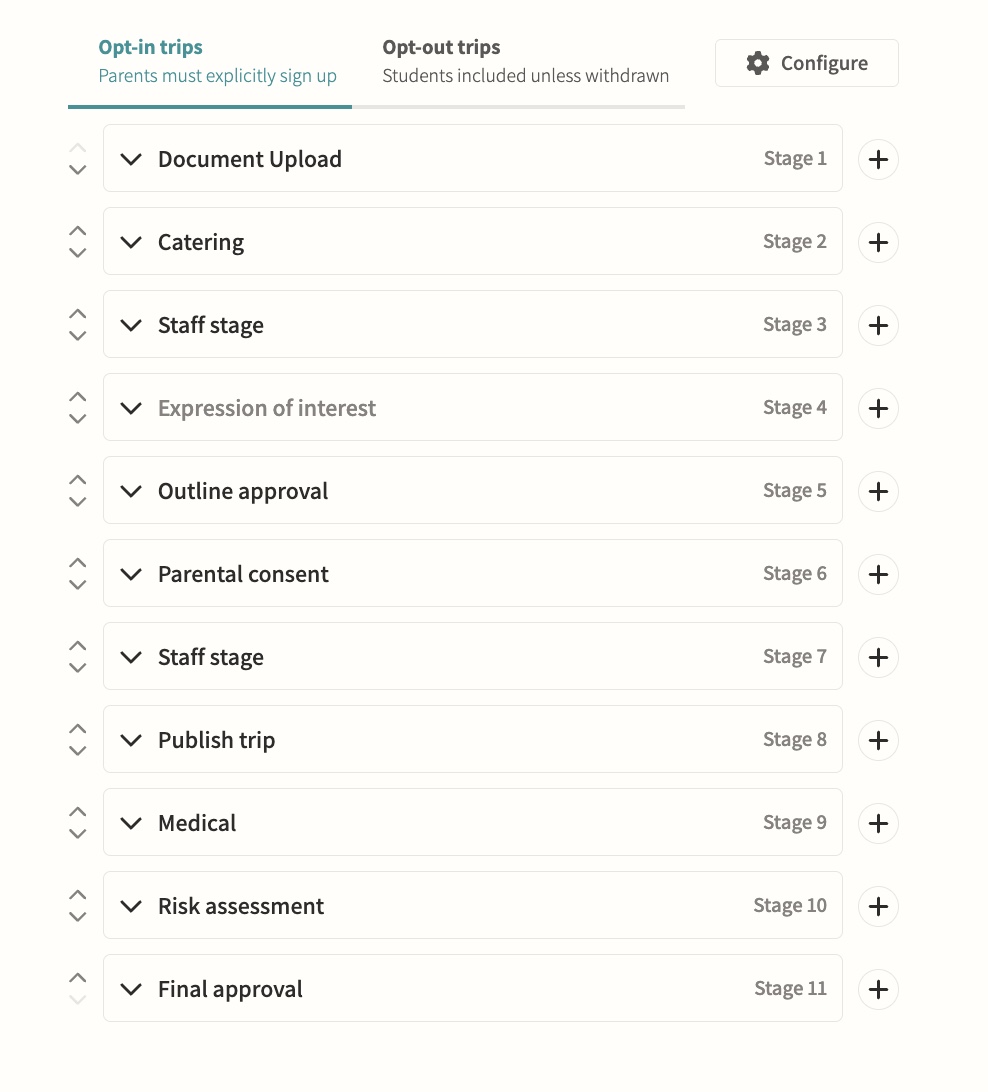
End-to-end planning including parental consent and risk assessments. Configurable opt-in or opt-out workflows move a trip through teacher, parent and publish stages with named approvers, and consent can drive attendance automatically so a parent's response adds or removes their child from the attending list without manual admin.
Support lessons & performances
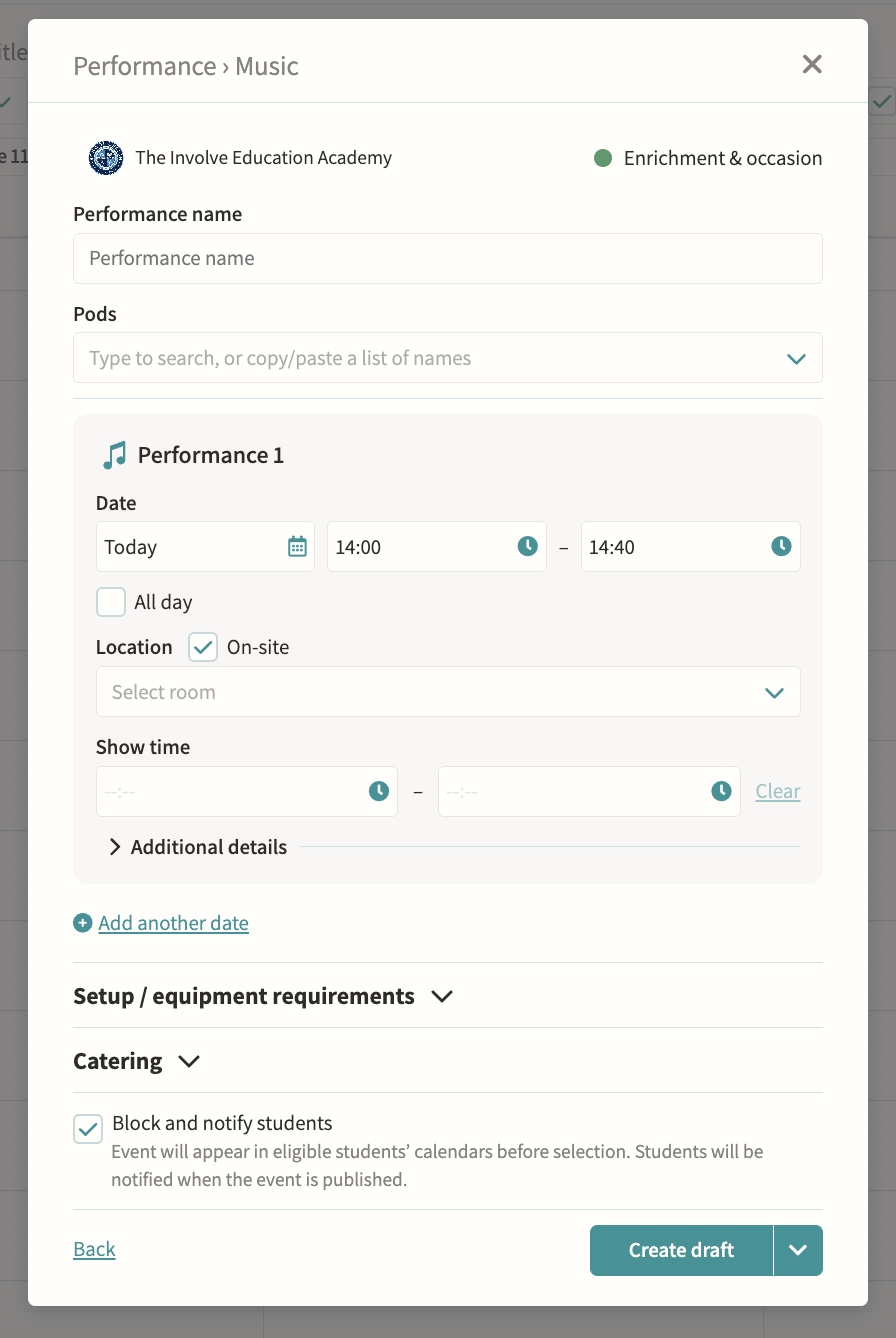
Additional lesson types and school performances. Performances support multiple dates, on-site or off-site venues, and a separate show time shown to parents distinct from the get-in and pack-down window, with year group and form group pods addable alongside music, drama and dance pods.
Payments
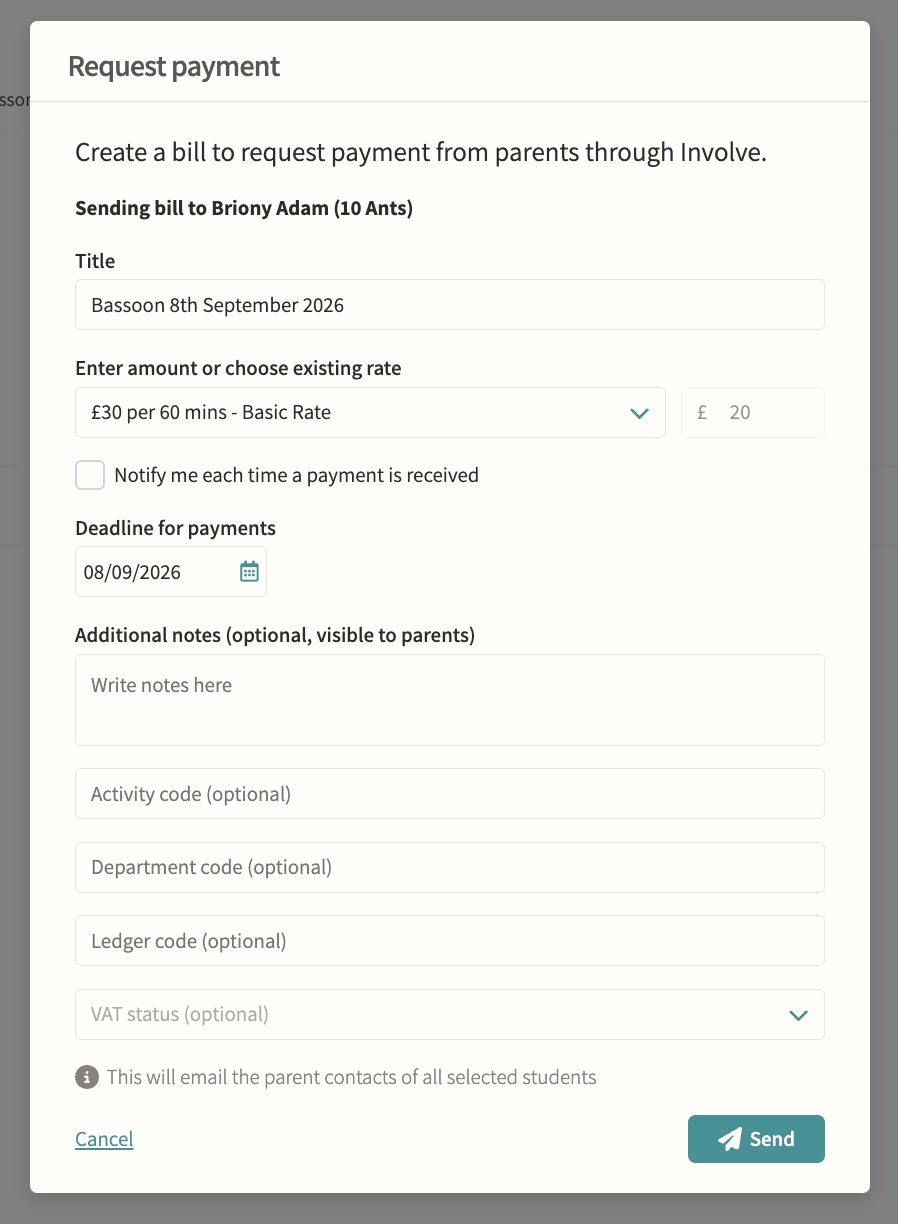
Rates, invoices and payments for clubs, care and trips. Parents pay securely inside Involve, amounts can be calculated automatically from configured billing rates and event duration, and staff can track due, paid, refunded and void status, resend reminders or void a request with an internal note.
02 — Feature area
Scheduling & timetabling
Timetables, rotations, rooms, duties and one-off variations built on one grouping model with clash detection throughout.
Everything that occupies a person, a room or an hour lives in the same schedule, so clashes surface before they become someone's morning.
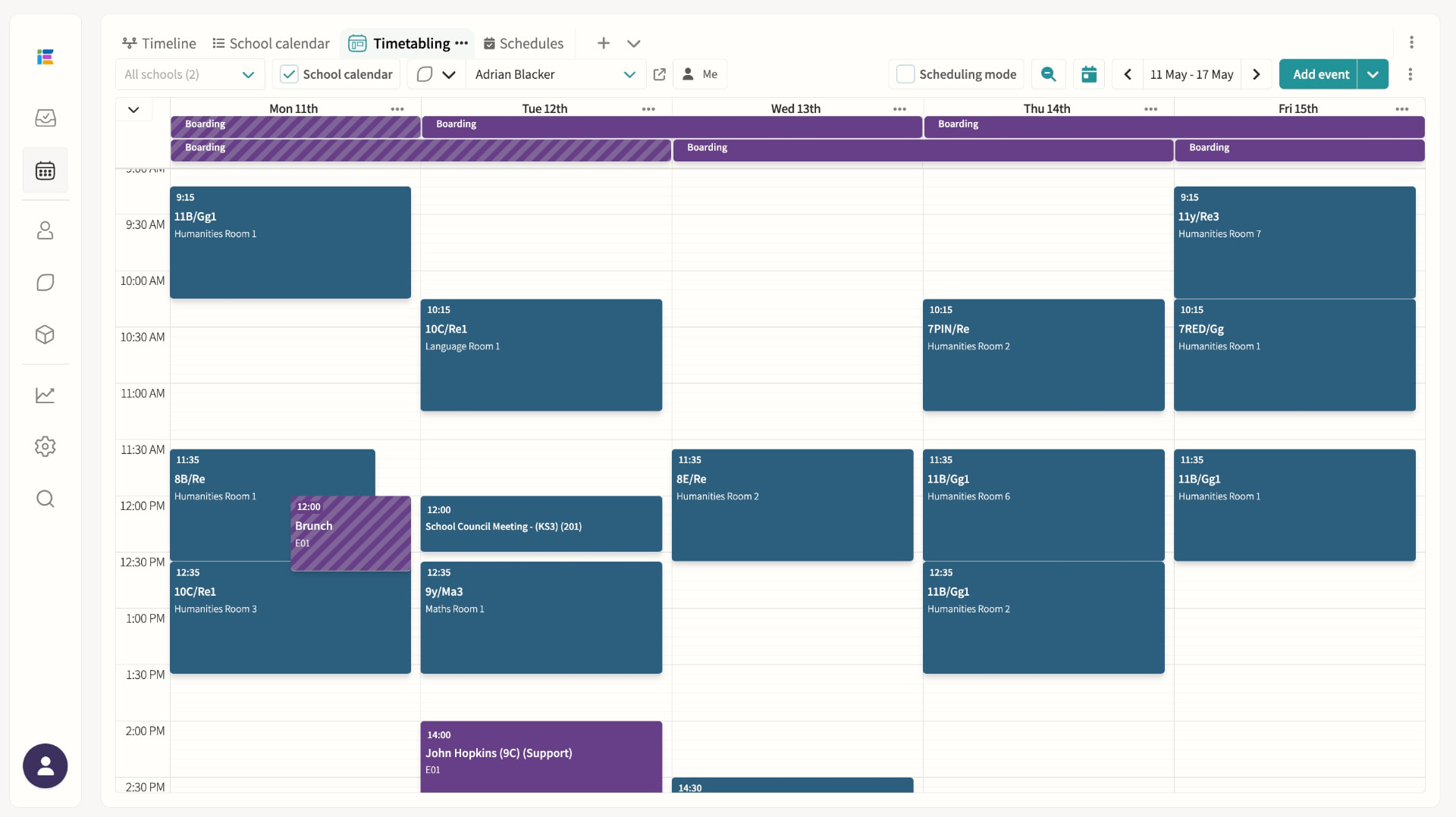
Timetables (MIS-synced)
Lessons, recurring events and clash detection in one place.
School calendar events / public calendar
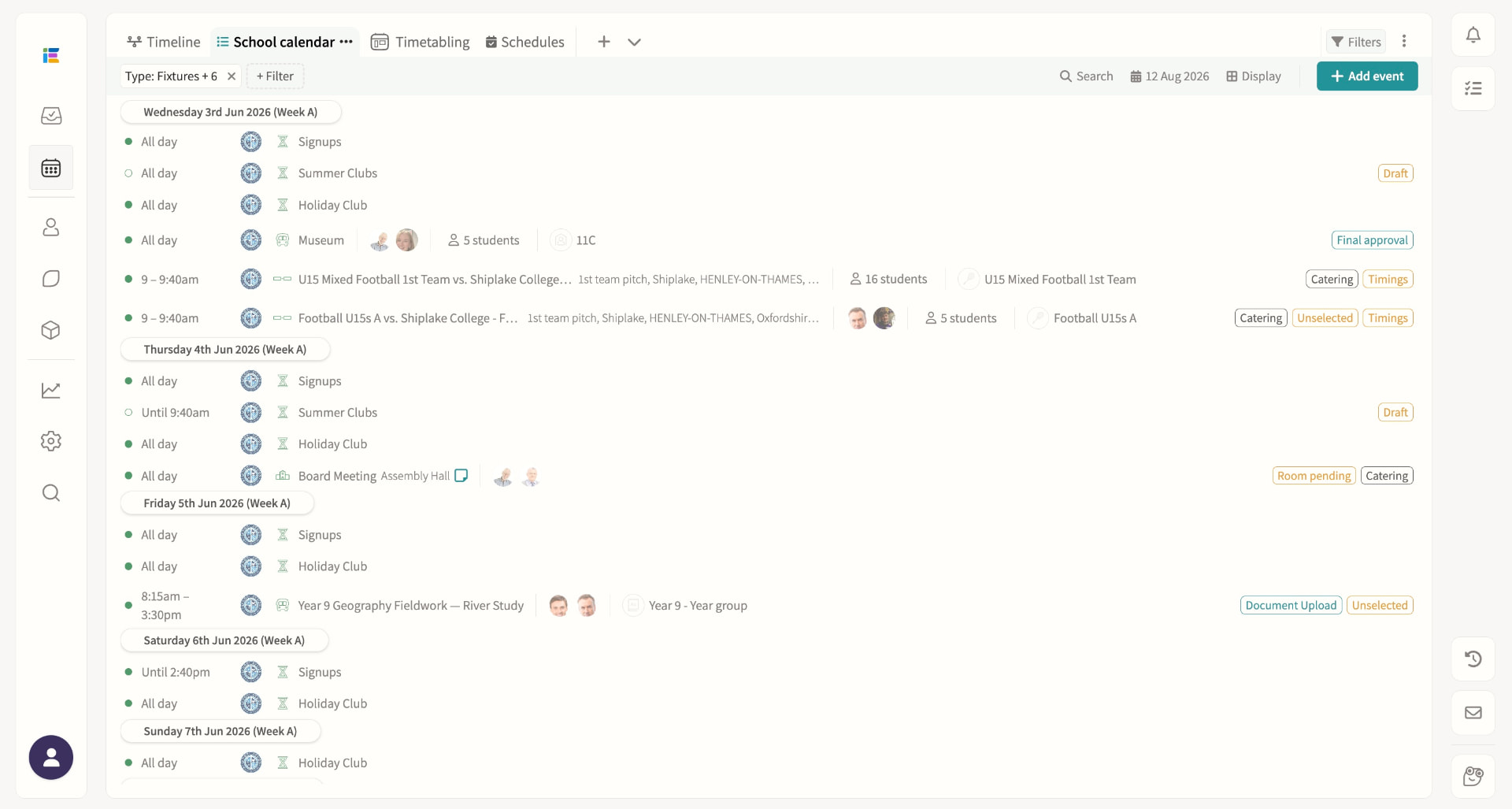
Publish events for staff, students and parents, and share any saved calendar view — agenda, week, month or grid — as a read-only public link that anyone can open without logging in, always showing today automatically. Student and staff names on the public page follow your chosen name formats to protect privacy, and access can be switched off or the link reset at any time.
Room booking
Reserve a room for maintenance, exams or any period without an activity attached, spanning single days or multi-week ranges, with a "Whole school" flag for exam periods. If existing events already occupy the room, administrators and room managers can review every affected item and move each one to an alternative room in a single re-rooming pass, with clash overrides recorded in the event history.
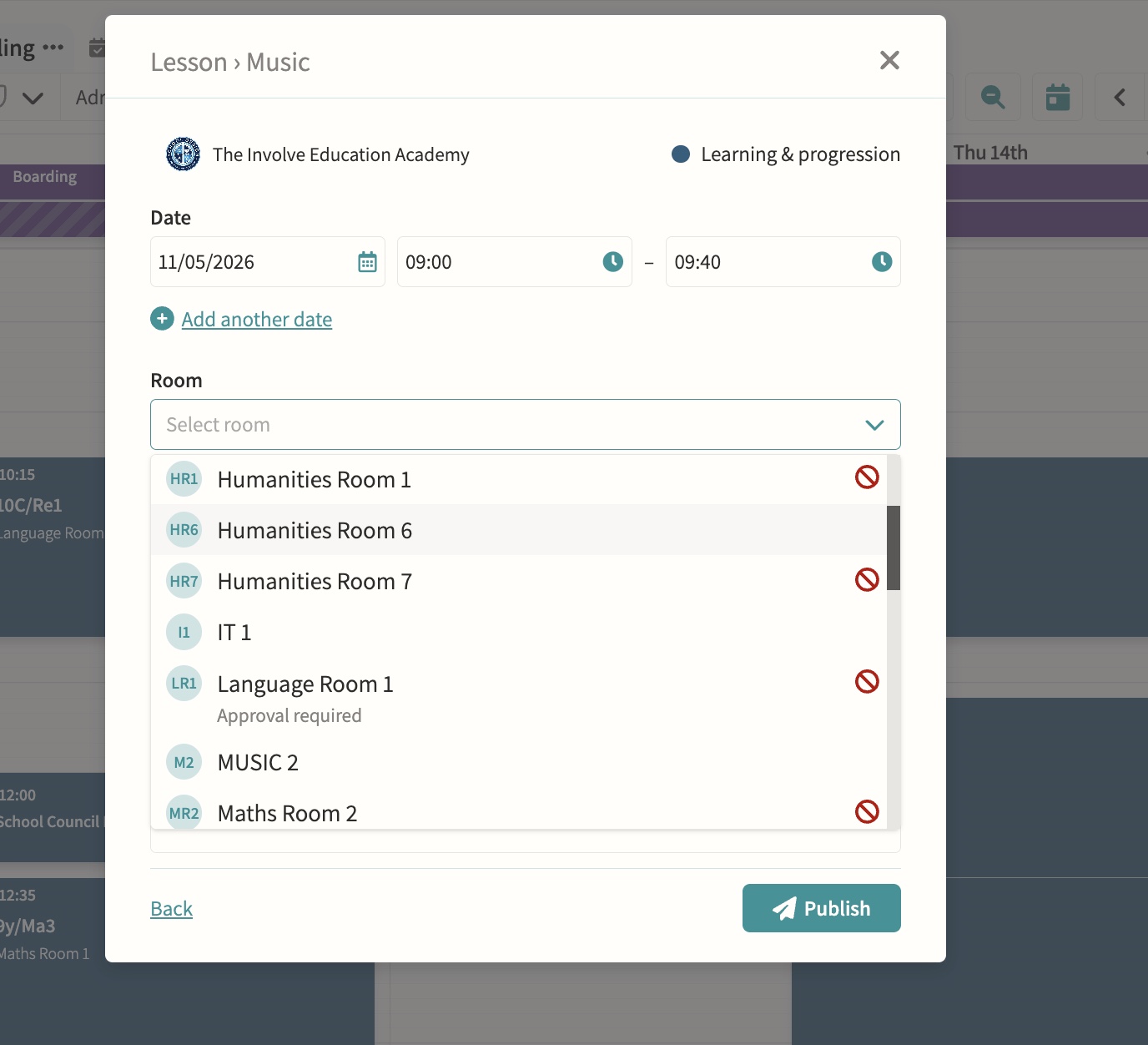
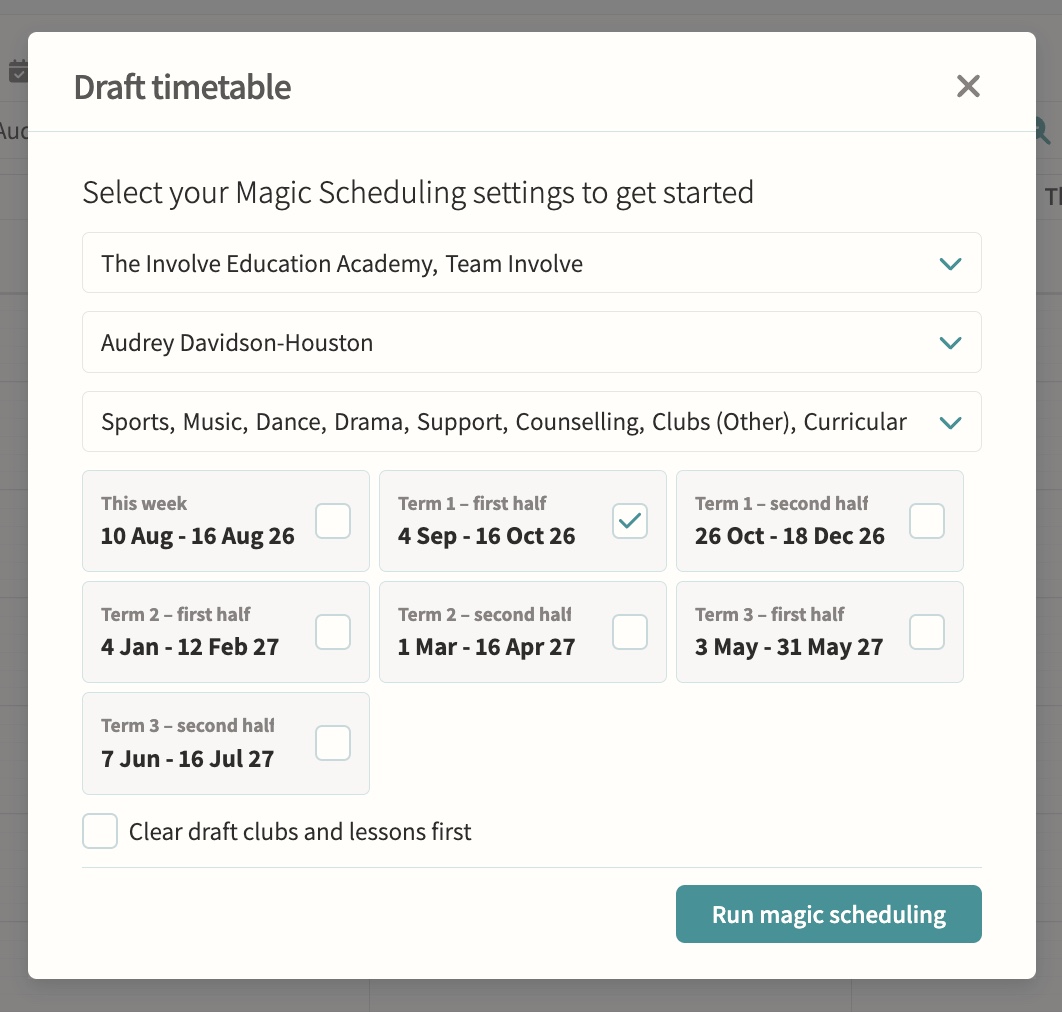
Magic Scheduling/rotation
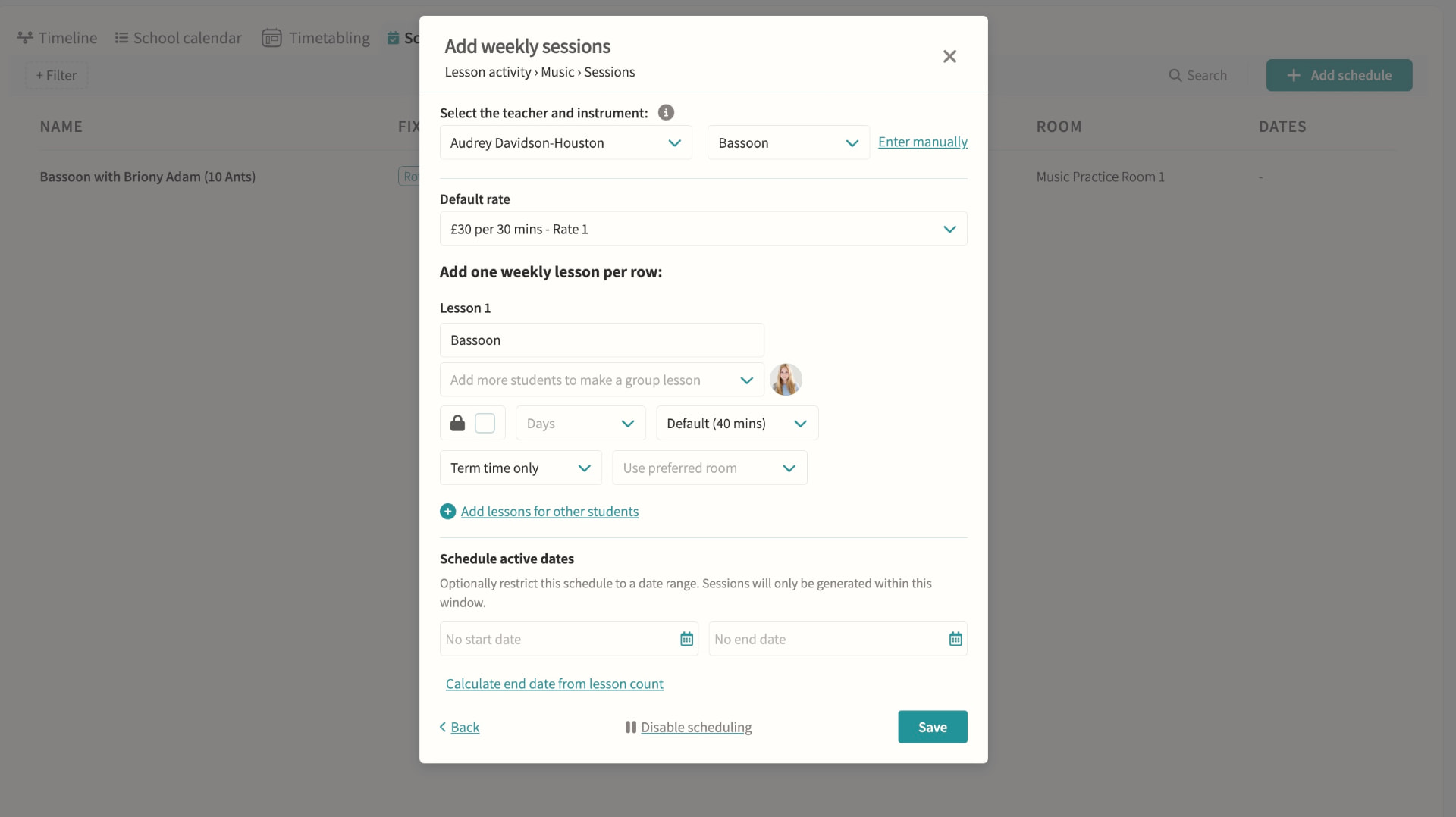
Reads the schedules already configured on lesson and club pods and generates draft events for a chosen term, department or teacher in one run, which must then be reviewed and published before students and parents see them. Schedules can carry their own start and end dates so a fixed block of lessons (say, ten music lessons) stops generating automatically once complete.
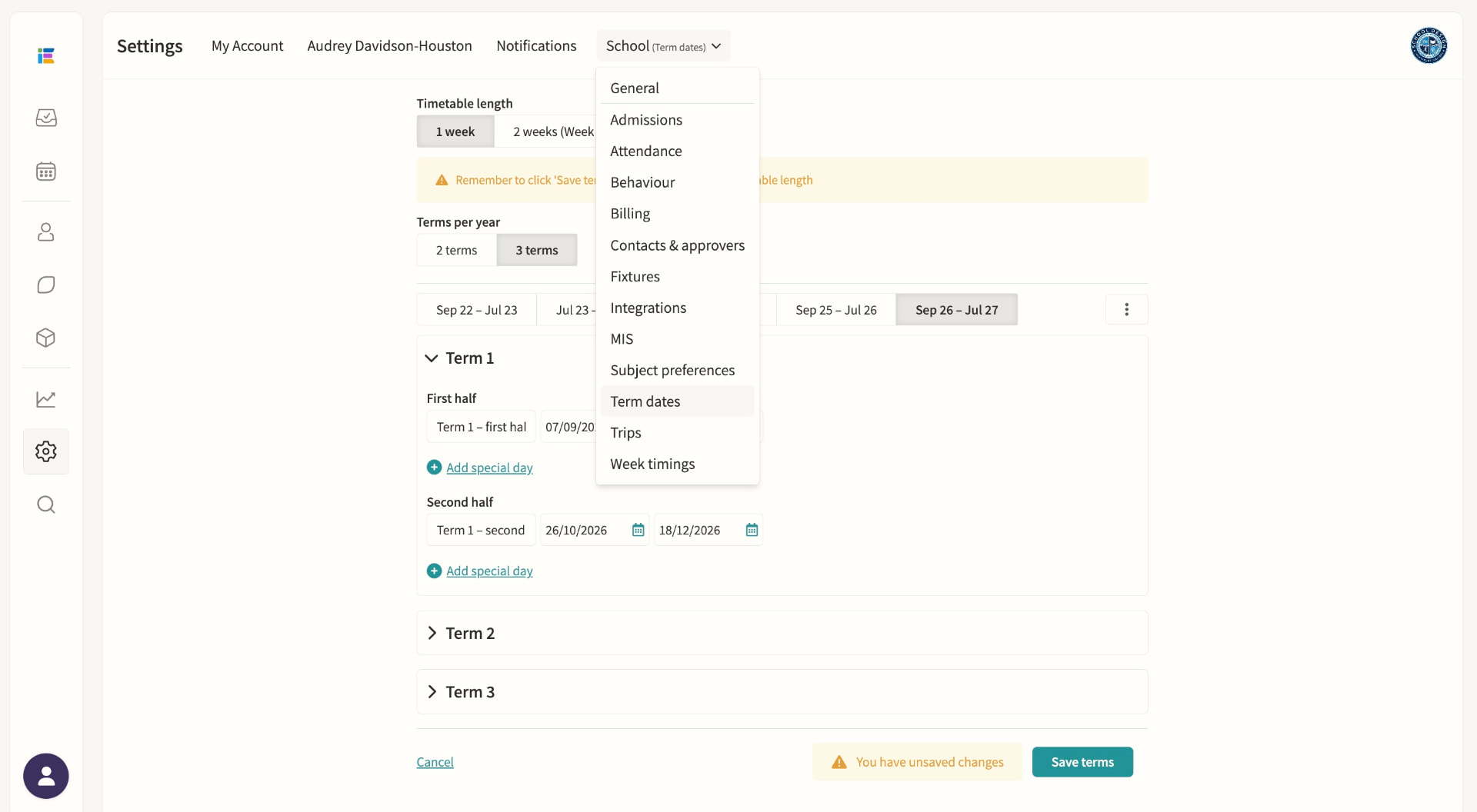
Term dates & important dates
Set and manage the school year.
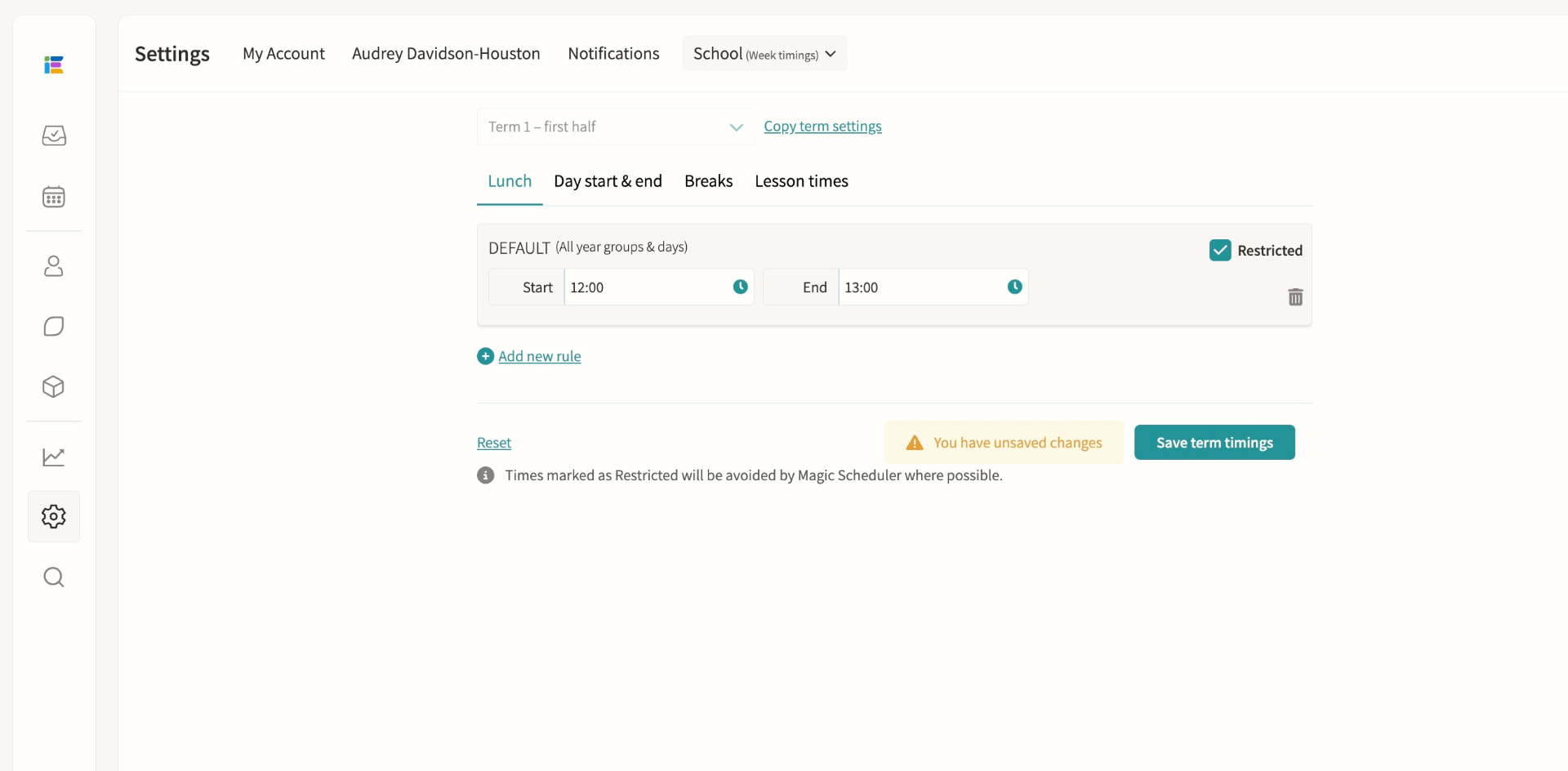
Week timings
Define lunch, break, and day start/end times per term, with custom rules for specific days, pods or Week A/B, and mark any period as restricted so events can't be scheduled over it. A dedicated lesson-times setting constrains where Magic Scheduling places rotating lessons such as music lessons, without touching curricular lesson times imported from your MIS.
Staff duty rotas
Manage recurring responsibilities such as break duty, lunch supervision and detention cover from one rota, showing each slot as fully staffed, partially staffed or unstaffed. Draft assignments can be built and adjusted freely, then published in bulk so staff only see confirmed duties, with separate rotas supported for Week A and Week B.
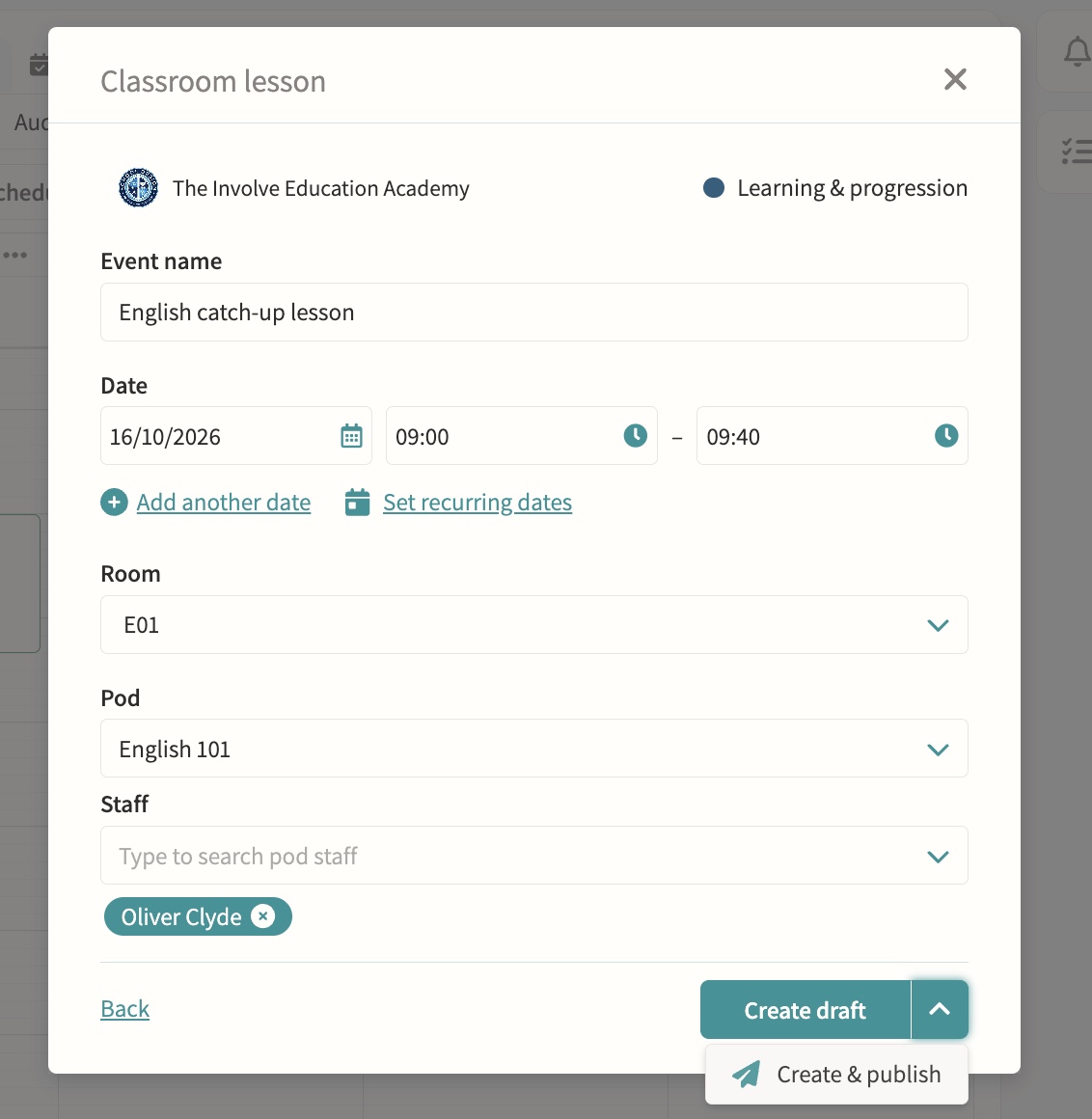
Timetable variations calendar
Cover, one-off changes and special events without touching the master timetable.
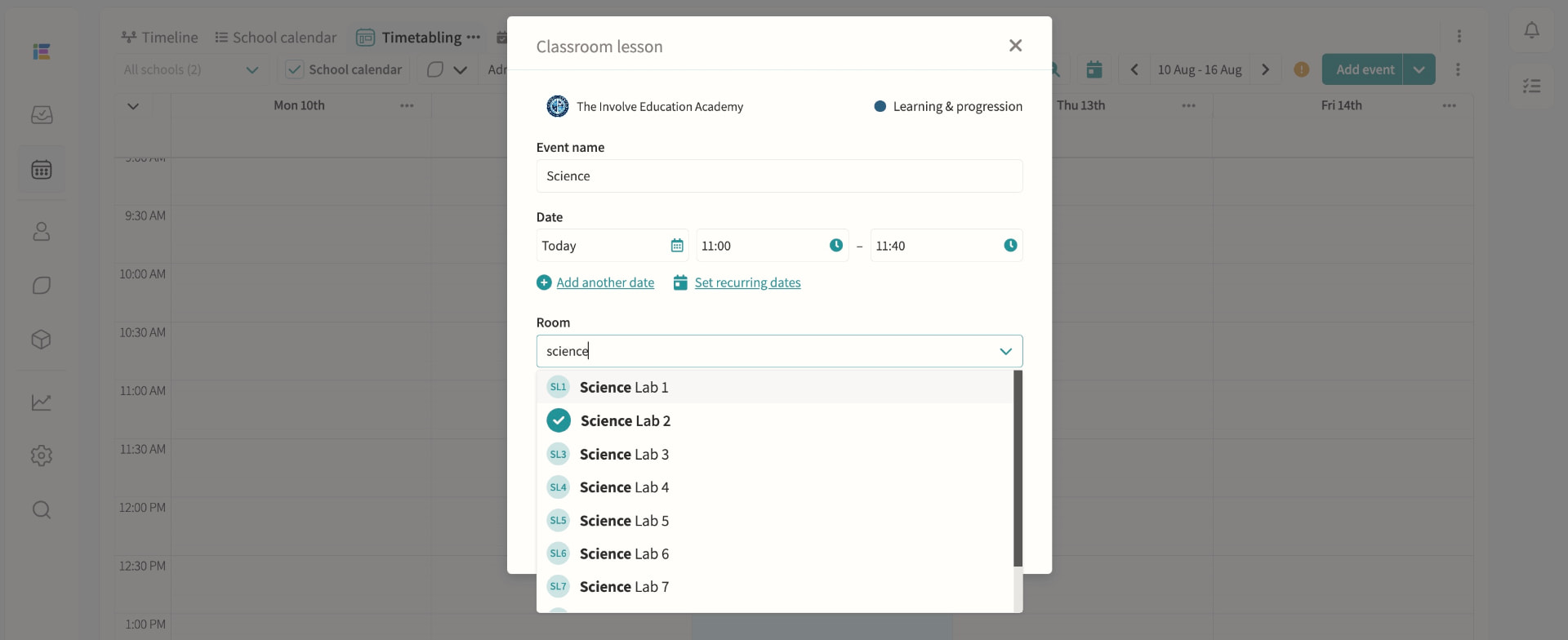
Science & practical lesson management
Schedule lab-based lessons as easily as standard classes.
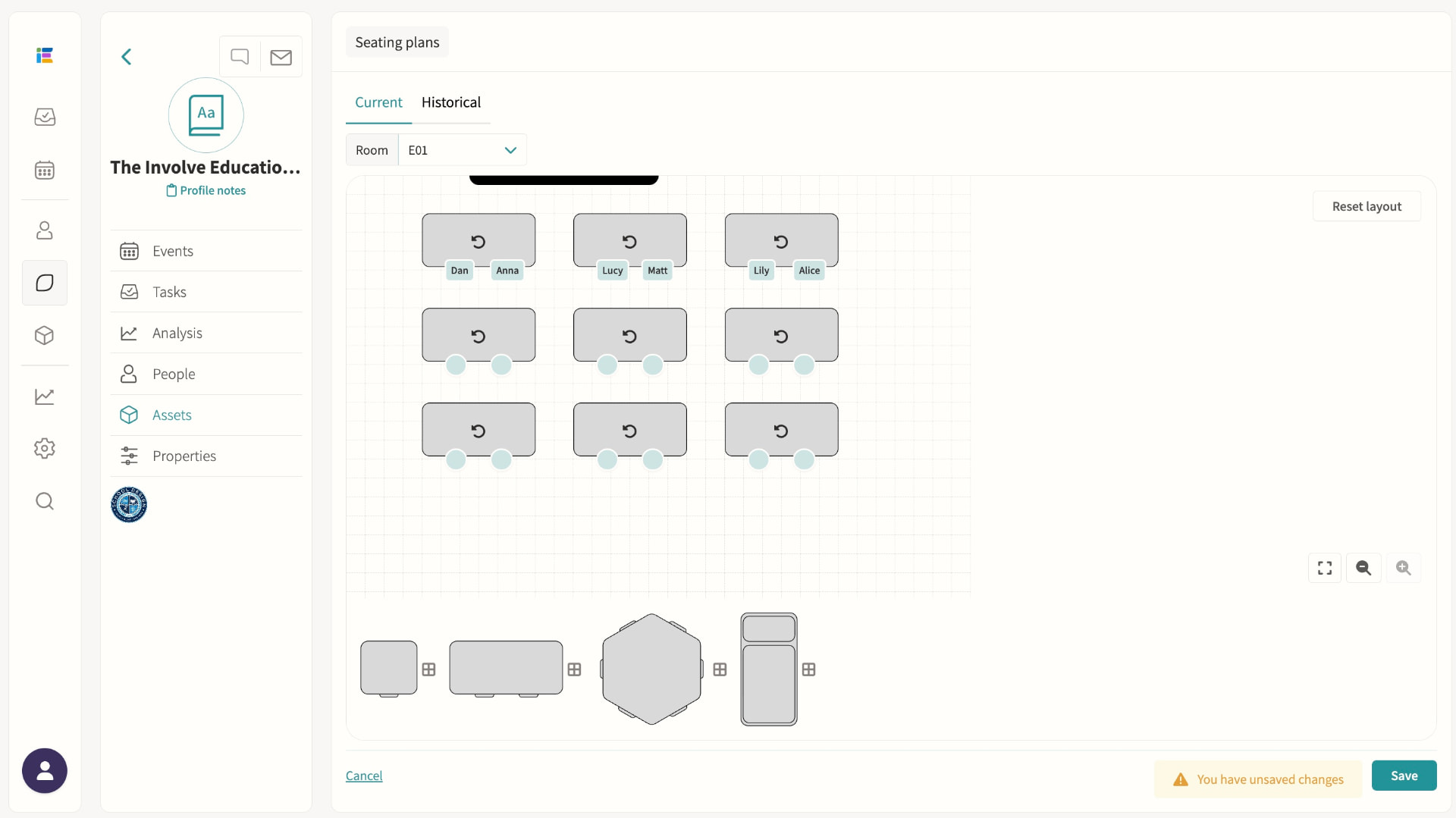
Seating plans
Build a room layout once — desks, shapes and orientation — then drag and drop students into seats for any group using that room, with plans saved per room-and-group combination. Fill a class alphabetically or randomly in one click, filter by register attributes such as SEND, spot scheduling clashes on the tile during attendance, and export a printable plan or seating list in seconds.
Music lesson scheduling
Scheduled to minimise clash impact, visible to teachers, parents and students.
Pods
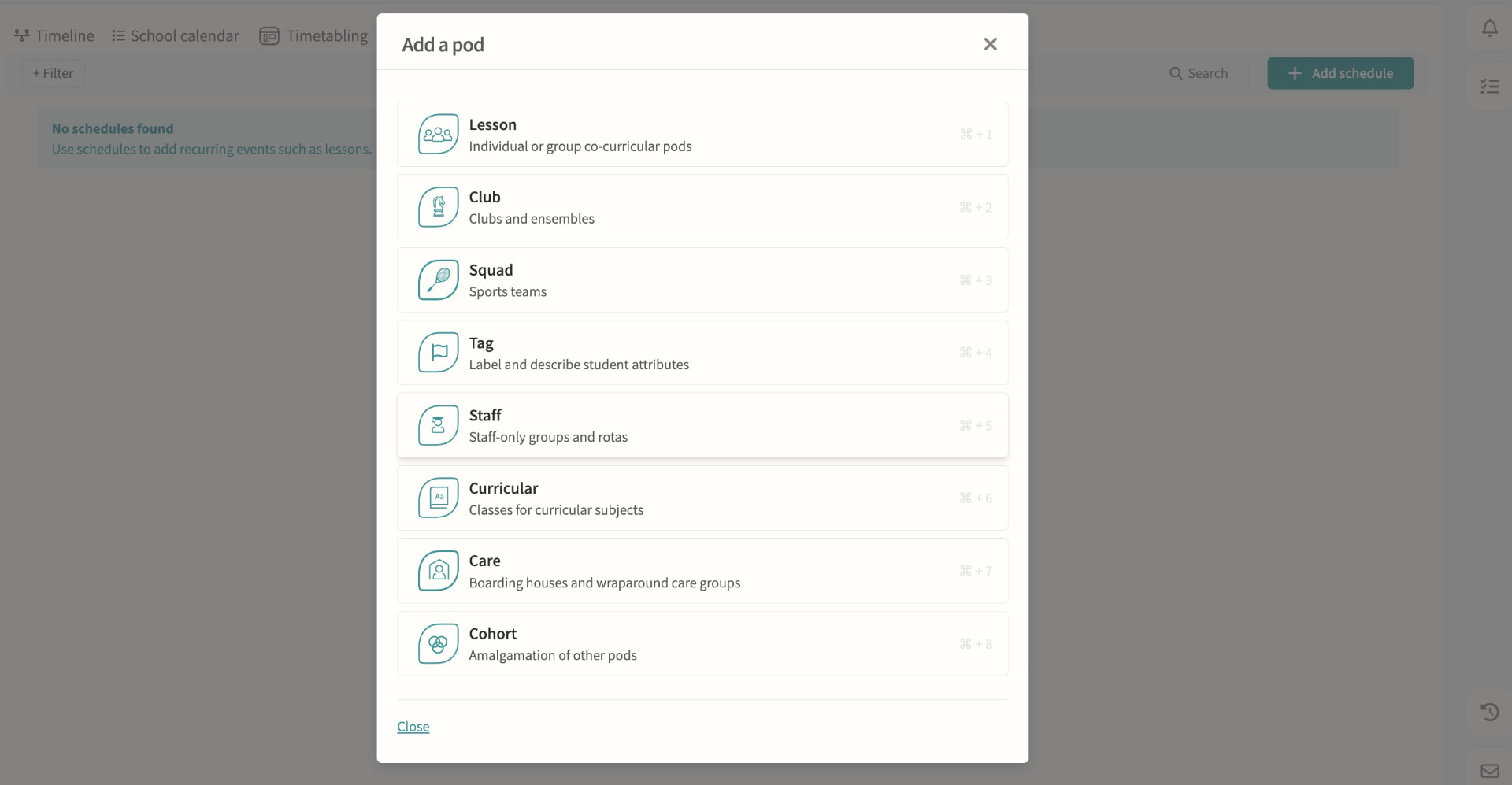
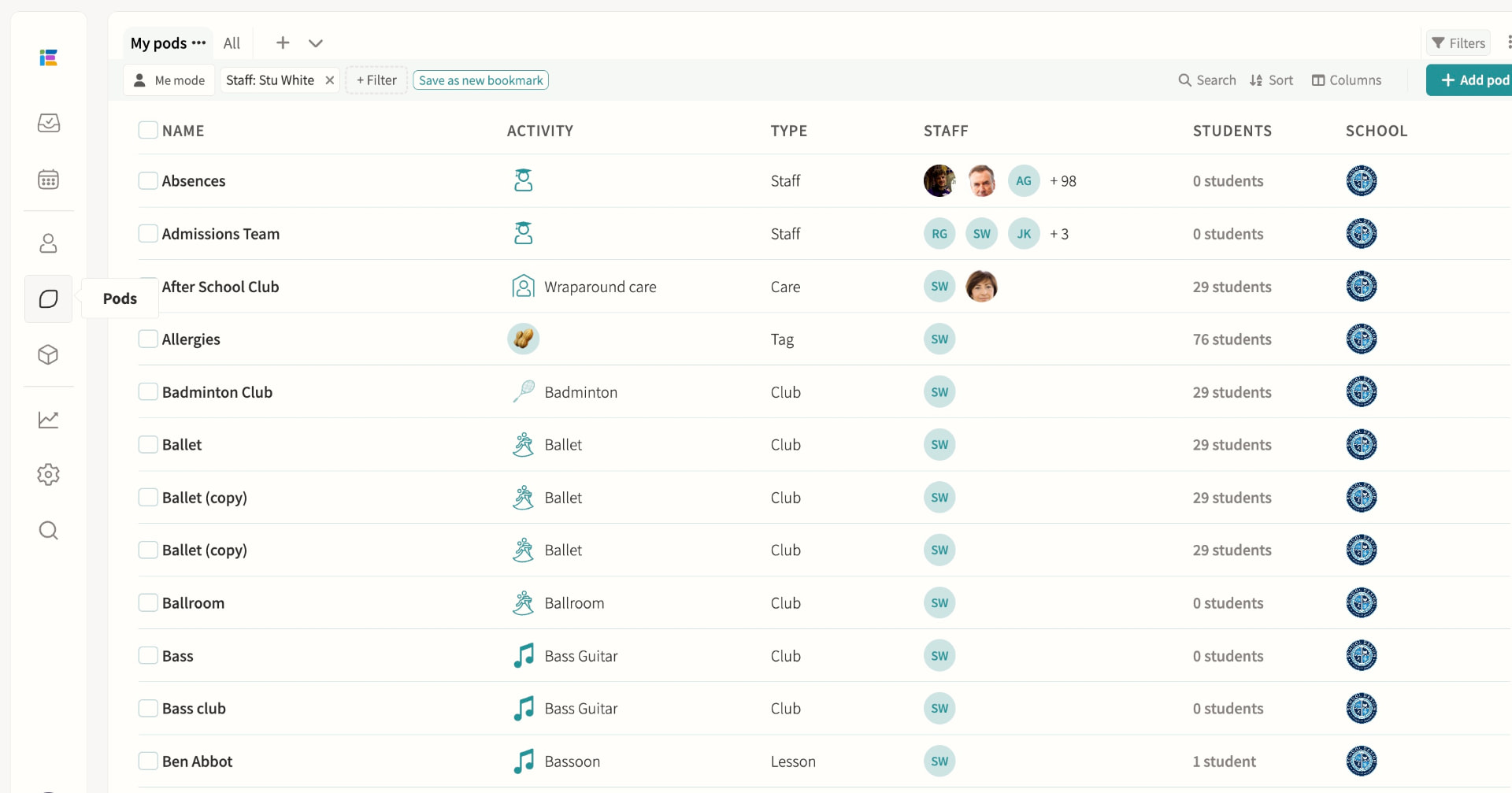
Every lesson, club, squad, tag, care group, cohort and staff team is built on the same pod model, each with the scheduling, membership and permission options suited to its purpose. Pods can be restricted to named teachers and administrators, combined into cohorts, and reused as the basis for schedules that feed straight into Magic Scheduling and clash detection.
03 — Feature area
Digital signage
A CMS for the screens around your site, fed live by fixtures, events and announcements.
Screens stop being someone's weekly PowerPoint job because they read from the same data as everything else.
Digital signage (CMS for screens)
Display fixtures, events and announcements across your site, with sports results published automatically. Public display links need no login and refresh automatically every few minutes: a school calendar view shows a rolling week of events, while the fixtures display auto-scrolls today's fixtures, upcoming matches and results from the last seven days alongside a local weather forecast.