Teams · Marketing
For marketing teams
Coordinated marketing. One record, not three systems.
Campaigns, enquiries and parent communication connected to real data.
Marketing should be able to see conversion through to enrolment without asking the registrar for a CSV.
Relevant feature areas
3 key areas, one unified platform
01 — Feature area
Communication & parent engagement
Messaging, bulletins, consent forms and a parent portal that keeps every conversation on the record.
Parents get one home for everything; staff get one outbox with an audit trail.
Communications
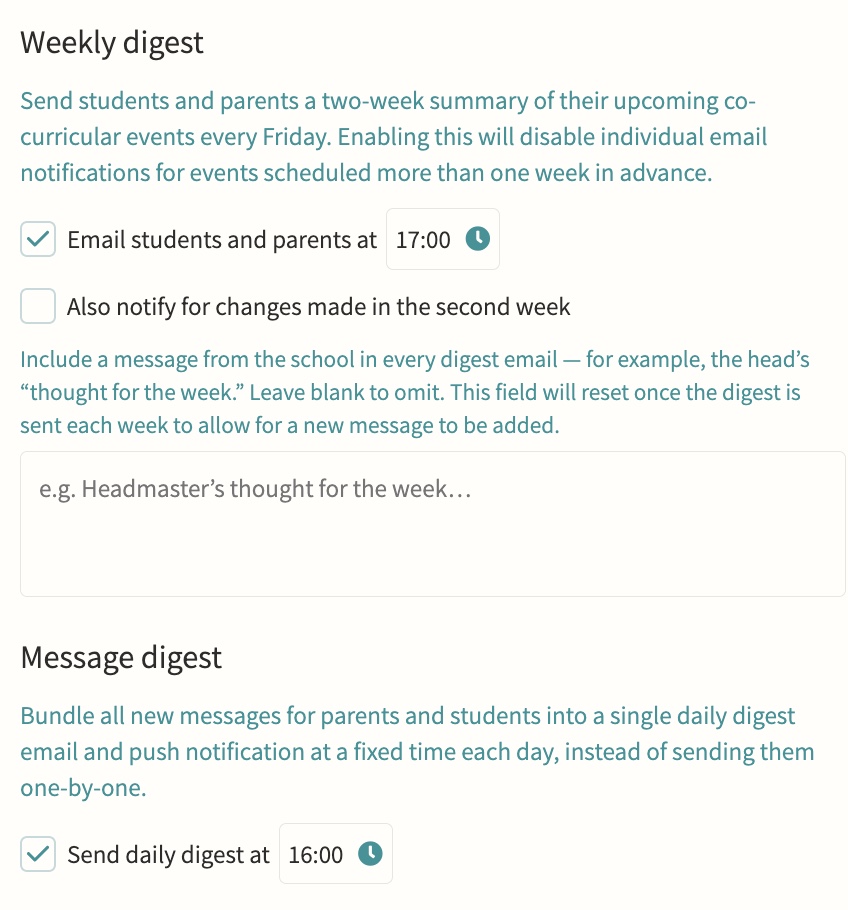
Direct or bulk teacher-to-parent and teacher-to-student messaging, kept on record, with parent bulletins, automated notifications and alerts, parent messaging offices, secure media and report sharing, consent forms, divisions for multi-division schools, and handbooks for staff, student and parent audiences. Every message is threaded, trackable per recipient, and can be scheduled in advance or bundled into a daily digest so parents get one email rather than a flood, with an option to switch off replies once a message has said what it needs to.
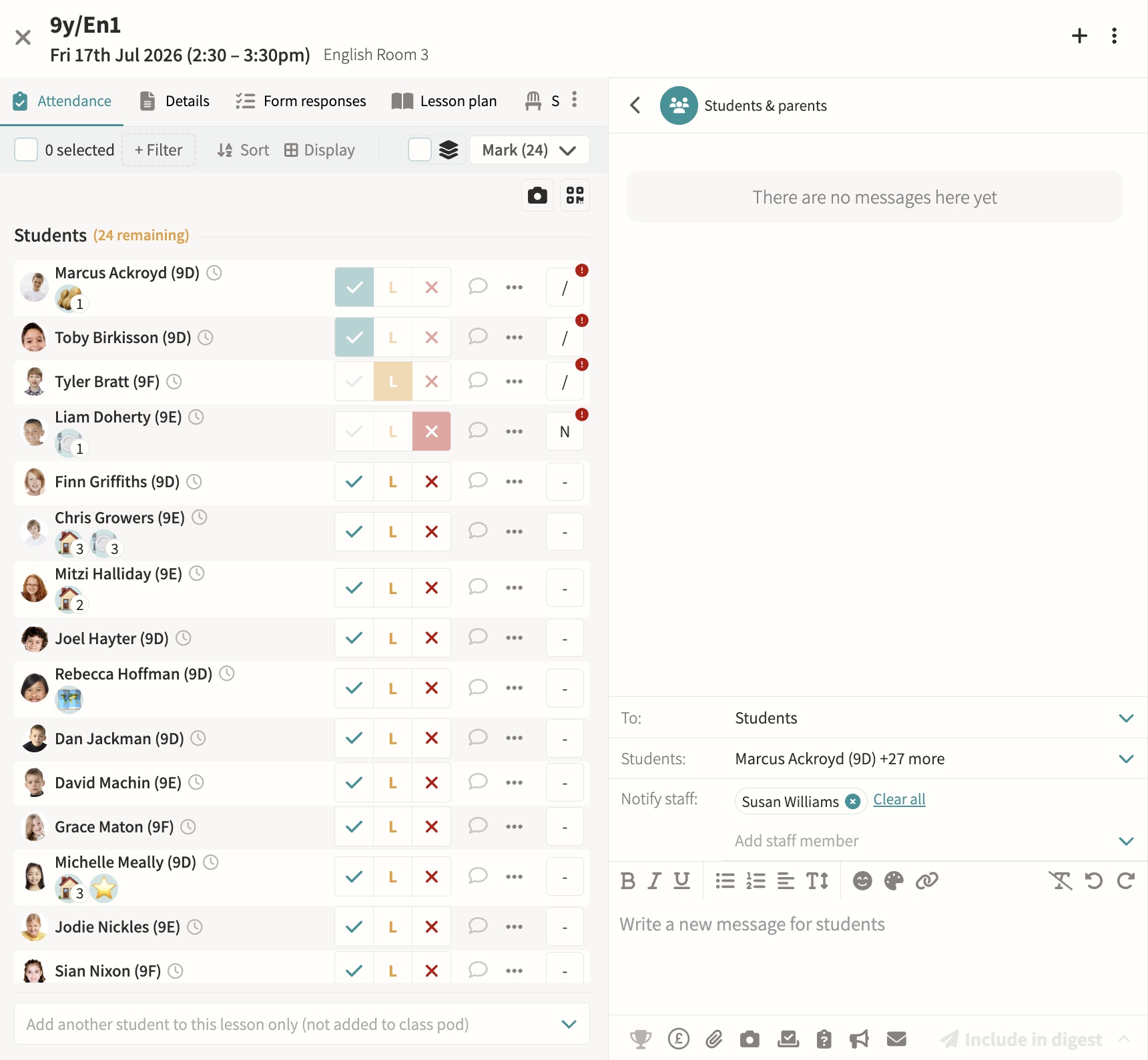
Parents' evenings & meetings
Schedule and manage meetings, with booking via shareable links. Meetings can run online, in person or as a hybrid of both, with back-to-back appointment slots, automatic reminders to parents who have not yet booked, and a travel gap on in-person days so a parent moving between several teachers is never double-booked.
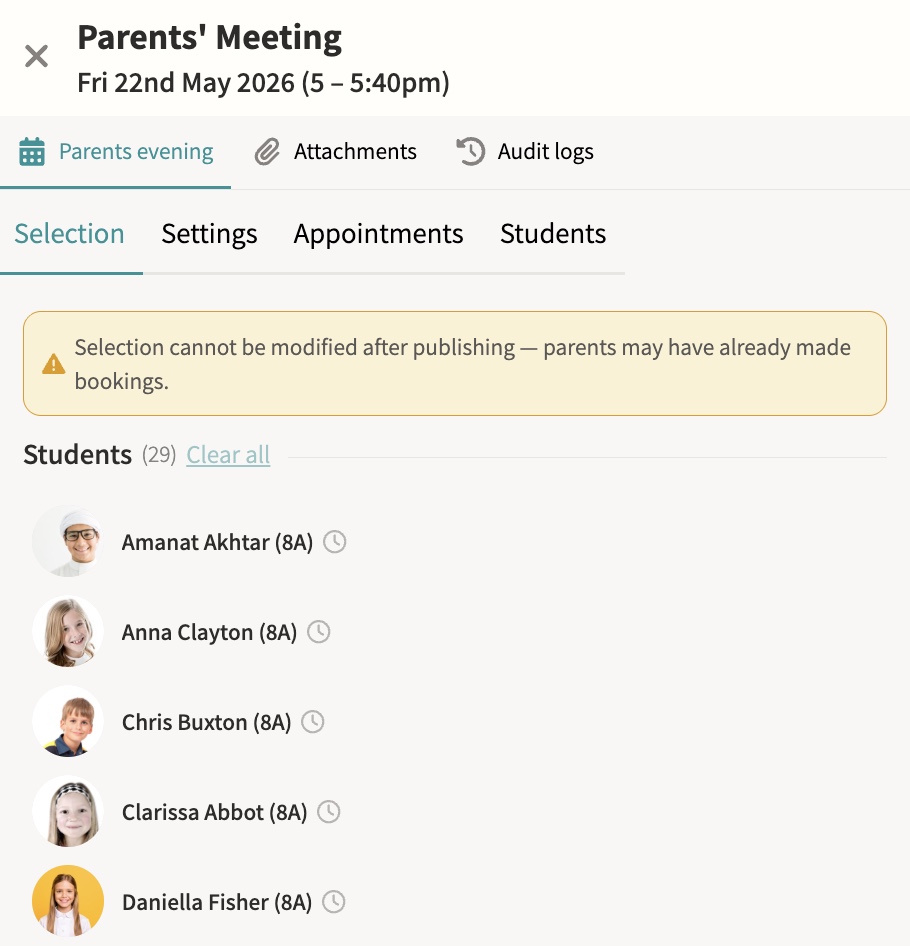
Parent app / portal
Calendars, attendance, reports and messages in one place, so a parent with several children at the school sees everything for every child without switching accounts or logging in separately for each one.
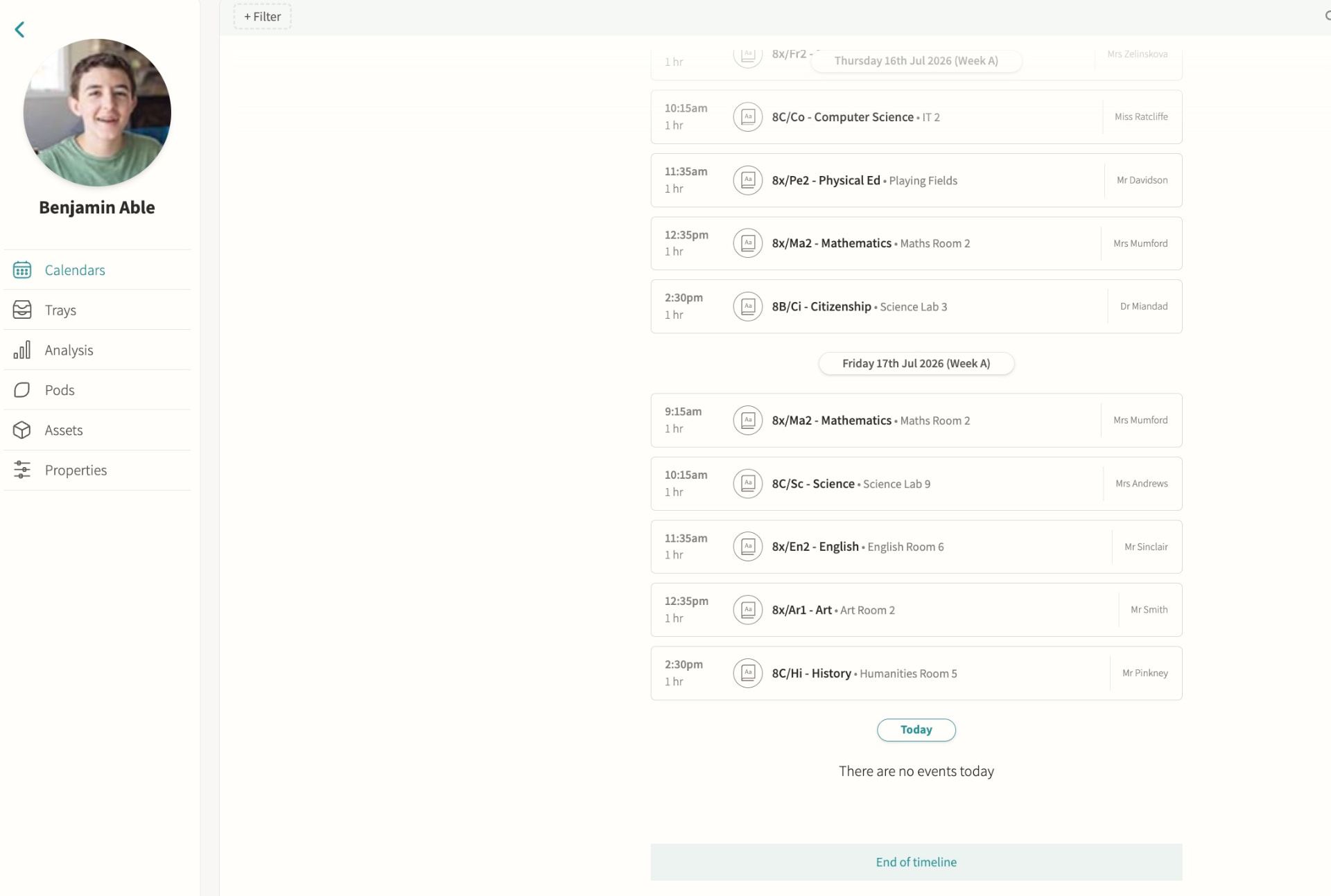
Staff chat
Internal staff-to-staff messaging, scoped to the event, pod or student it concerns rather than a single generic inbox, so a conversation about a trip, a class or a student stays attached to that context and any colleague who needs it can find it later.
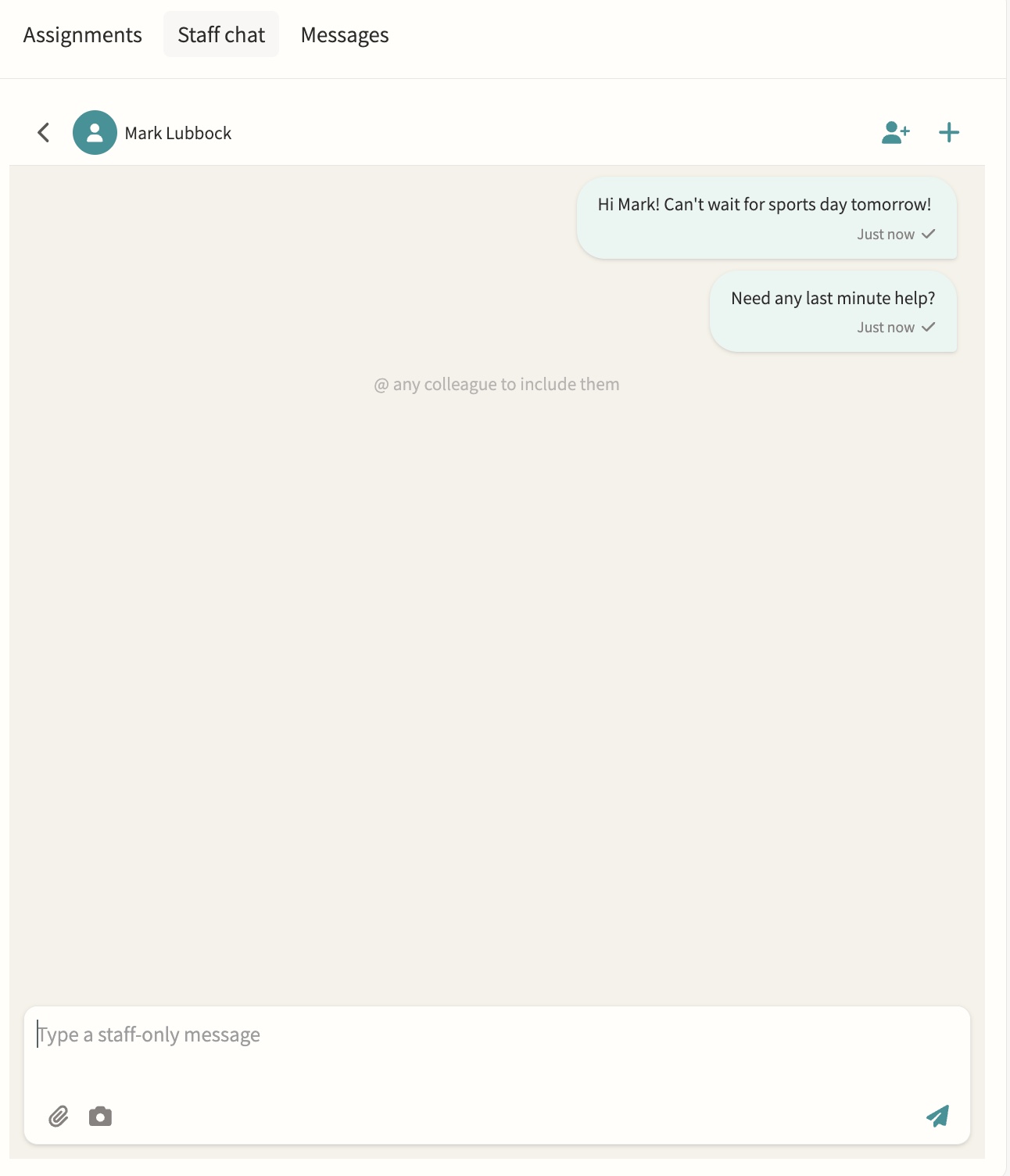
Photo feed
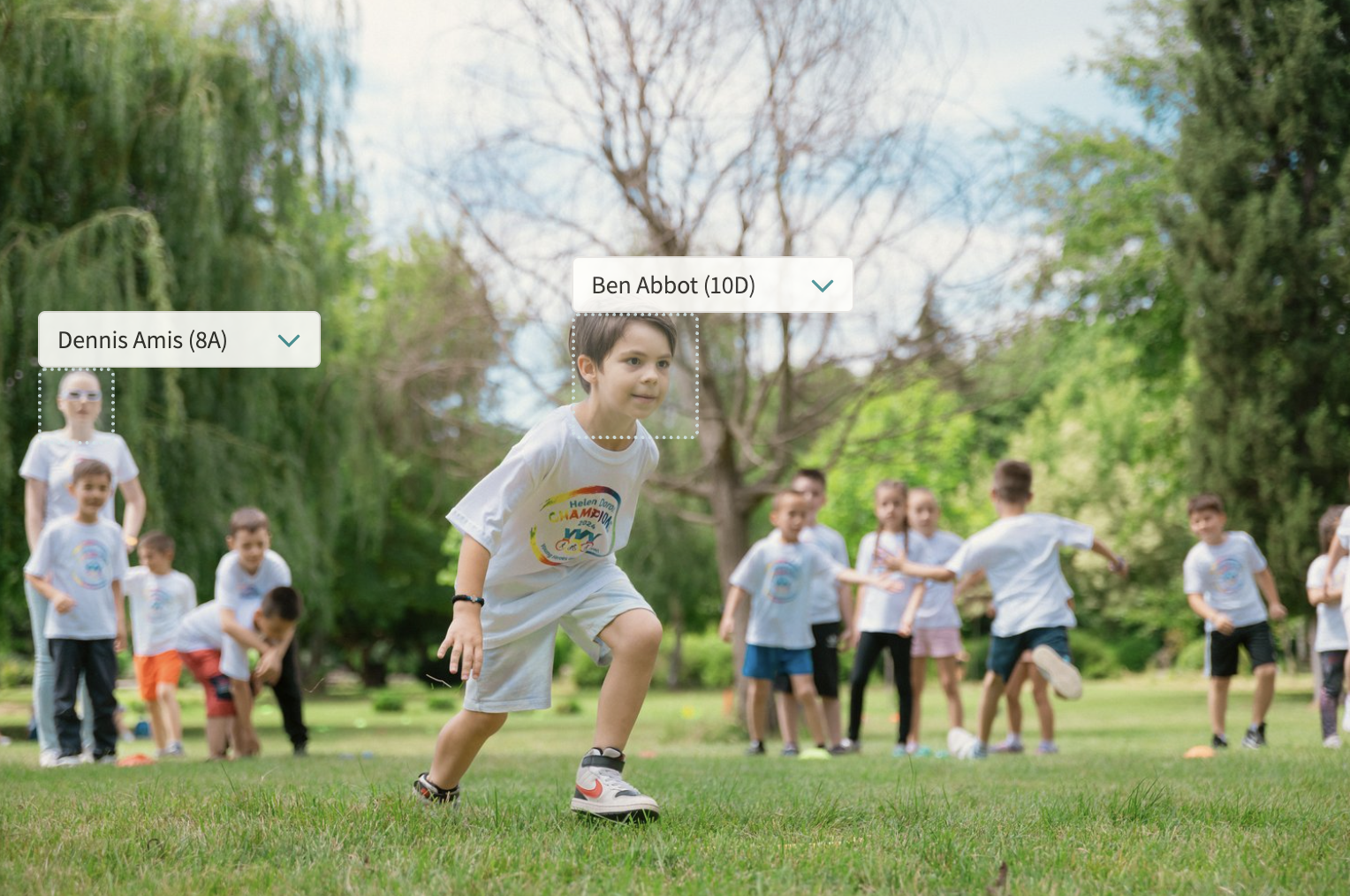
A shared feed for the school community, pulling together every photo uploaded to event notes with automatic face detection so students can be tagged quickly, and consent filters that only surface images for internal or marketing use once every tagged student's photo permission allows it.
Digest emails
Automated clash and event digests showing what's coming, what clashes and who is leaving class, sent to staff on a schedule so a form tutor or head of year can see at a glance which of their students have an overlapping activity or are due out of a lesson, without checking every calendar individually.
02 — Feature area
Digital signage
A CMS for the screens around your site, fed live by fixtures, events and announcements.
Screens stop being someone's weekly PowerPoint job because they read from the same data as everything else.
Digital signage (CMS for screens)
Display fixtures, events and announcements across your site, with sports results published automatically. Public display links need no login and refresh automatically every few minutes: a school calendar view shows a rolling week of events, while the fixtures display auto-scrolls today's fixtures, upcoming matches and results from the last seven days alongside a local weather forecast.
03 — Feature area
Documentation & forms
Handbooks, consent forms, reports, files and assignments distributed to the right audience.
Policy, paperwork and permission slips live where people already are, with completion tracked digitally.
Staff, student and parent handbooks
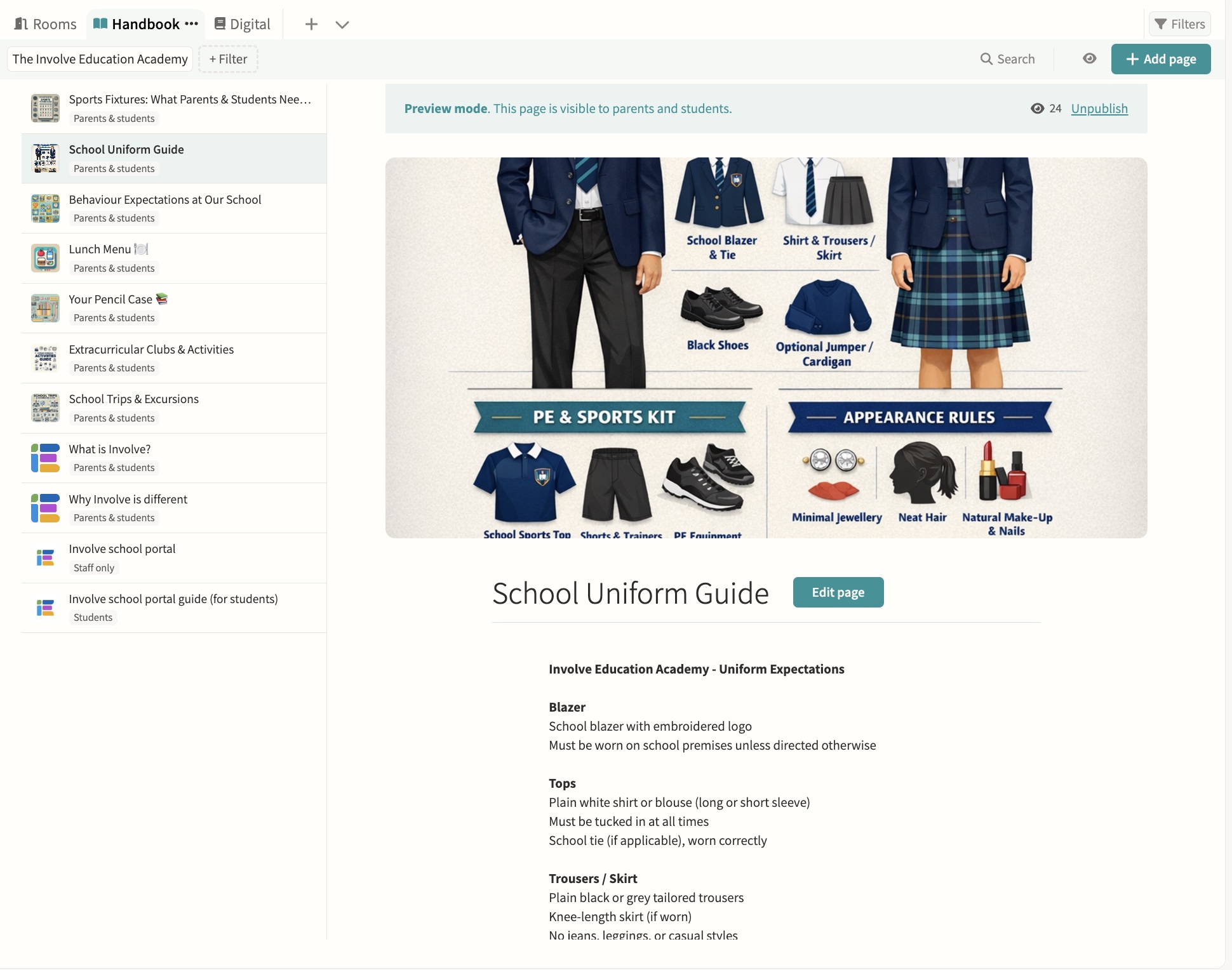
Create and share pages, attach documents and control visibility. Pages are drafted and previewed before publishing, each one can be limited to staff, parents, students or shared with everyone, and administrators can preview the handbook exactly as a parent of a specific student would see it before it goes live.
Parent and student forms
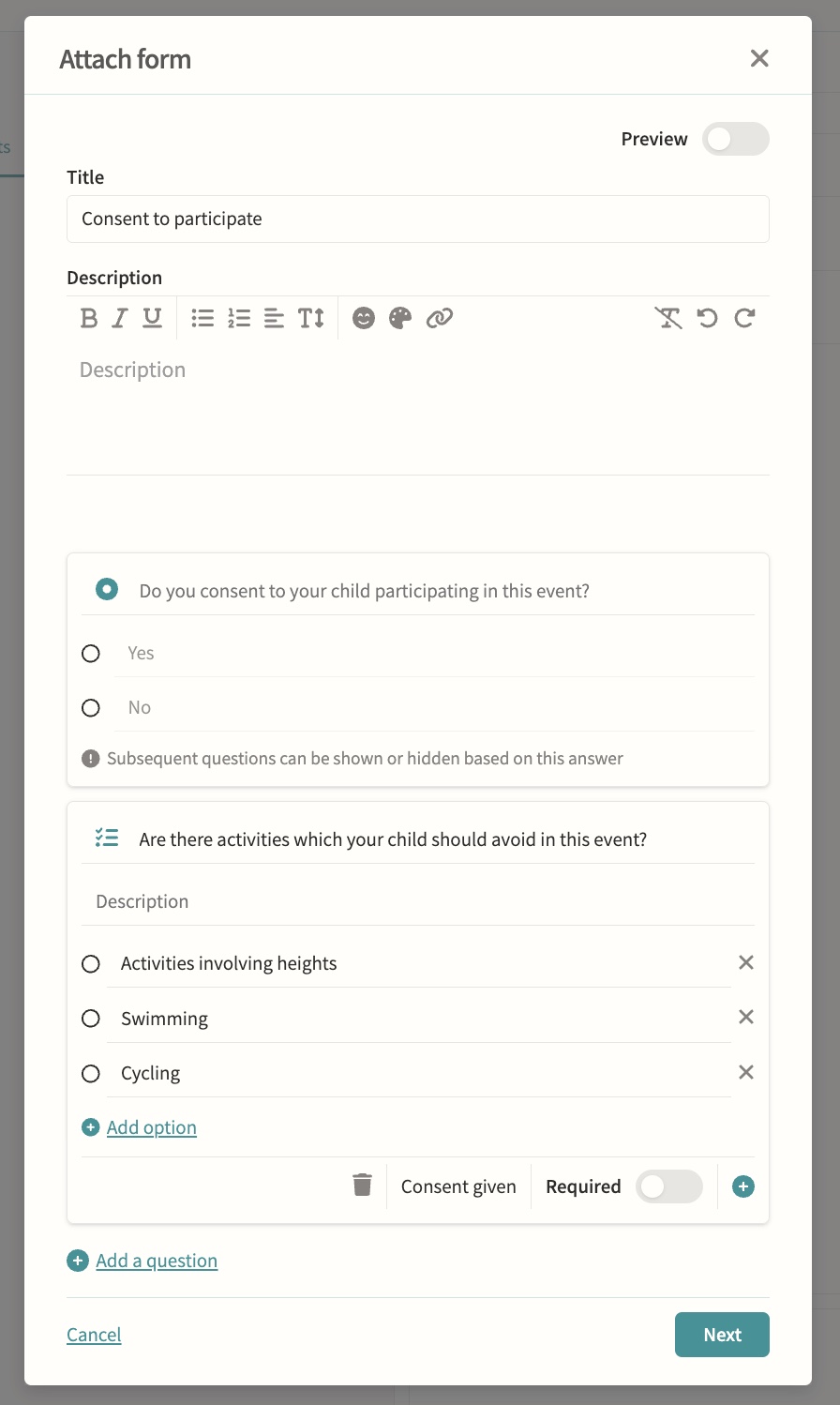
Consent for trips and activities with digital completion tracking. Build forms question by question with yes/no consent, multiple choice and checklist question types, add descriptions and rich text, mark questions as required, and branch so later questions show or hide based on an earlier answer. Forms can collect payment and chase outstanding responses with automatic reminders that switch to daily as the deadline approaches, while staff track who has responded from a single status view.
Student reports & files
Central document management and policy repository, with exam results and report cycles synced from iSAMS for distribution. Files can be shared with parents only, students only, both or hidden, visibility can be overridden file by file within a distribution, and staff can see when a parent or student has actually opened what was sent to them.
Assignments, including Microsoft integration
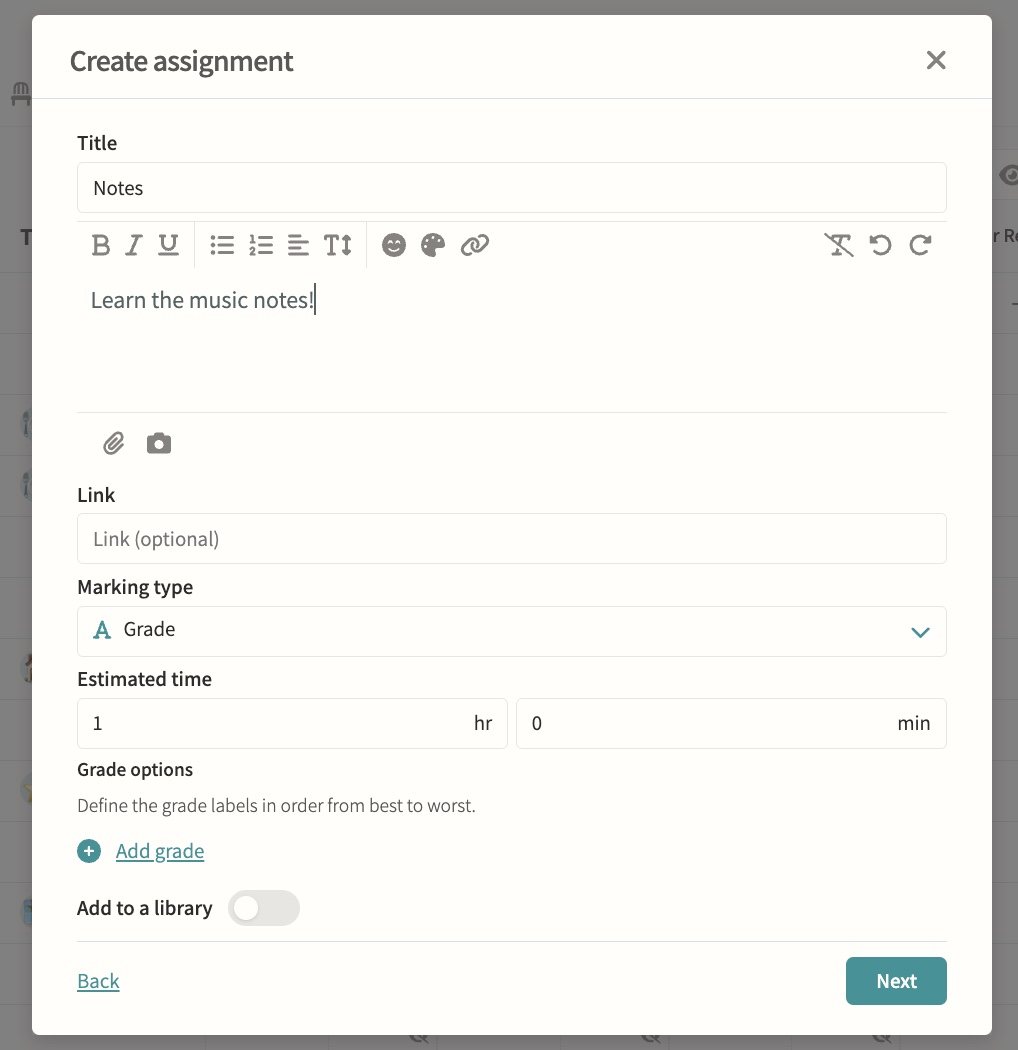
Set in pods and tracked through the markbook. Assignments can be marked by number, grade or simple yes/no completion, carry an optional due and release date, and students submit by file upload, link or as work handed in elsewhere, with marks published to the markbook only once a teacher chooses to make them visible.